
Suprata for small engine and outdoor power equipment repair shops
Get through the spring mower rush without losing a single machine
Every April the shop fills with mowers, trimmers and tillers, and every fall it is snowblowers. Suprata checks each machine in by model and serial, tracks the part it is waiting on, and texts the owner when it is ready. Last year's tune-up customers get reminded before the rush.
Sound familiar?
What a normal week looks like without the right system
We hear these from small engine and outdoor power equipment repair shops all the time. Here is what Suprata does about each one.
In April I have sixty mowers in the back and I cannot tell you which one is waiting on a carburetor.
Each machine is its own job with its status, and jobs waiting on parts show on hold until the purchase order is received.
Customers drop off a mower and leave no name on it. We tape tags on handles and hope.
The machine is recorded on the customer's account with its make, model and serial, and the job prints a work order you can tape to it.
Finished equipment sits here for weeks because nobody picks up the phone.
Send a ready text with a pay link, and calls that still need making go on the Work Queue.
The same customers need a tune-up every spring, and I forget to remind them until they are already broken.
Set a yearly service agreement that creates the tune-up job and reminder before the season starts.
What runs your day
The parts of Suprata that fit small engine and outdoor power equipment repair shops
Suprata is a versatile workflow and business intelligence platform that delivers the power of custom software with ease and affordability. These are the pieces that matter most to you.
Suprata Job
Every machine on the bench is a job with its status, notes, parts and labor.
See Job Suprata Suite moduleSuprata CRM
Customers' mowers, snowblowers and generators are assets with their model, serial and repair history.
See CRM Suprata Suite moduleSuprata Inventory
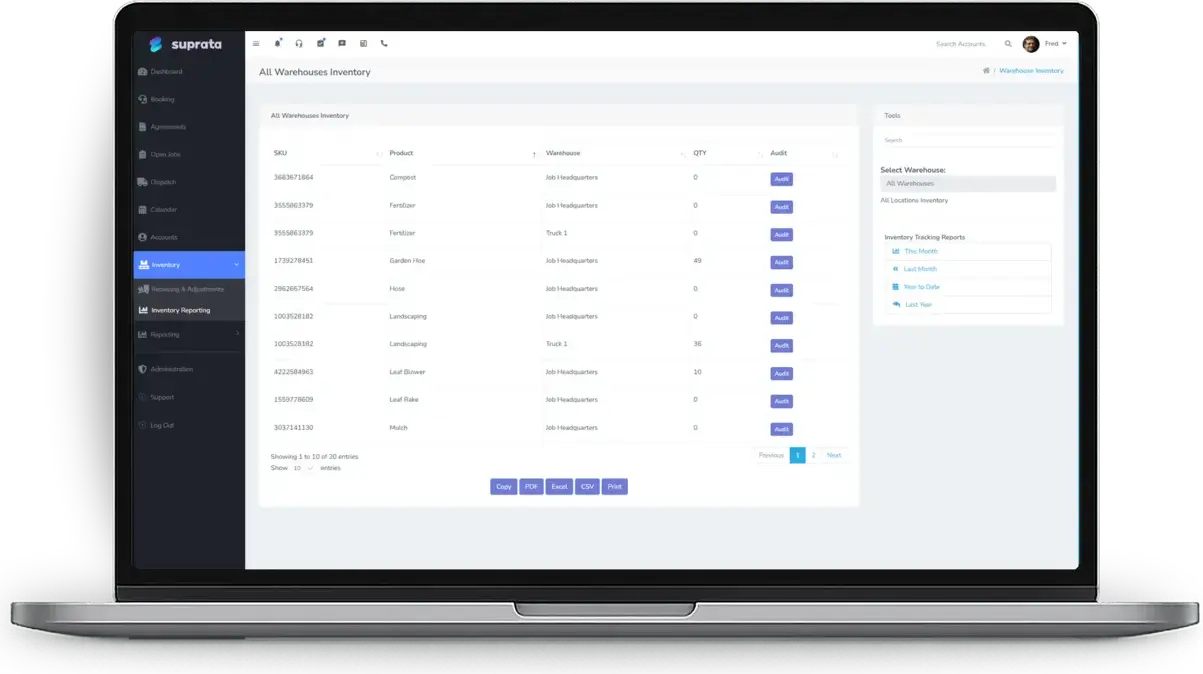
Plugs, belts, blades and filters counted on the shelf, with minimum levels and purchase orders for the rest.
See Inventory Suprata Suite moduleSuprata Subscribe
Yearly tune-up agreements create the spring and fall jobs on their own.
See Subscribe Suprata Suite moduleSuprata Message
Drop-off confirmations and machine-is-ready texts with a pay link.
See Message Suprata Suite moduleSuprata Schedule
Pickup and delivery runs on the calendar, ordered to cut drive time.
See ScheduleA day in the life with Suprata
One ordinary day, start to finish
Here is how the work flows when every call, job, booking and payment lives in one place.
-
8:00 am
Counter drop-offs
Customers drop off mowers. The counter finds each one's account, adds the machine's model and serial, and prints the work order tag.
-
9:15 am
Bench list
Techs pick up jobs in order. A tiller that needs a carburetor goes on hold as waiting for parts.
-
11:30 am
Parts order
Parts requests from the morning's jobs go on one purchase order to the parts distributor.
-
1:00 pm
Pickup run
The truck's pickup and delivery stops are put in order on the calendar to save driving.
-
3:30 pm
Ready texts
Finished machines are marked complete. Owners get a ready text with the invoice and a pay link.
-
5:15 pm
Follow-ups
Machines ready for a week land on the Work Queue, and the counter calls through the list before closing.
See it on screen
Real Suprata screens
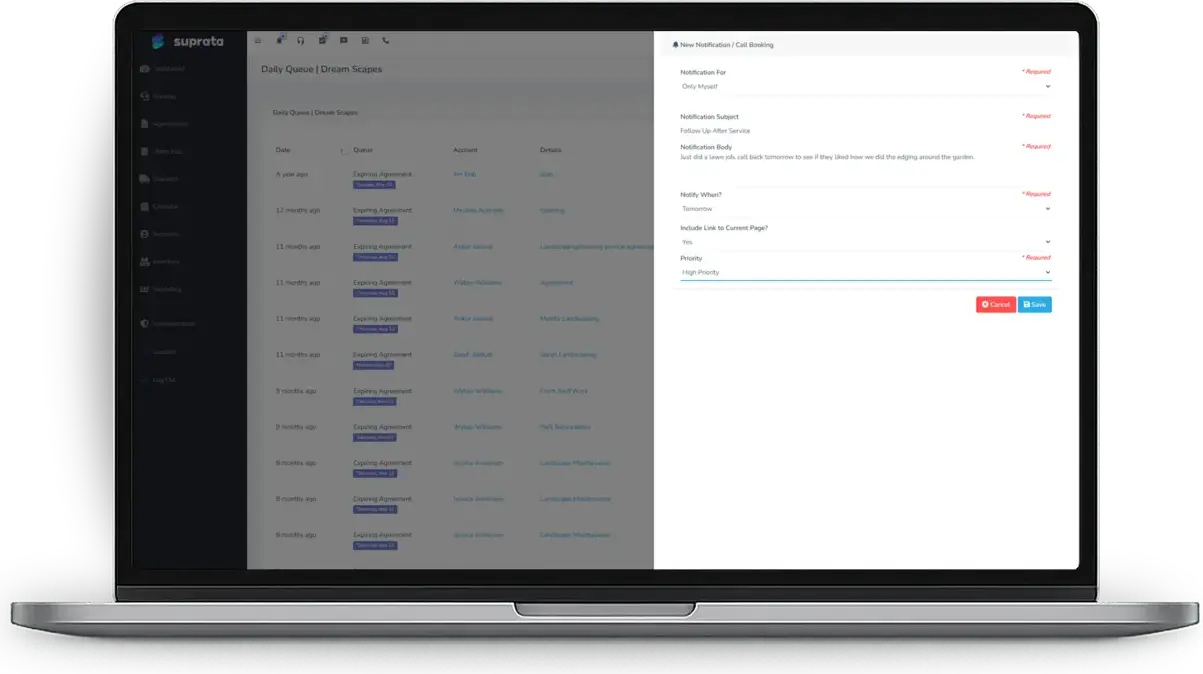
Sample data, real software. Every screen below comes straight from Suprata.
Questions we hear
Straight answers
Asked by small engine and outdoor power equipment repair shops before they switch.
Can I see every machine a customer has brought in?
Yes. Each machine is an asset on the customer's account, and every job done on it is linked to it.
How do I keep parts stock straight?
Track the parts you reorder, set minimum levels, and receive deliveries against purchase orders. The stock movement report shows why counts changed.
Can it remind last year's customers about a spring tune-up?
Yes. A yearly service agreement creates the tune-up job on schedule, and automations can send the reminder.
Can I print a tag for the machine?
Yes. Every job prints as a work order PDF.
Something else? Call 888-494-4335, email hello@suprata.com or ask “Does Suprata do this?”
Close neighbors
Also built for
Ready when you are
Buy it tonight. Be running in minutes.
Start with Suprata Suite on your own, or let our team set it up around the way your small engine business works.