
Grants, Benefits & Payments
Suprata Settlement
Pay every contractor exactly what the contract says: invoices calculated from real service data, checked, approved, sealed and sent to accounts payable.
Overview
What Suprata Settlement does
Suprata Settlement works out what each contractor is owed each month. It pulls in service data (hours, miles, trips, units, on-time results), applies the contract terms in effect on each service date (rates, fees, bonuses, credits, penalties, fuel adjustments), and builds an invoice where every line shows exactly how it was calculated. Rates and rules have start and end dates, so a mid-month price change is split by date automatically, and any past invoice can be rebuilt exactly as it was.
Each invoice moves through review and approval steps you set up, with comments, attachments, disputes and email notices along the way. Approved invoices are locked and sealed as permanent records that cannot be changed, and only sealed invoices pass the checks (purchase order, vendor, funding code, duplicates) before going to accounts payable. Contractors get their own portal to submit invoices, report service problems, add extra charges and credits, open disputes and see payments. Reports, downloads, read-only data feeds and a full audit trail come built in.
Who it’s for
Built for organizations like yours
Settlement fits a wide range of organizations. Hundreds of organizations already run their work on the Suprata platform.
- Public transit agencies paying contracted bus, paratransit, microtransit and vanpool operators
- Cities and counties paying contractors for waste hauling, snow removal, street sweeping, mowing or other per-unit services
- School districts paying contracted student transportation
- Counties and state agencies paying non-emergency medical transport and human services providers
- Hospitals and health systems settling contracted transport, staffing or service vendors
- Universities and colleges paying shuttle, dining or facilities contractors
- Airports and port authorities paying ground transport and service concessions
- Utilities paying contract crews by hour, unit or job
- Private logistics, delivery and fleet companies paying subcontracted carriers
- Staffing agencies and franchise networks settling with partners under rate cards
- Property and facility management firms paying service vendors under performance terms
- Nonprofits paying program partners from service counts
- Any organization that pays contractors from service data under contract rates, bonuses and penalties
Features
Everything Settlement can do
73 capabilities in 11 areas. Every one of them can be shaped to your rules.
Contract calculations
- Monthly invoice for each contract, calculated from service data instead of typed totals
- Hourly service contracts: scheduled hours, minus lost service, equals billable hours times the rate
- Rate options, including hourly rate only or hourly rate plus a monthly management fee
- On-demand and door-to-door service paid per delivered service hour
- Per-unit contracts, such as vehicle lease per van-month or van-day
- On-time performance bonus above a target and credit below a floor
- Penalties per occurrence for late starts and conduct findings, and above a monthly threshold for valid complaints
- Extra charges and credits: added service, cash fares collected, refusal credits, late trip credits, revenue credits
- Fuel price adjustment for diesel, gasoline, natural gas and electric, from monthly index prices against a baseline
- Every invoice line shows its formula and every input, with where each number came from
- Mid-month rate change split automatically by service date
- Recalculate on demand, with a flag when new data means an invoice needs recalculating
Dated rules and contract records
- Rates, routes, schedules, rules and fuel terms kept as versions with start and end dates
- The database itself refuses two versions that overlap in time
- Timeline view of every version of a rate or rule
- Before saving a change, a preview lists every invoice the change would affect
- Retire a route instead of deleting it, with a notice to program managers
- Contract records with term, status, funding code, payment terms and amendment history
- Each contract linked to its purchase order and its accounts payable vendor number
- Monthly fuel index price entry and new fuel types added as data, not code
Service data intake
- Data feeds dashboard showing each source, method, schedule, last sync and row count
- Run an import on demand and see the batch history
- Field mapping view for each feed
- Exceptions queue for rows that fail checks or service gaps with no matching event
- Resolve each exception with a recorded decision, or turn it into a service event
- Purchase order expiry caught and shown as a blocking exception
Service events
- Record missed trips, breakdowns, late starts, complaints, detours and conduct findings
- Each event carries route, date, time, cause, hours lost, miles lost and a description
- Contract rules decide the credit or penalty; nobody types amounts by hand
- Contractor-reported events wait for staff to accept or reject them
- Events can be edited only until the invoice is submitted, with a full edit history
Review and approval
- Stages: draft, submitted, staff review, correction requested, manager approval, finance approval, approved, locked, released, paid
- Each action limited to the role allowed to take it
- Sending for approval is blocked while any event is still undecided or a dispute is open
- Validation checks panel on every invoice
- Comments and real file attachments on each invoice
- Email notices at every step (ready to review, changes needed, approved, rejected, released, paid, overdue), with an outbox to read them
- Stage due dates with overdue flags
- Approval stages, due days and thresholds set in settings, not code
Locking, sealed records and payment
- Locking seals the invoice with its inputs, rule versions, formulas, approvals and attachments
- Each sealed record carries a tamper-evident fingerprint chained to the one before it
- The database refuses any change to a sealed record
- Rebuild any sealed invoice today and compare it line by line with the original
- Download any sealed record as a file
- Administrator unlock with a required reason, which creates a new version and keeps both records
- Nine checks before export: locked, fingerprint verifies, totals match, vendor linked, purchase order open and with enough balance, funding code valid, not already exported, no conflicting paid invoice
- Accounts payable voucher file generated per batch, with its fingerprint and export history
- Payments read back and shown on each invoice
Contractor portal
- Contractor home with invoices in process, paid to date, open disputes and items needing attention
- Each contractor sees only its own contracts
- Submit the monthly invoice and expense categories (operations, maintenance, fuel, administration)
- Report service events and add extra charges or credits with supporting documents
- Open and follow disputes with messages and documents
- Payments page with payment dates and references
Disputes
- Dispute opened from any invoice, with amount, subject, messages and documents
- An open dispute blocks approval of its invoice
- Resolution recorded on the dispute and the invoice
Reports and data access
- Monthly settlement totals by service type, with charts and a table view of every chart
- Cost per service hour by contract and month
- Change from the prior month
- Contract spend against purchase orders
- Settlement status across all invoices
- Fuel used by type, as reported by contractors
- Every report downloads as a spreadsheet file
- Read-only data feeds (JSON and CSV) for invoices, lines, monthly totals, cost per hour, fuel use, payments and rates
Moving from an old system
- Side-by-side comparison of old-system totals and new totals, month by month and line by line
- Each difference marked as an old-system error, a rule change or a fix
- Regression run that recalculates every sealed invoice and compares it with its record
Administration and security
- Admin dashboard: open cycles, problem imports, overdue approvals, unresolved checks, setup issues
- Users and roles managed on screen, with scope by contract
- Role permissions table
- Audit log of every sign-in, change, approval, calculation, import and export with before and after values, searchable and downloadable
- Accessible: keyboard use, screen reader labels, status never shown by color alone
Screens
See Settlement at work
Real screens from the working copy, filled with made-up sample data. Click any screen to enlarge it.
How it fits
One platform underneath
Suprata is a versatile workflow and business intelligence platform that delivers the power of custom software with ease and affordability. Settlement is built on it, so it shares the same engine, records and controls.
Workflow & automation
Approvals, work queues, reminders and rules move every Settlement request forward without anyone chasing it.
Business intelligence
Live dashboards for every role and custom reports built from your Settlement data, with an AI report builder.
Customer portal
The people you serve sign in to apply, book, pay, upload documents and check status, day or night.
Payments & billing
When Settlement takes money, card and bank payments, invoices and refunds land in one ledger.
Integrations & API
A documented API, webhooks and exports connect Settlement to the systems you already run.
Click around a working copy
The working copy of Settlement is filled with realistic, made-up data. There is no sign-up and no password. Pick a role and explore. Your changes stay in your own copy.
Related
Often used together
 Grants, Benefits & Payments
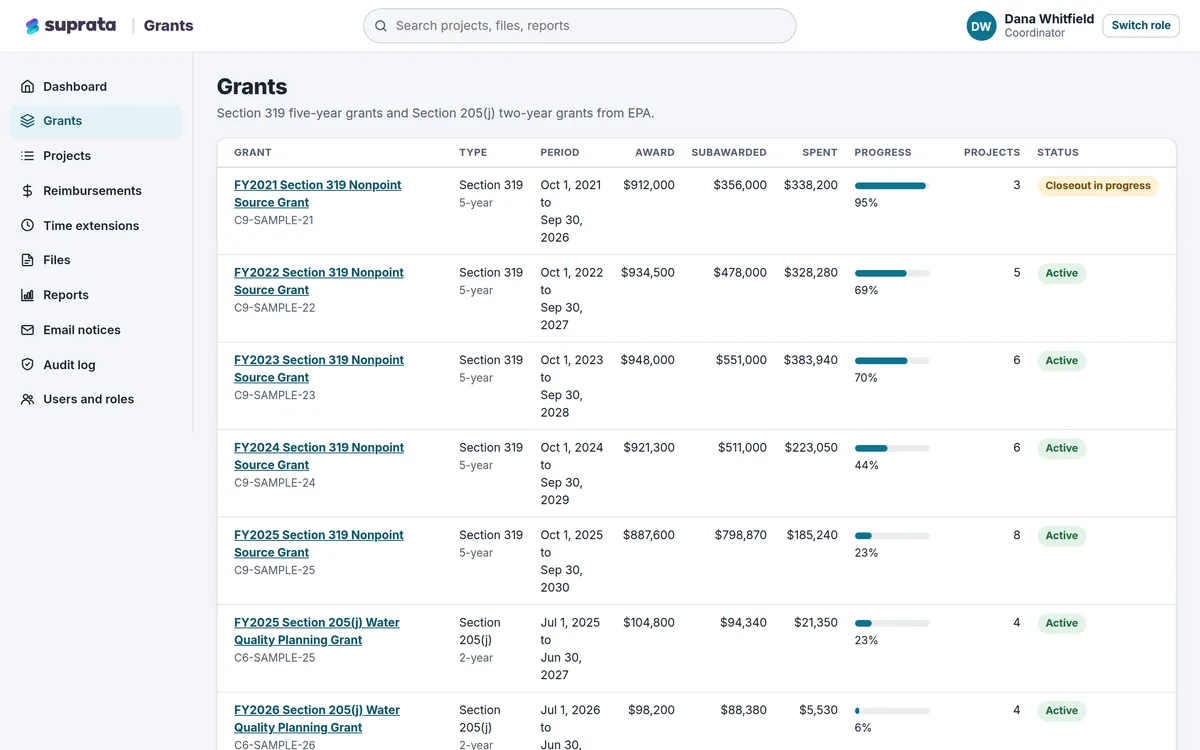
Suprata Grants
One secure place to run grants you pass on to partners: budgets, matching funds, reimbursements, reports, files and deadlines.
Learn more
Grants, Benefits & Payments
Suprata Grants
One secure place to run grants you pass on to partners: budgets, matching funds, reimbursements, reports, files and deadlines.
Learn more
 Grants, Benefits & Payments
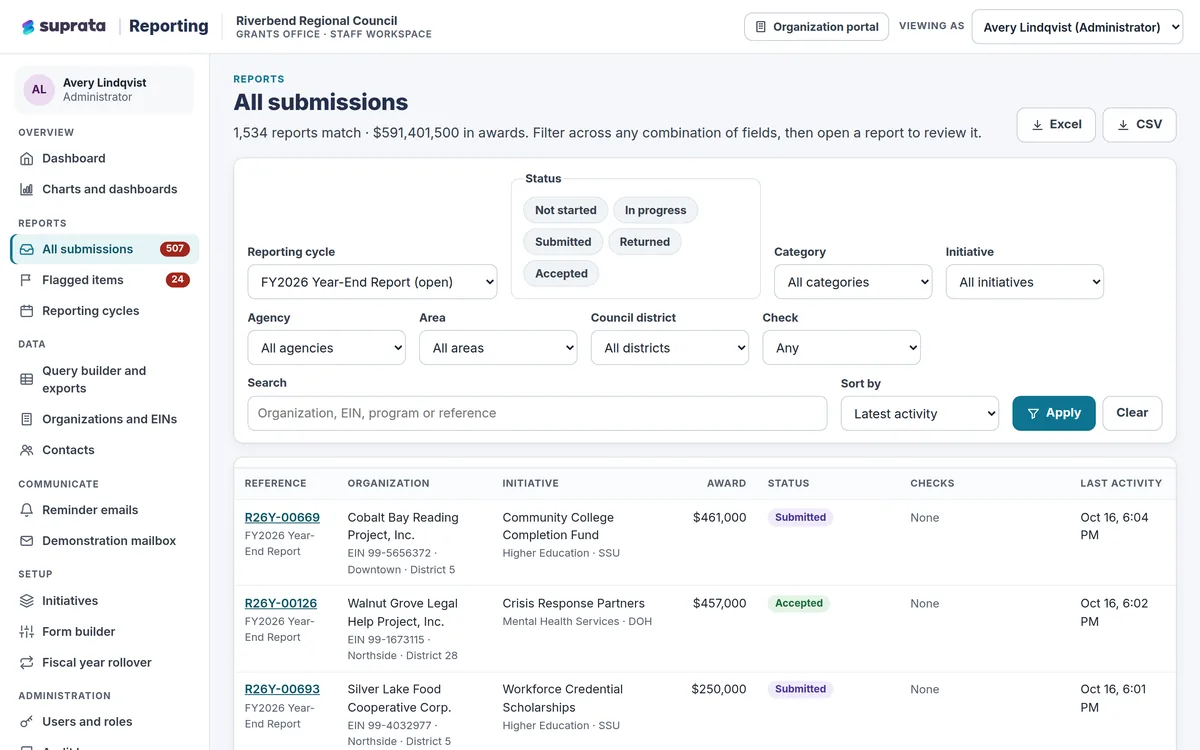
Suprata Reporting
One secure place for funded organizations to file their reports and for the funder to review, flag, export and chart every dollar.
Learn more
Grants, Benefits & Payments
Suprata Reporting
One secure place for funded organizations to file their reports and for the funder to review, flag, export and chart every dollar.
Learn more
 Grants, Benefits & Payments
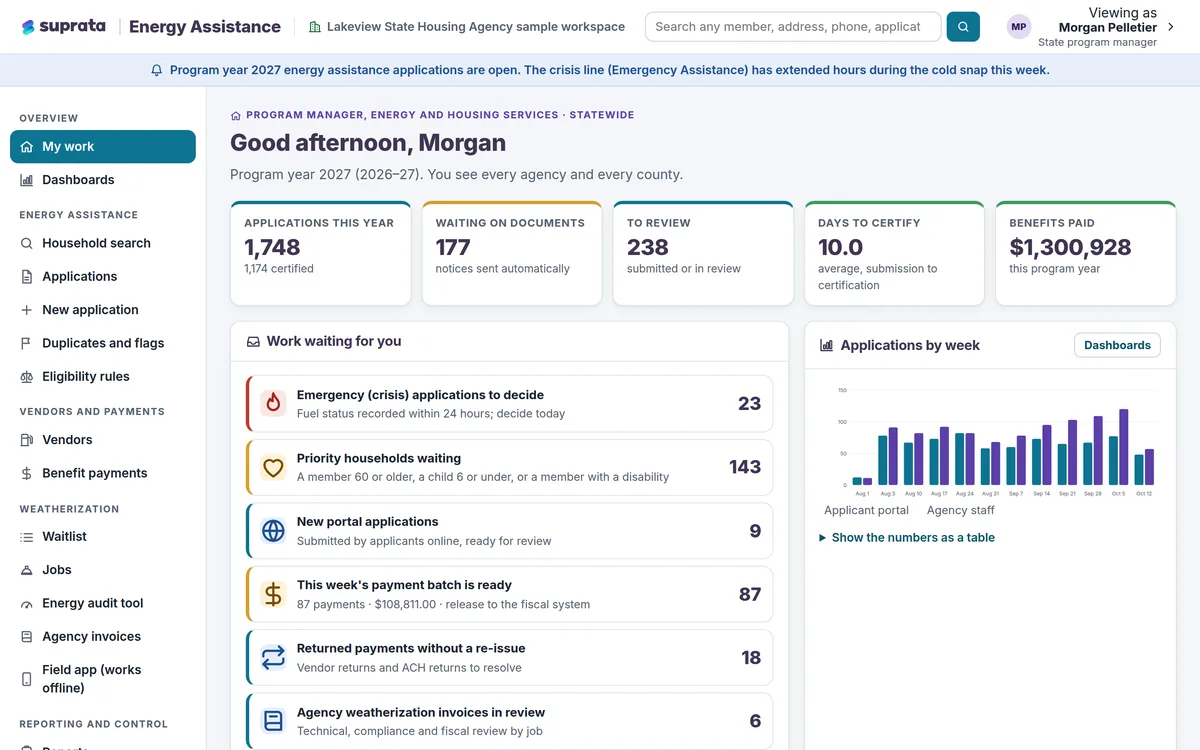
Suprata Energy Assistance
One household record for heating help and home weatherization, from online application to fuel vendor payment to the finished job.
Learn more
Grants, Benefits & Payments
Suprata Energy Assistance
One household record for heating help and home weatherization, from online application to fuel vendor payment to the finished job.
Learn more
Pricing
Ask about pricing for Settlement
Every organization is different, so we price Settlement around your size and needs. Tell us what you run and we’ll come back with a clear number.