
Field & Service Operations
Suprata Interpreter Scheduling
Book the right credentialed interpreter for every visit, in person, by video or by phone, and get them paid without the paperwork.
Overview
What Suprata Interpreter Scheduling does
Suprata Interpreter Scheduling takes a request from a clinic, school, court or office, checks that the person is covered, and lists credentialed interpreters for the language ranked by credential, specialty and distance. Staff assign one directly or post the job to an open pool, and interpreters accept jobs that fit their languages and credentials. The system blocks double booking, including travel time between in-person visits.
On the day, the interpreter checks in and out, the requesting office confirms the visit, and the claim is built and tracked through payment or denial. Program staff see fill rate, time to fill, credentials about to lapse, the claims pipeline and language-access reports by language and county, while a help desk console takes requests by phone and works an issue queue, with every action in an audit log.
Who it’s for
Built for organizations like yours
Interpreter Scheduling fits a wide range of organizations. Hundreds of organizations already run their work on the Suprata platform.
- Hospitals, clinics and health systems
- State Medicaid and public health agencies
- Health plans and managed care organizations
- Courts and court interpreter offices
- School districts and universities (parent meetings, accommodations, sign language)
- Social services, child welfare and benefits offices
- Cities and counties with language-access programs
- Interpreter and translation agencies
- Nonprofits serving immigrant, refugee and deaf communities
- Private practices, dental and behavioral health offices
Features
Everything Interpreter Scheduling can do
32 capabilities in 5 areas. Every one of them can be shaped to your rules.
Requesting offices
- Request an interpreter: language, date, time, length and how they join (in person, video or phone)
- Coverage check for the person before the request goes out
- Ineligible person flagged before booking
- Matched list of credentialed interpreters ranked by credential, specialty and distance
- Interpreters already booked at that time flagged
- Assign an interpreter directly or post the job to the open pool
- My requests list with status for every request
- Request detail with visit details and activity history
- Cancel a request or mark a no-show
- Confirm the visit and review claims after the visit
- Browser video room for remote interpreting
Interpreters
- Home page with today's visits and check in / check out
- Open pool of jobs that fit the interpreter's languages and credentials
- Accept or decline a job; overlaps including travel time are blocked
- Week schedule view with travel buffers
- My credentials: certified or qualified level, registry number, expiration date
- Continuing education log with hours toward renewal
- My claims: submit claims and see paid and denied ones
Program administration
- Program dashboard: requests, fill rate, time to fill, unfilled requests coming up
- Credential tracking with alerts for expired and expiring within 60 days
- Nightly registry sync (button to run it now)
- Claims pipeline: ready to submit, submitted, paid, denied, with denials by reason
- Electronic claim out and payment or denial back, posted automatically
- Language access report: requests by language, modality mix, fill rate and time to fill by county
- All encounters list across every office
- Audit log of every action
Help desk
- Customer service console with calls today and callback queue
- Issue queue for unfilled requests, credential questions, claim questions and account access
- Resolve an issue with a note
- Phone request taken on behalf of a provider
- Look up any appointment
Access and help
- Pages for one role are blocked for others
Screens
See Interpreter Scheduling at work
Real screens from the working copy, filled with made-up sample data. Click any screen to enlarge it.
How it fits
One platform underneath
Suprata is a versatile workflow and business intelligence platform that delivers the power of custom software with ease and affordability. Interpreter Scheduling is built on it, so it shares the same engine, records and controls.
Workflow & automation
Approvals, work queues, reminders and rules move every Interpreter Scheduling request forward without anyone chasing it.
Business intelligence
Live dashboards for every role and custom reports built from your Interpreter Scheduling data, with an AI report builder.
Customer portal
The people you serve sign in to apply, book, pay, upload documents and check status, day or night.
Payments & billing
When Interpreter Scheduling takes money, card and bank payments, invoices and refunds land in one ledger.
Integrations & API
A documented API, webhooks and exports connect Interpreter Scheduling to the systems you already run.
Click around a working copy
The working copy of Interpreter Scheduling is filled with realistic, made-up data. There is no sign-up and no password. Pick a role and explore. Your changes stay in your own copy.
Related
Often used together
 Field & Service Operations
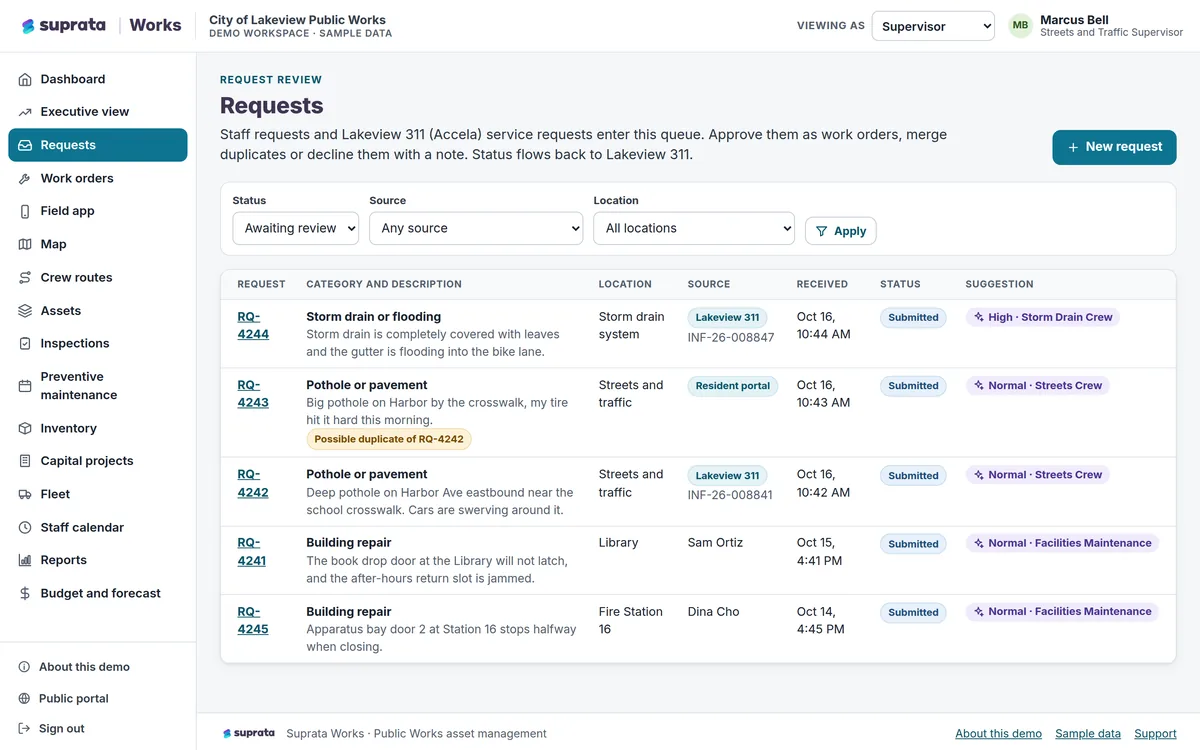
Suprata Works
Track every asset, request, work order, inspection, vehicle, part and capital project in one place, with a field app that works without a signal.
Learn more
Field & Service Operations
Suprata Works
Track every asset, request, work order, inspection, vehicle, part and capital project in one place, with a field app that works without a signal.
Learn more
 Field & Service Operations
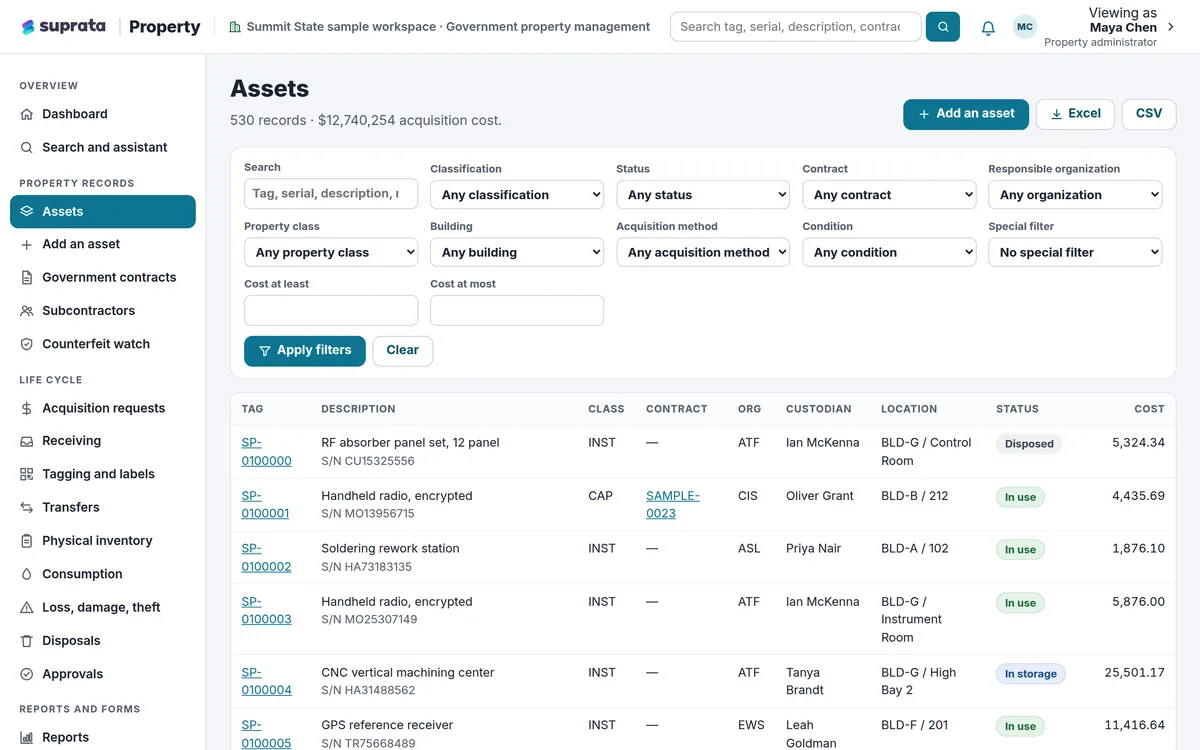
Suprata Property
Track every piece of equipment and property from the day it arrives to the day it leaves, with barcode tags, inventories, transfers, approvals and an…
Learn more
Field & Service Operations
Suprata Property
Track every piece of equipment and property from the day it arrives to the day it leaves, with barcode tags, inventories, transfers, approvals and an…
Learn more
 Field & Service Operations
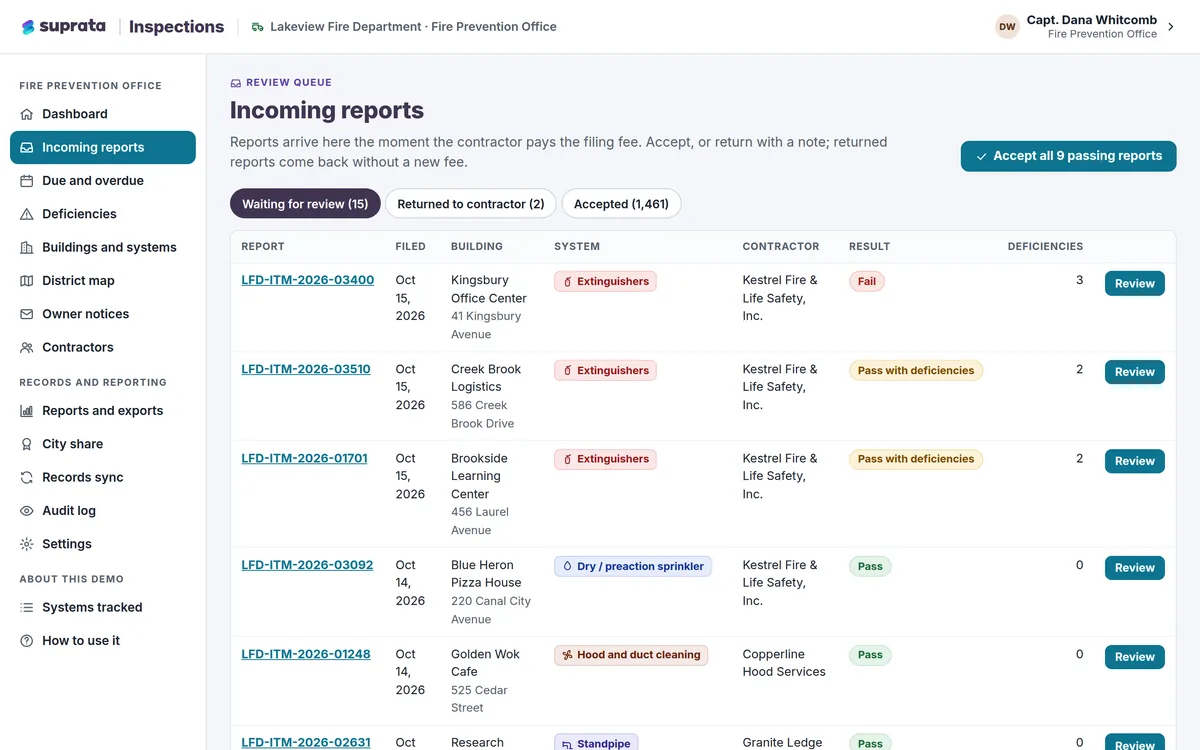
Suprata Inspections
Outside contractors file inspection and test reports online, you see what is due, overdue or broken, and owners are notified automatically.
Learn more
Field & Service Operations
Suprata Inspections
Outside contractors file inspection and test reports online, you see what is due, overdue or broken, and owners are notified automatically.
Learn more
Pricing
Ask about pricing for Interpreter Scheduling
Every organization is different, so we price Interpreter Scheduling around your size and needs. Tell us what you run and we’ll come back with a clear number.