No passwords
Customers enter their email and get a one-time 6-digit code and a matching sign-in link. Both expire in 15 minutes and work once.

Customer portal
Give every customer a branded portal with no password to forget. They pay invoices, sign contracts, upload documents, book times, join waitlists and buy passes. Your office stops fielding “can you resend that?” calls.
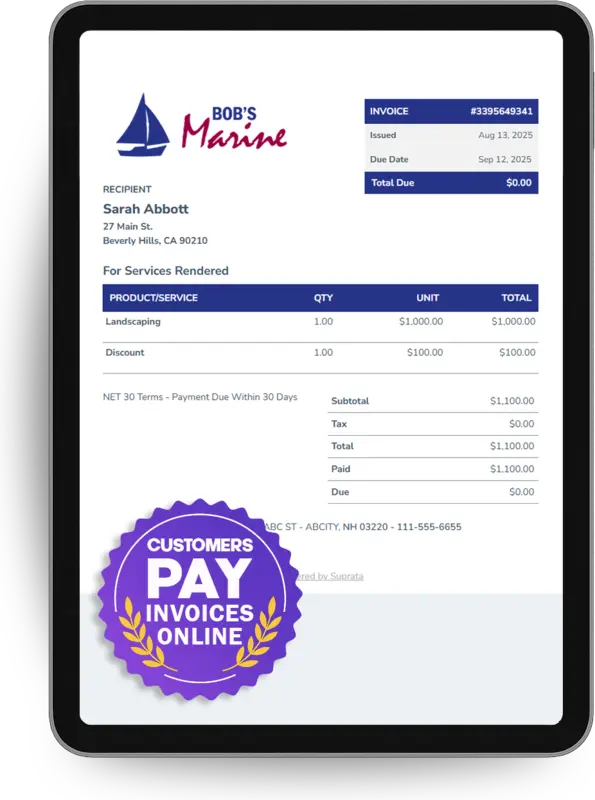
Suprata is a versatile workflow and business intelligence platform that delivers the power of custom software with ease and affordability. Buy Suprata Suite tonight and be set up in minutes. Then shape it as far as your business logic, intelligence and workflows need.
What customers can do
Customers only see the sections that apply to them, and only what you have finalized. They never touch your staff system.
Customers enter their email and get a one-time 6-digit code and a matching sign-in link. Both expire in 15 minutes and work once.
Pay finalized invoices, keep a card on file, see receipts and choose which saved card an automatic charge uses.
The Customer Portal — Letting Customers Self-ServeSaved payment methods — when to use them (and when not)
Work authorizations, service agreements and reservation agreements wait for signature. Signed copies stay read-only.
Insurance, registrations and waivers go straight into your approval queue, with their status shown to the customer.
Requesting documents from customersRequired Documents per Asset Type
Reserve a dock, court or pavilion by the hour, and buy seats on tours, classes and trips with a QR ticket.
Booking Shared Resources by Time SlotSelling Seats on Scheduled Sessions
Join the waitlists you open to the portal, and see a live position on the ones they are already on.
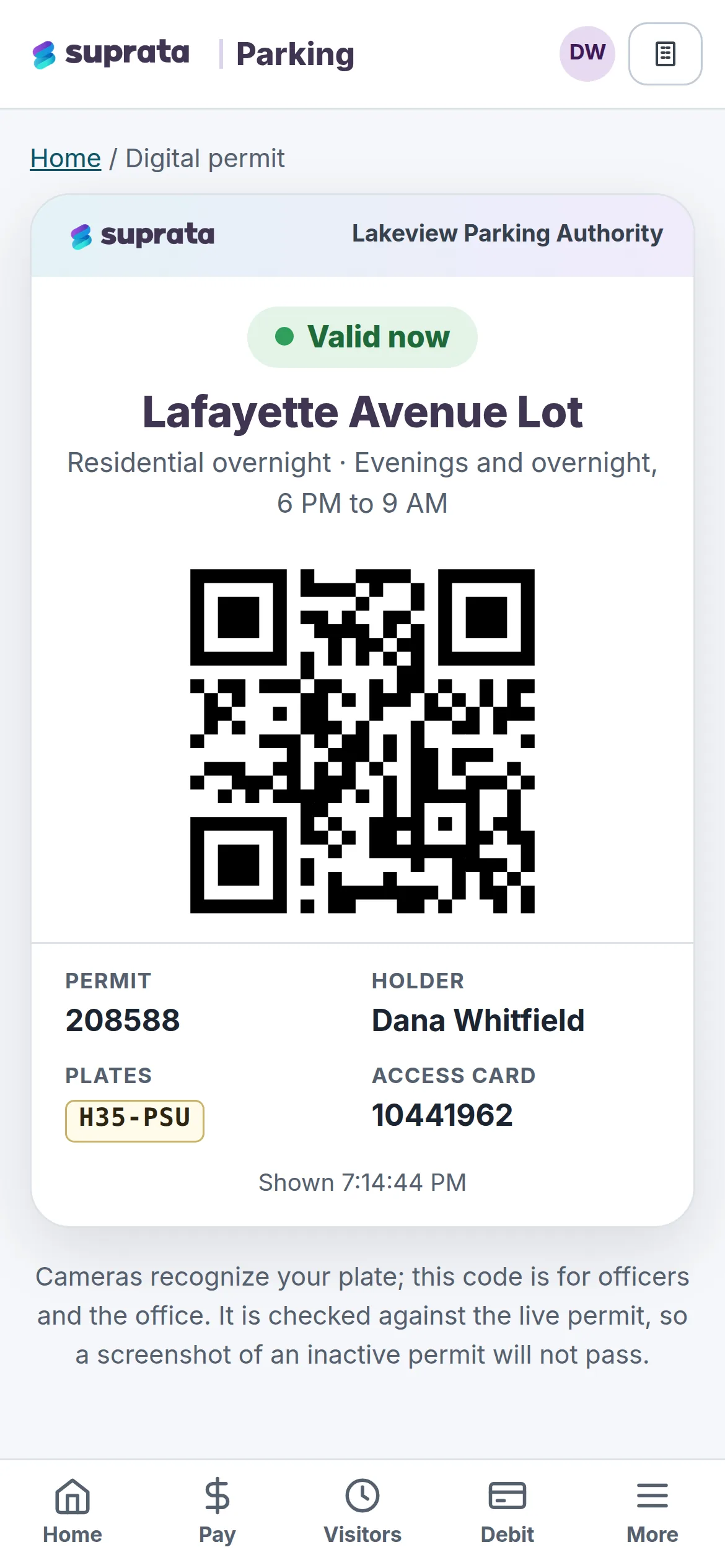
Buy day passes, launch permits and seasonal stickers online, with a scannable QR proof.
Open a support ticket and follow it, read the notices you send, and answer the surveys you publish.
Running a Help Desk with TicketsThe Customer Portal — Letting Customers Self-Serve
Included with Pro Suite. Turn the portal on, choose which sections customers see, and share the link. Compare plans on the pricing page.
One record, three doors
The portal is a separate front door to the same record. When a customer pays, the invoice, their balance and your dashboards change at once. When they upload a document, it lands in your approval queue.
Help articles:How customers pay, log in, and get help themselves
Branded and embeddable
Set the display name, accent color, welcome text and intro text. Your logo comes from your company settings. Then put it wherever customers already are.
Help articles:Branding your customer portalThe Customer Portal — Letting Customers Self-ServeEmbedding the waitlist on your websiteTaking Online Bookings
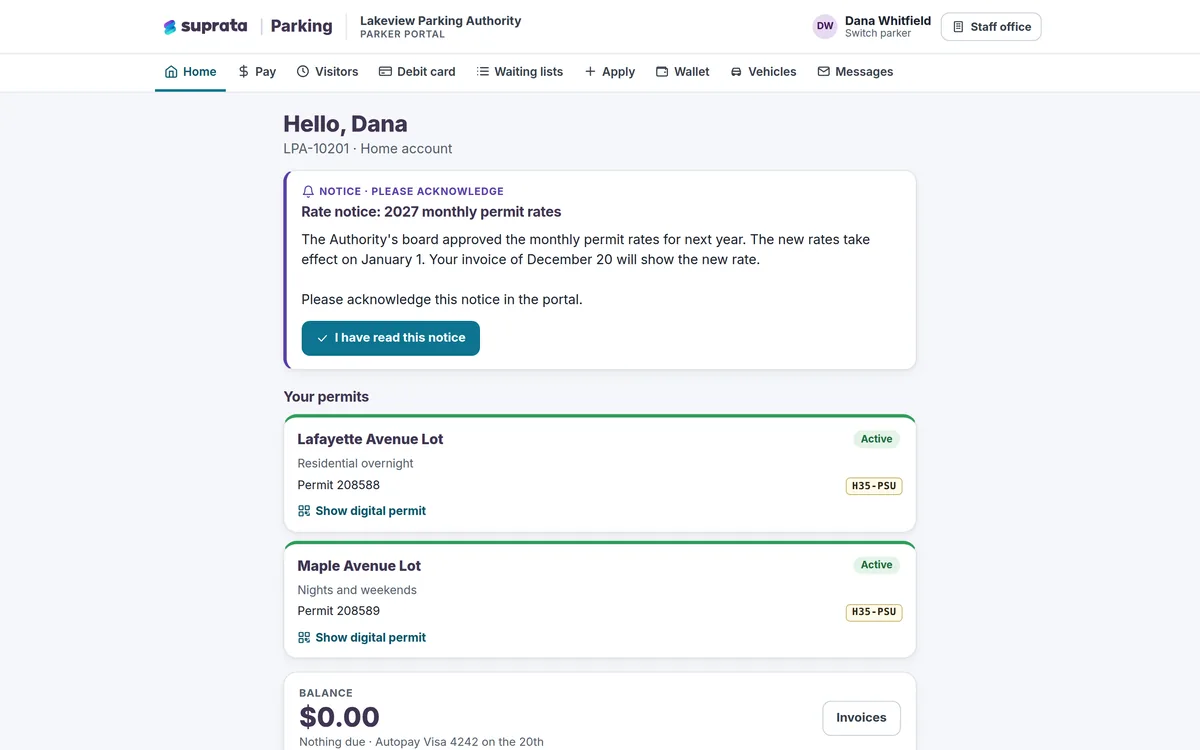
No account needed to pay
Customers do not have to sign up for anything to pay you. The invoice email includes a public payment link that works without logging in. The portal is there for customers who want more.
Help articles:Can customers pay online without creating an account?Sending an invoice to a customerSaved payment methods — when to use them (and when not)
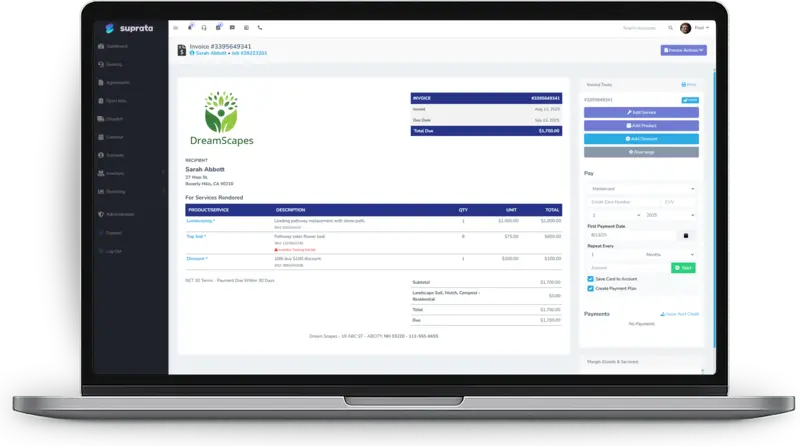
Inside the portal
Each section appears only when it applies. A service customer with no reservations never sees a reservations tab.
| Section | What the customer can do |
|---|---|
| Home | Anything that needs attention, starting with missing or expired documents. |
| Invoices and receipts | Receipts for everything paid, and a way to pay invoices you have finalized. |
| Payment methods and AutoPay | Cards on file, and which one pays each automatic charge. |
| Contracts | Contracts waiting for a signature, plus every signed copy. |
| Documents | The documents their boats, RVs or other assets require: upload, approval status and past versions. |
| My reservations | The current stay, everything booked and every past stay. |
| Waitlist | Lists they are on, with live position, and lists they can join. |
| Support | Their tickets, with status and the full conversation. |
| History | Past jobs and contracts. |
Built on the same platform
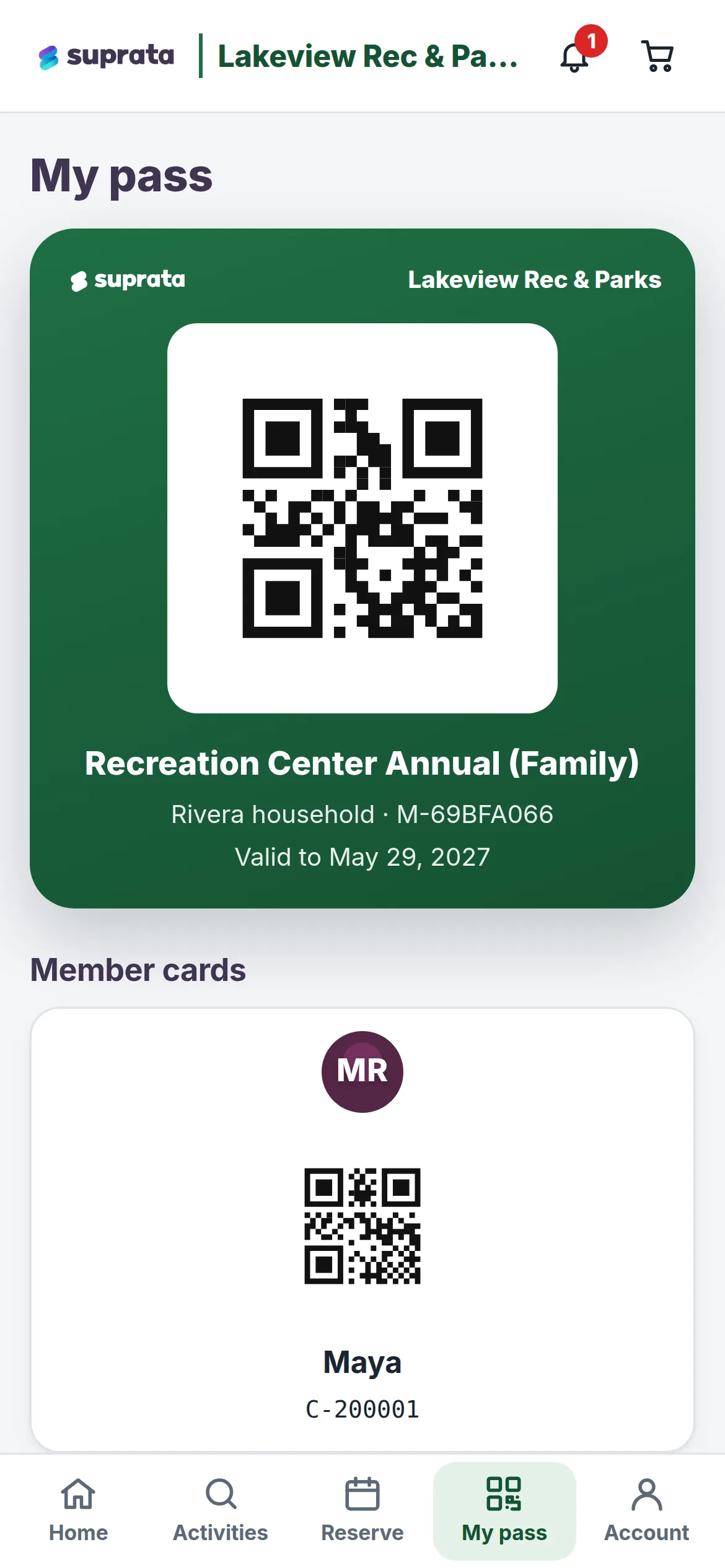
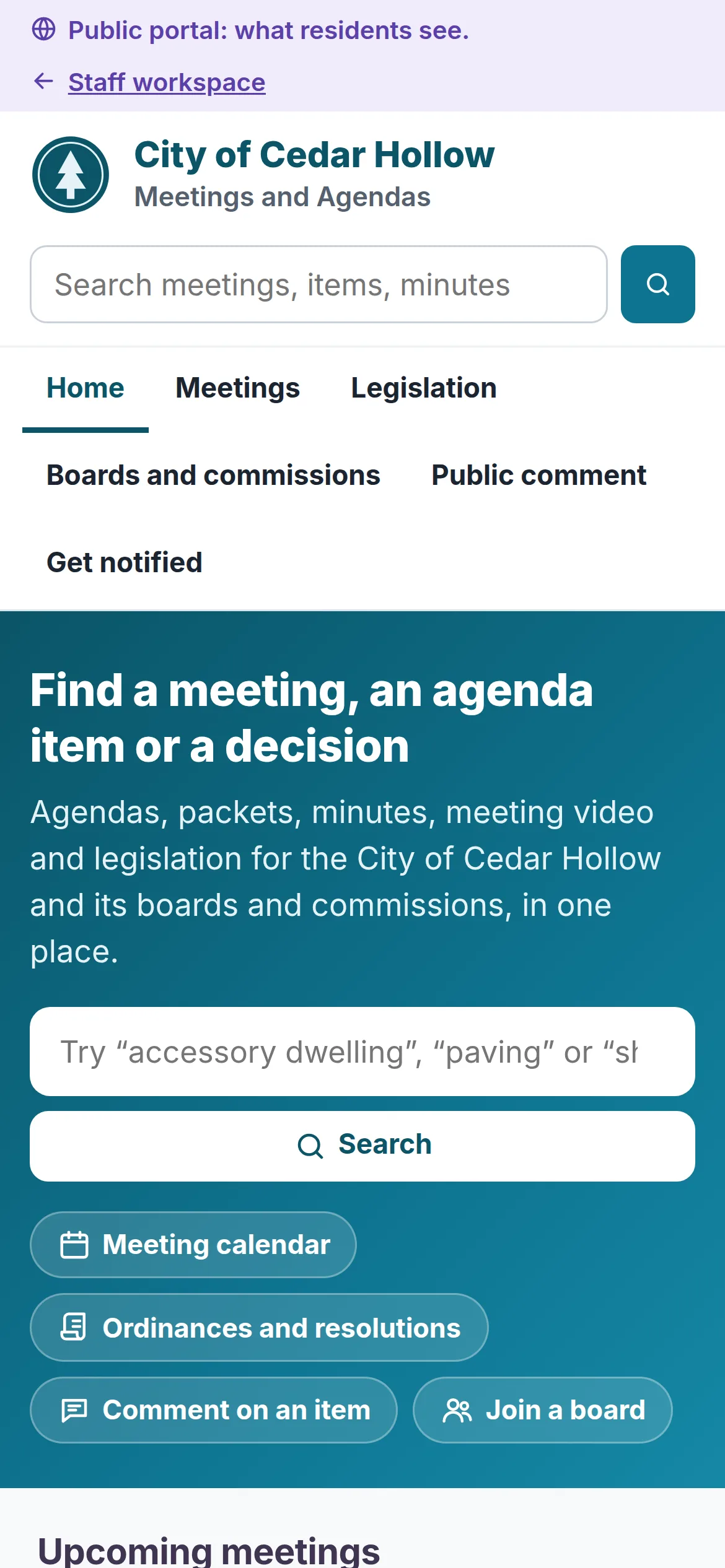
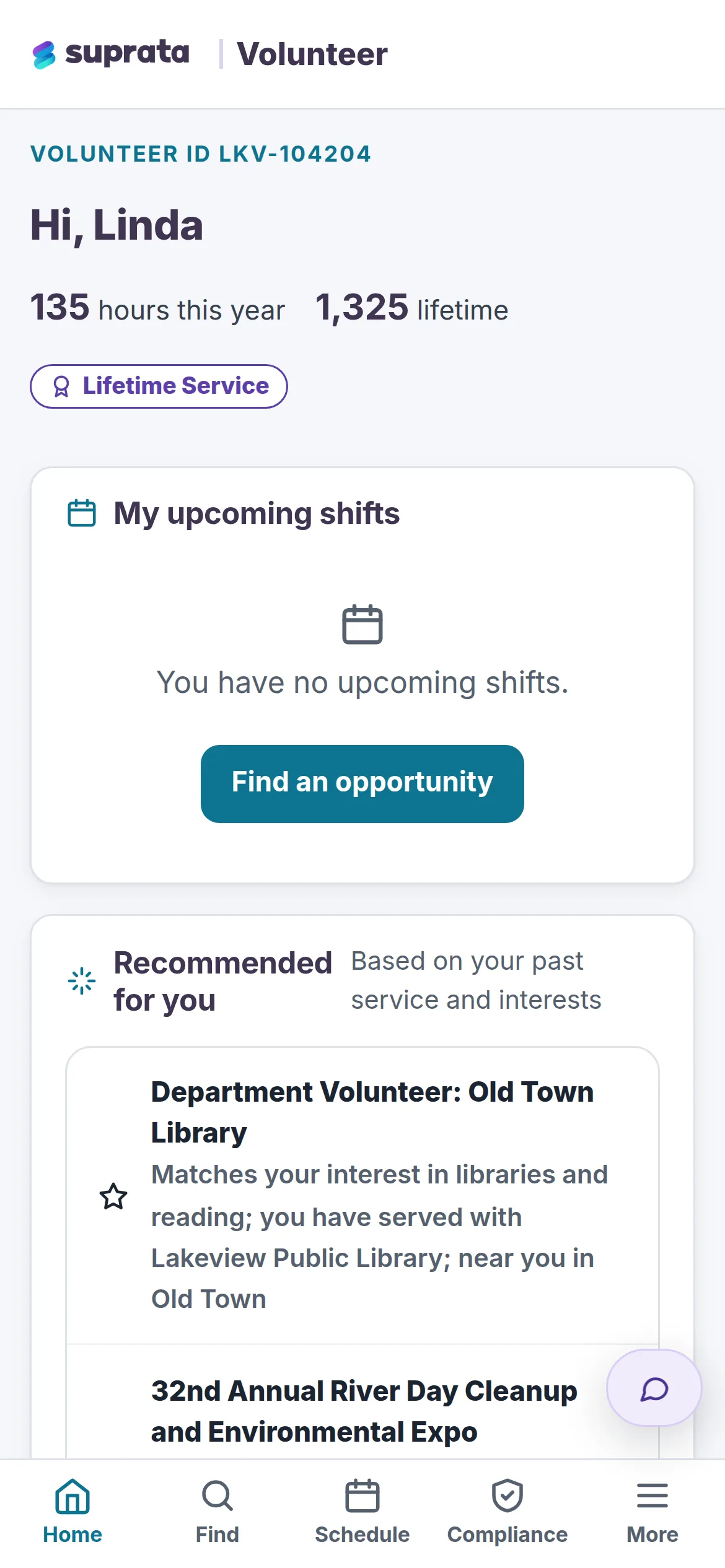
Suprata solutions use the same portal foundation, shaped for permit holders, members, residents and volunteers. Yours can be shaped the same way.
From the help center
Every capability on this page is documented in the Suprata help center. Start with these articles.
More of the platform
Ready when you are
Suprata is a versatile workflow and business intelligence platform that delivers the power of custom software with ease and affordability. Start with Suprata Suite on your own tonight, or let our team shape it around the way you work.