
Data & Insights
Suprata Planner
Weekly small-group planning for teachers: sorts students into support tiers from their scores, suggests approved interventions, builds the schedule and slides, and tracks progress.
Overview
What Suprata Planner does
Suprata Planner turns a teacher's weekly hour of spreadsheet work into a short review. It reads each student's test results, classroom checks, program usage and support plans, places every student into a support tier by the school's own rules, and shows exactly why each student landed where they did. Teachers can move any student with one click and a reason, and can always return to the rule.
From there it suggests interventions only from the school's approved menu, drafts group activities from the school's own curriculum, lays out a five-day rotation, and prepares student-facing slides that show first names and last initials only. A six-week tracker flags students whose scores slip or stall. Every suggestion is labeled and must be accepted, edited or dismissed by the teacher, nothing reaches students until it is reviewed, and every action is recorded in an audit log. It runs on the school's own Google sign-in and data warehouse, and the AI can be switched off.
Who it’s for
Built for organizations like yours
Planner fits a wide range of organizations. Hundreds of organizations already run their work on the Suprata platform.
- Public school districts
- Charter school networks
- Private and independent schools
- Regional education service agencies
- Tutoring and learning centers
- After-school and summer learning programs
- Special education cooperatives
- Online and hybrid schools
- Colleges running developmental or bridge programs
Features
Everything Planner can do
55 capabilities in 11 areas. Every one of them can be shaped to your rules.
Sign-in and privacy
- Sign in with Google, limited to the school's own domain plus an approved reviewer list
- Requests only name and email from Google
- Students appear to the AI and in the audit log only as pseudonymous codes, never by name
- Built-in privacy check before anything student-facing is exported
- Session sign-out and sign-in log
Data connection
- Reads student, assessment and program-usage tables from Google BigQuery through a read-only account
- Falls back to a local copy of the sample dataset if the warehouse is not connected
- Data source card shows where data came from and when it was refreshed
- Refresh data on demand; results cached for 10 minutes
- Data dictionary of every table and field on the About page
- Math and reading both supported, switch subject from the top strip
This week (home)
- Tier counts for the class at a glance
- Five review steps with status: groups, interventions, plan, tracker, slides
- AI on/off status and time of the last planning run
- Planning week and school-day dates shown in the school's time zone
Class roster
- Every student with language-learner level, gifted flag, special education and 504 areas
- Benchmark scores (MAP Growth, i-Ready placement), weekly classroom checks and program minutes
- Student page with the basis for their tier, missed skills and score history
Tier groups
- Students placed in Tier 1, 2 or 3 by editable score thresholds, not by AI
- The scores behind every placement shown on each card
- Flags for compounding needs (for example language learner plus special education)
- 'Measures disagree' flag when two tests point different ways
- Move a student to another tier with an optional reason
- Return any moved student to the rule, or reset all moves
Interventions
- AI suggestions drawn only from the school's approved intervention menu
- Each suggestion shows its reason, menu entry and curriculum source
- Accept, override with another menu item, dismiss or undo
- Add an intervention from the menu by hand
- Automatic menu check removes any suggestion that is not on the menu
- 'View the AI request' shows the exact pseudonymous data sent
- Clear labels on everything the AI wrote
Group plan
- Small groups built by rules from tiers and each student's largest skill gap
- Neutral group names so students cannot read a tier into them
- AI-drafted activities grounded in curriculum excerpts: accept, edit or dismiss
- Five-day, two-rotation schedule with stations and times
Six-week tracker
- Weekly score trend line for every student
- Automatic flags for scores that decline or flatline two weeks running
- Adjustable flatline tolerance
- Mark a flag reviewed or dismiss it with a note, all logged
Student slides
- Seven-slide student deck preview with groups, stations and times
- First name and last initial only
- Editable titles, subtitles and class message
- Pre-export check blocks last names, tier words and scores
- Export blocked until every AI item has been reviewed
- Teacher approval step before the deck is created
Audit and oversight
- Every event logged with teacher, campus, pseudonymous student code, model and prompt version
- Acceptance, override and dismissal rates for AI suggestions
- Filter the log by event type
- Designed for monthly review by a school AI oversight committee
Settings and administration
- Tier 2 and Tier 3 score thresholds per subject
- Flatline tolerance setting
- AI suggestions on/off switch
- Model setting (adapter supports more than one AI provider)
- Reset the workspace to the starting data
- Staff-only reviewer access page to manage the allow list and see recent sign-ins
Screens
See Planner at work
Real screens from the working copy, filled with made-up sample data. Click any screen to enlarge it.
How it fits
One platform underneath
Suprata is a versatile workflow and business intelligence platform that delivers the power of custom software with ease and affordability. Planner is built on it, so it shares the same engine, records and controls.
Workflow & automation
Approvals, work queues, reminders and rules move every Planner request forward without anyone chasing it.
Business intelligence
Live dashboards for every role and custom reports built from your Planner data, with an AI report builder.
Customer portal
The people you serve sign in to apply, book, pay, upload documents and check status, day or night.
Payments & billing
When Planner takes money, card and bank payments, invoices and refunds land in one ledger.
Integrations & API
A documented API, webhooks and exports connect Planner to the systems you already run.
Click around a working copy
The working copy of Planner is filled with realistic, made-up data. There is no sign-up and no password. Pick a role and explore. Your changes stay in your own copy.
Related
Often used together
 Data & Insights
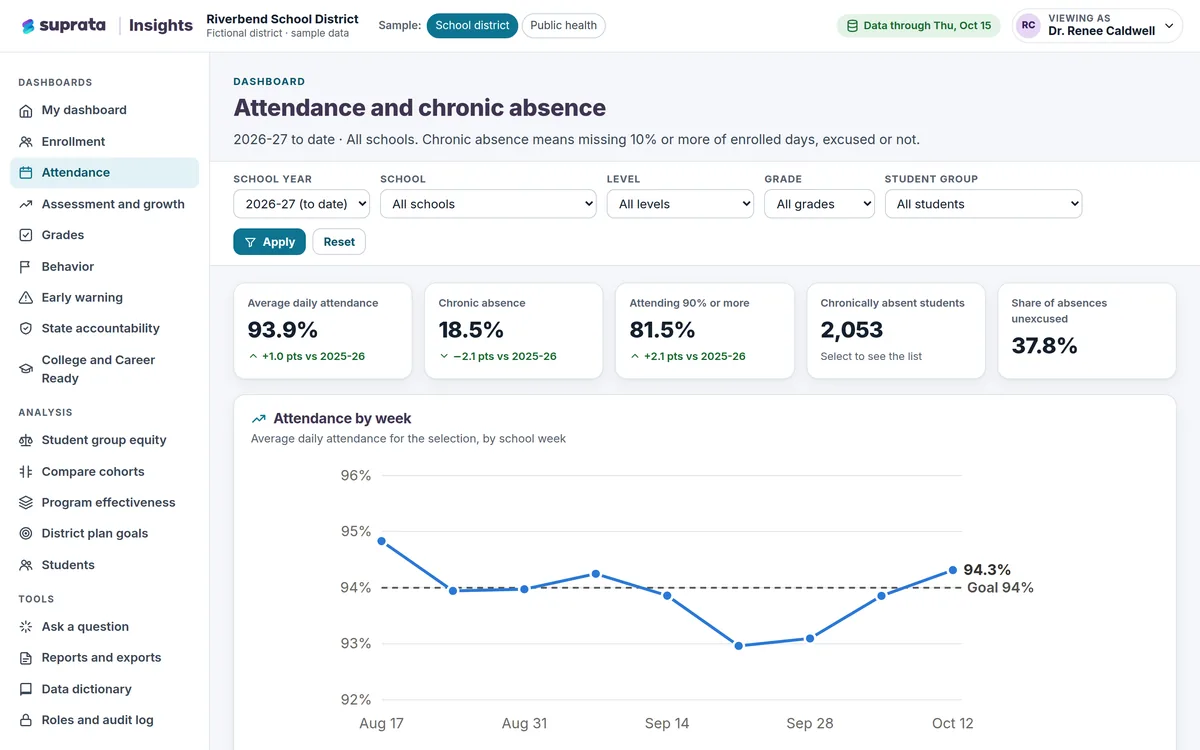
Suprata Insights
Turn records from many systems and sources into trusted dashboards: a private view for every role, a public dashboard for everyone else, and…
Learn more
Data & Insights
Suprata Insights
Turn records from many systems and sources into trusted dashboards: a private view for every role, a public dashboard for everyone else, and…
Learn more
 Data & Insights
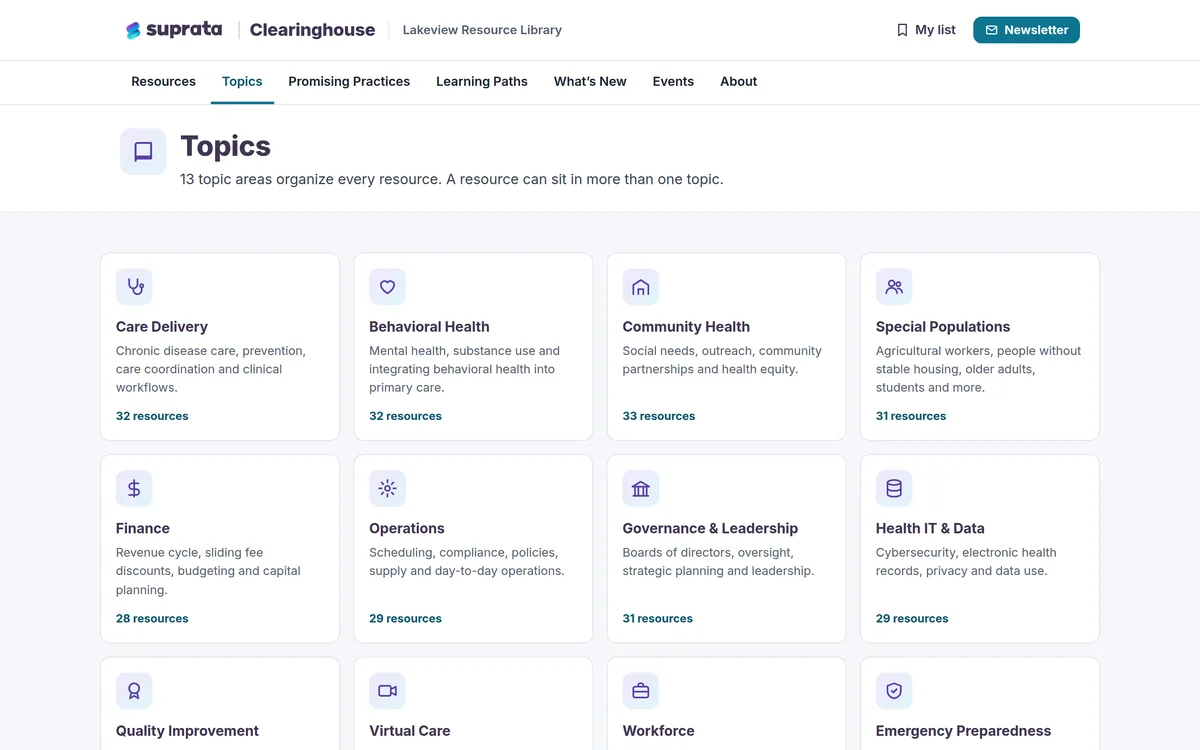
Suprata Clearinghouse
A searchable library of guides, toolkits and training that people can find in seconds, with no account and no dead links.
Learn more
Data & Insights
Suprata Clearinghouse
A searchable library of guides, toolkits and training that people can find in seconds, with no account and no dead links.
Learn more
Pricing
Ask about pricing for Planner
Every organization is different, so we price Planner around your size and needs. Tell us what you run and we’ll come back with a clear number.