
Meetings & Public Engagement
Suprata Engage
Hear from more of your community with surveys, maps, idea boards, online meetings and formal comments, and turn the input into clear reports.
Overview
What Suprata Engage does
Suprata Engage gives the public one simple project page for every plan or decision, with no account needed. People take a survey in their own language, drop pins on a map, post and support ideas, comment on a draft document with a tracking number, and join online meetings with captions and live polls they vote in from their phone.
Staff see participation across every project, moderate ideas, respond to every formal comment and use an AI first pass that groups all the input into themes linked back to the source comments. One record per participant shows who is taking part compared with the population, and staff can build panels to reach the groups they are missing. Outside consultants can be invited to a single project, and every project exports at any time as spreadsheets, map files or a full archive.
Who it’s for
Built for organizations like yours
Engage fits a wide range of organizations. Hundreds of organizations already run their work on the Suprata platform.
- Cities, towns and counties
- Regional planning councils and transportation planning agencies
- Transit agencies and state transportation departments
- School districts gathering family and community input
- Universities and colleges planning campuses
- Hospitals and health systems doing community health needs assessments
- Utilities and water districts consulting customers on rates or projects
- Parks and recreation departments
- Housing authorities and community development offices
- Planning, engineering and design consulting firms
- Real estate developers running public outreach
- Nonprofits and associations surveying members
Features
Everything Engage can do
51 capabilities in 9 areas. Every one of them can be shaped to your rules.
Public project pages
- Project hub listing open and closed projects
- Project overview that explains the plan, shows where it stands and lists every way to take part
- No account needed to take part
- English and Spanish on every page, with a language toggle
- Sign up for project updates by email or text
- Project updates page and results for closed projects
Ways to take part
- Surveys with choose-one, choose-all, rank-in-order and rating questions
- Optional 'about you' questions for demographics
- Map comments: drop a pin, mark an opportunity or concern, add a note
- Idea board: post ideas, support others' ideas, see staff replies, sort by most supported
- Formal comment on a draft document by section, with a reference number for each comment
- Online meetings in the browser with captions, questions and registration
- Live polls joined with a short code at /vote/, with results updating every two seconds
- Recordings and transcripts of past meetings
Staff dashboard and projects
- Dashboard: participation over time, people taking part by county with a map, input waiting for review, upcoming meetings
- Project workspace with survey builder, map layers, ideas, comments, analysis, report and settings
- Survey results update live and filter by area or language
- Every chart downloads as an image, with the numbers as a table
- Turn tools on or off for each project's public page
- Project templates for comprehensive, transportation, land use and corridor plans
- Create a project from a template
Moderation and comments
- New ideas and replies wait for review; staff publish or hide each one
- Staff reply on behalf of the organization
- Formal comment log with date received, channel, document section and status
- Record comments received by mail, email or in person
- Record a response to each comment; full log exports for the final plan
- Pin map comments on or off
Meetings and live polls
- Schedule online, in-person and hybrid meetings
- Start and end a live meeting, open and close polls
- Presenter screen for polls
- Questions from residents and accessibility requests
- AI-drafted meeting summary for staff to review
AI analysis
- Groups survey answers, map comments, ideas and formal comments into themes
- Every theme links back to its source comments
- Staff review themes before they are shared
- Draft summary for a staff report
- Resident data is never used to train outside models
People and outreach
- One record per participant across every project, with participation history
- Compare who is taking part with the population by age, race, income and language
- Build panels by geography and demographics
- Invite a panel by newsletter or text message
- Newsletters and notices with preview
- Import contact lists and meeting sign-in sheets, with duplicates merged
- Social media connections
Data, team and control
- Export any project as CSV spreadsheets, GeoJSON map files or a complete ZIP archive
- Read-only API for other platforms
- Team and licenses page; consultants do not use a license
- Invite a consultant to one project; residents' contact details stay hidden from them
- Audit log of staff actions
- Data ownership and retention settings
Help
- Built-in how-to guides
Screens
See Engage at work
Real screens from the working copy, filled with made-up sample data. Click any screen to enlarge it.
How it fits
One platform underneath
Suprata is a versatile workflow and business intelligence platform that delivers the power of custom software with ease and affordability. Engage is built on it, so it shares the same engine, records and controls.
Workflow & automation
Approvals, work queues, reminders and rules move every Engage request forward without anyone chasing it.
Business intelligence
Live dashboards for every role and custom reports built from your Engage data, with an AI report builder.
Customer portal
The people you serve sign in to apply, book, pay, upload documents and check status, day or night.
Payments & billing
When Engage takes money, card and bank payments, invoices and refunds land in one ledger.
Integrations & API
A documented API, webhooks and exports connect Engage to the systems you already run.
Click around a working copy
The working copy of Engage is filled with realistic, made-up data. There is no sign-up and no password. Pick a role and explore. Your changes stay in your own copy.
Related
Often used together
 Meetings & Public Engagement
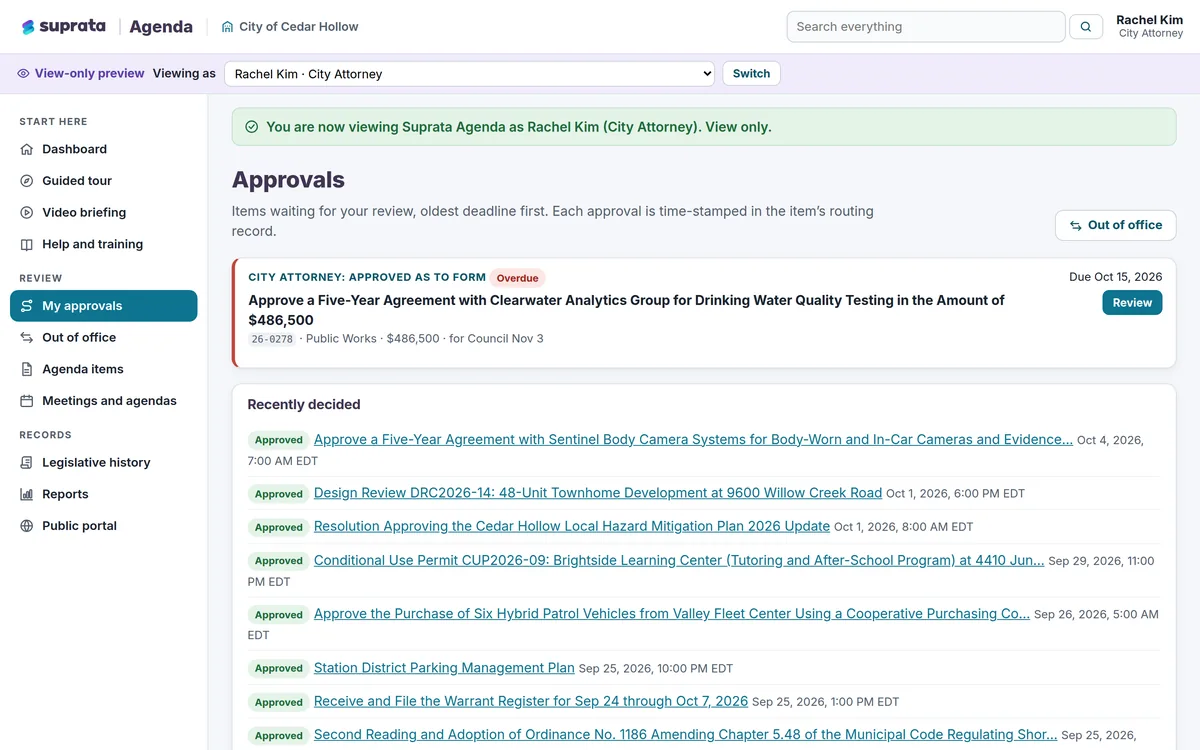
Suprata Agenda
Agendas, staff reports, packets, live votes, meeting video and minutes in one system, with a public portal residents can actually use.
Learn more
Meetings & Public Engagement
Suprata Agenda
Agendas, staff reports, packets, live votes, meeting video and minutes in one system, with a public portal residents can actually use.
Learn more
 Data & Insights
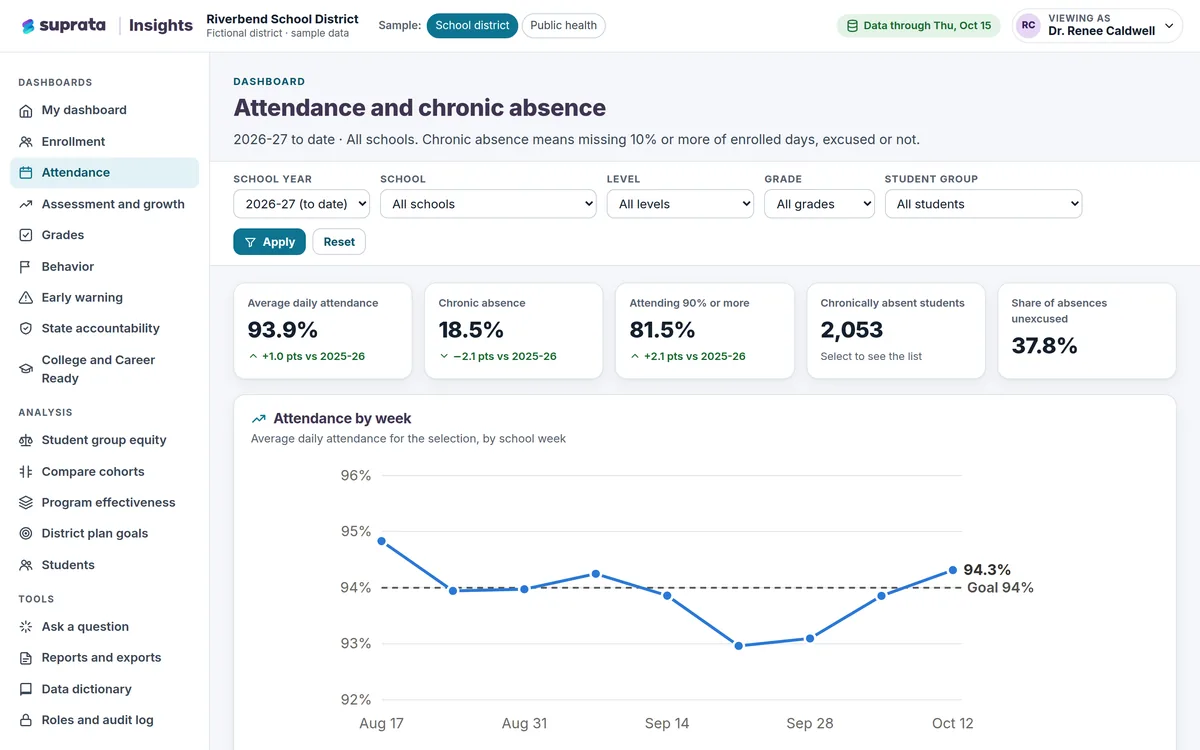
Suprata Insights
Turn records from many systems and sources into trusted dashboards: a private view for every role, a public dashboard for everyone else, and…
Learn more
Data & Insights
Suprata Insights
Turn records from many systems and sources into trusted dashboards: a private view for every role, a public dashboard for everyone else, and…
Learn more
 Meetings & Public Engagement
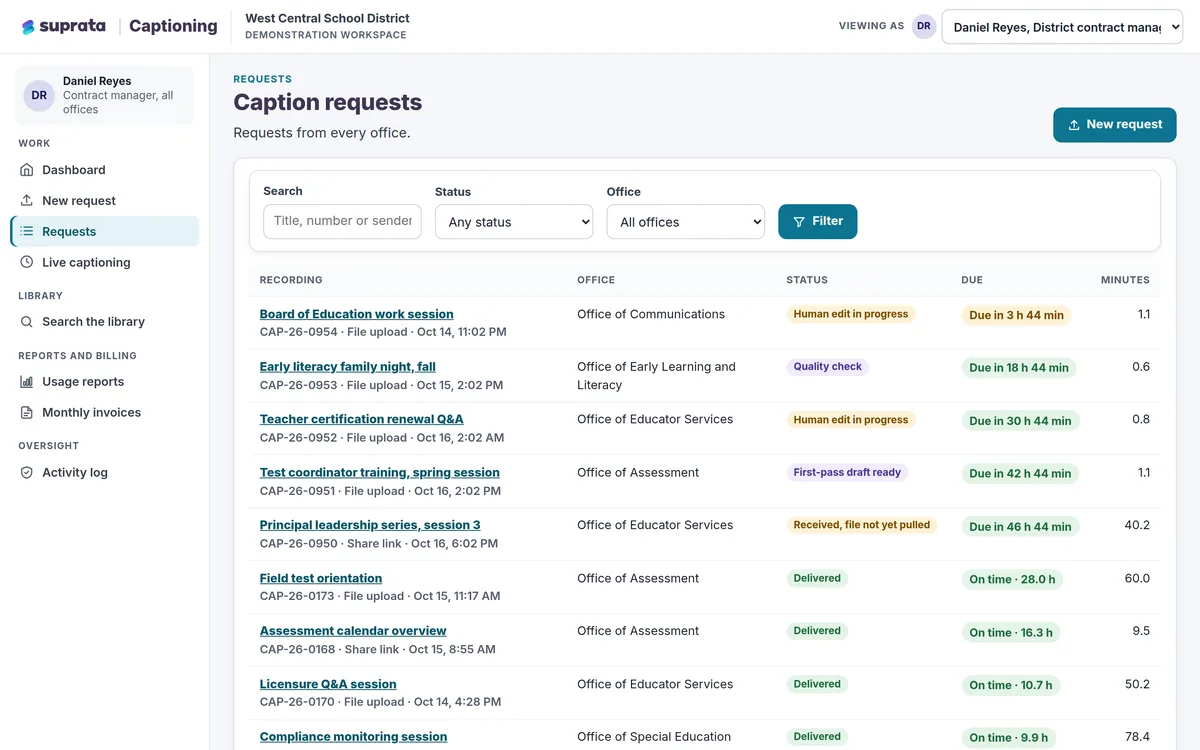
Suprata Captioning
Send any recording and get human-checked captions and transcripts back on a clock, with a searchable library, usage reports and monthly billing by…
Learn more
Meetings & Public Engagement
Suprata Captioning
Send any recording and get human-checked captions and transcripts back on a clock, with a searchable library, usage reports and monthly billing by…
Learn more
Pricing
Ask about pricing for Engage
Every organization is different, so we price Engage around your size and needs. Tell us what you run and we’ll come back with a clear number.