
Field & Service Operations
Suprata Inspections
Outside contractors file inspection and test reports online, you see what is due, overdue or broken, and owners are notified automatically.
Overview
What Suprata Inspections does
Suprata Inspections is an online portal for any authority or organization that relies on outside contractors to inspect and test safety systems in buildings it oversees. Contractors register their company and licensed technicians, find a building, and file a report on a form built for that system type: a checklist, the readings, any problems found with photos, and a signature. A per-report filing fee can be paid by the contractor at filing, so the program can run at no cost to the agency or the building owner.
Staff get one live picture of every building and system: what is current, coming due, overdue, impaired or waiting on a repair. Reports are accepted or sent back in one click, problems are tracked to closure with correction deadlines, and owners receive notices by email or mailed letter without anyone typing them. Owners get their own portal to see their buildings, read notices and find an approved contractor. Everything is logged, exportable, and can be synced to the agency's existing records system.
Who it’s for
Built for organizations like yours
Inspections fits a wide range of organizations. Hundreds of organizations already run their work on the Suprata platform.
- City and county fire departments and fire marshal offices
- Building and code enforcement departments
- State fire marshals and state licensing programs
- Water utilities running backflow testing programs
- Elevator, boiler and pressure-vessel inspection programs
- Health departments overseeing kitchen hood and grease systems
- School districts and universities with many buildings
- Hospitals, clinics and health systems
- Property management companies and real estate owners
- Housing authorities
- Insurance carriers and risk pools tracking insured properties
- Airports, ports and transit agencies
- Military bases and government facility managers
- Fire protection and life safety contracting companies (as their customer-facing report portal)
- Private campuses, office parks and retail centers
Features
Everything Inspections can do
55 capabilities in 6 areas. Every one of them can be shaped to your rules.
Contractor portal
- Self-service company registration with service types, insurance certificate and first technician
- Technician roster with license or certification type, number and expiration date
- Warning 30 days before a technician license expires; expired technicians cannot sign a report
- Search any building by address, building name or system number, filter by system type
- Building page showing every system, its last report, due date and status
- Report form tailored to the system type: checklist with Pass, Fail or Not applicable for each item
- Readings fields per system type (pressures, battery voltage, trip times, flow, signal coverage)
- Up to five problems per report, each with severity, checklist item, description and photo
- Library of common problems for each system type that fills in the problem with one tap
- Photo upload straight from a phone camera
- Overall result: pass, pass with problems, fail, or out of service
- On-screen signature pad and a signed statement that the work was done as reported
- Per-report filing fee paid online by card before the report is submitted
- Filing fee receipts list
- Dashboard of systems they service that are due in 30 days or overdue
- Reports sent back for correction can be fixed and resubmitted without a new fee
- List of open problems from their reports, with a 'Report corrected' step including date, work done and photo
Staff (inspection office) workspace
- Dashboard with compliance rate, overdue reports, out-of-service systems, open problems and reports this month
- Alert box listing every active out-of-service system
- Reports-per-month chart and compliance by district
- 'Needs attention' task list: reports to review, past-due problems, overdue systems, registrations and licenses to check, records to match
- Incoming report queue with tabs for waiting, returned and accepted
- Accept a report, return it with a note, or accept all passing reports at once
- Full report view with checklist, readings, problems, photos, signature, technician licenses and fee receipt
- Print or save any report as PDF
- Due and overdue list of systems
- Problem tracking with filters by severity, status (open, past due, corrected, closed) and district
- Problem detail with timeline, call and note log, resend notice to owner, and verify-and-close
- Three severity levels (out of service, critical, non-critical) with their own correction windows
- Building and system inventory with filters and CSV export
- District map of all buildings colored by worst system status
- Contractor management: approve registrations, verify technician licenses, see expiring licenses
- Reports and exports: compliance by district, by system type and by building use, problems found and closed per month
- CSV downloads for buildings, systems, reports, problems, notices, contractors, revenue share and audit log
- Revenue share screen counting submissions credited to the agency each month, with monthly statements
- Audit log of every sign-in, view, change, export and notice
Owner notices and owner portal
- Automatic notices when a report lists problems, when a system is coming due, and when a report is overdue
- Separate out-of-service notice telling the owner to start a fire watch or similar safeguard
- Each notice shown both as a mailed letter and as an email, as the owner receives it
- Owner chooses email or mailed letter
- Staff can send a notice by hand from a building or a problem
- Owner portal: each building with its systems, due dates and status badges
- Owners read and acknowledge notices
- Owners see open problems to correct and the full report history
- Find an approved contractor by system type
Rules and setup
- 18 built-in system types (fire alarm, sprinklers, standpipes, fire pumps, kitchen hood suppression, hood cleaning, clean agent, extinguishers, emergency lights, backflow, responder radio, fire doors, smoke control, private hydrants, water tanks, special hazard, fire escapes)
- Each type has its own national standard reference, interval, checklist, readings and problem library
- Adjustable correction windows and notice rules (days before due, repeat overdue every N days)
- Switches for automatic notices and for requiring staff review
- Staff accounts with administrator, inspector and clerk roles
Records system connection
- Field mapping from buildings, systems, reports, problems and notices to the agency's records system
- Address matching review with suggested matches and a confidence score
Help and guides
- Step-by-step how-to guides for contractors, staff and owners
- Public page listing every system type tracked, its standard and interval
- One-click role switch and 'Start over' with fresh sample data
Screens
See Inspections at work
Real screens from the working copy, filled with made-up sample data. Click any screen to enlarge it.
How it fits
One platform underneath
Suprata is a versatile workflow and business intelligence platform that delivers the power of custom software with ease and affordability. Inspections is built on it, so it shares the same engine, records and controls.
Workflow & automation
Approvals, work queues, reminders and rules move every Inspections request forward without anyone chasing it.
Business intelligence
Live dashboards for every role and custom reports built from your Inspections data, with an AI report builder.
Customer portal
The people you serve sign in to apply, book, pay, upload documents and check status, day or night.
Payments & billing
When Inspections takes money, card and bank payments, invoices and refunds land in one ledger.
Integrations & API
A documented API, webhooks and exports connect Inspections to the systems you already run.
Click around a working copy
The working copy of Inspections is filled with realistic, made-up data. There is no sign-up and no password. Pick a role and explore. Your changes stay in your own copy.
Related
Often used together
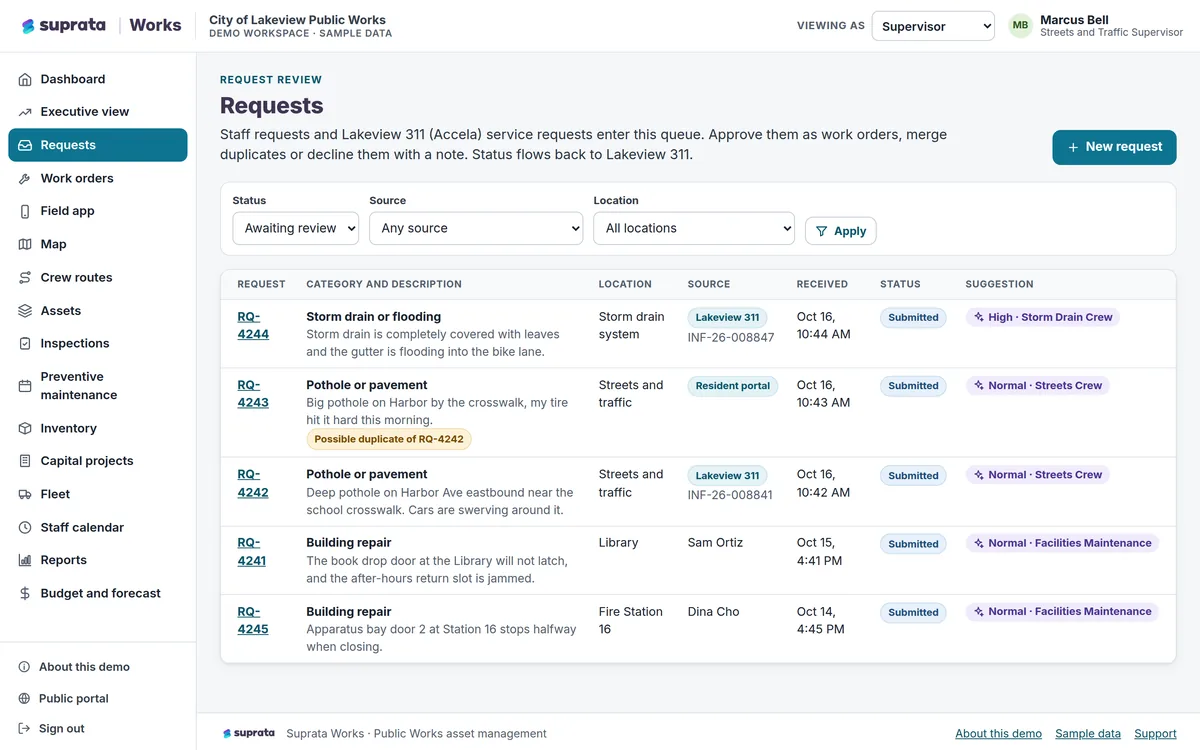 Field & Service Operations
Suprata Works
Track every asset, request, work order, inspection, vehicle, part and capital project in one place, with a field app that works without a signal.
Learn more
Field & Service Operations
Suprata Works
Track every asset, request, work order, inspection, vehicle, part and capital project in one place, with a field app that works without a signal.
Learn more
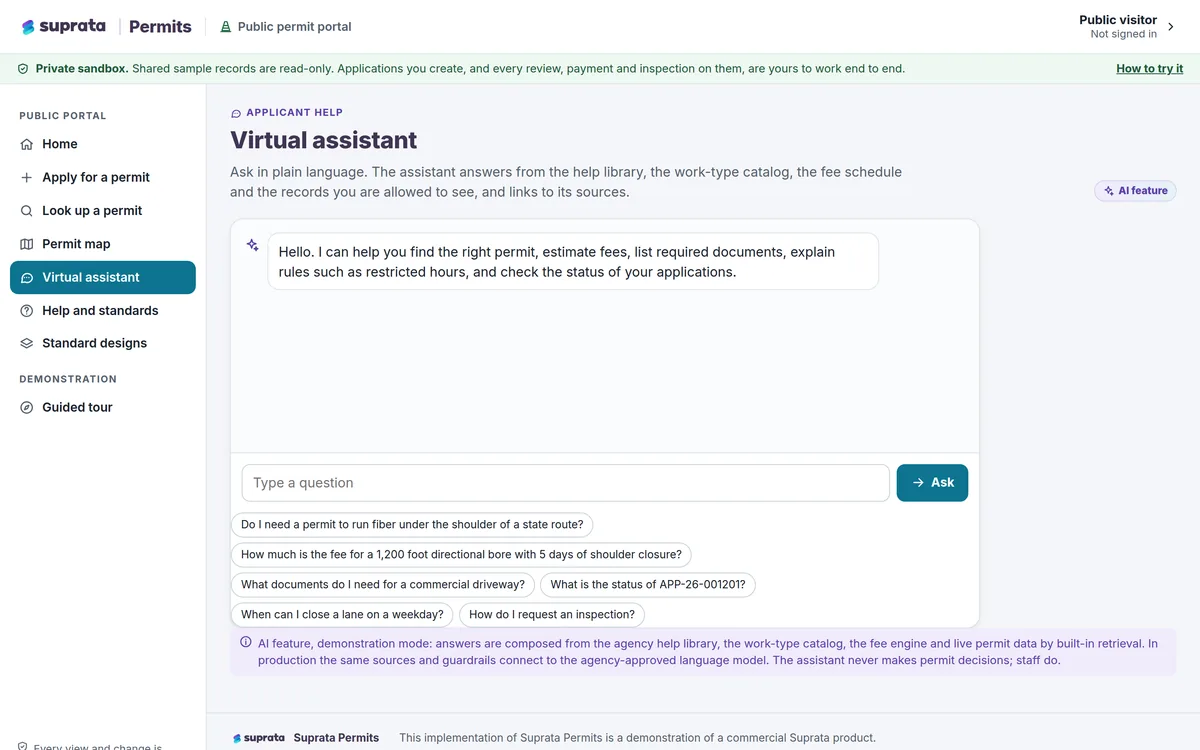 Permits & Forms
Suprata Permits
Online permits and licenses from first question to final inspection: apply, check the map, pay, review, approve, issue and inspect in one place.
Learn more
Permits & Forms
Suprata Permits
Online permits and licenses from first question to final inspection: apply, check the map, pay, review, approve, issue and inspect in one place.
Learn more
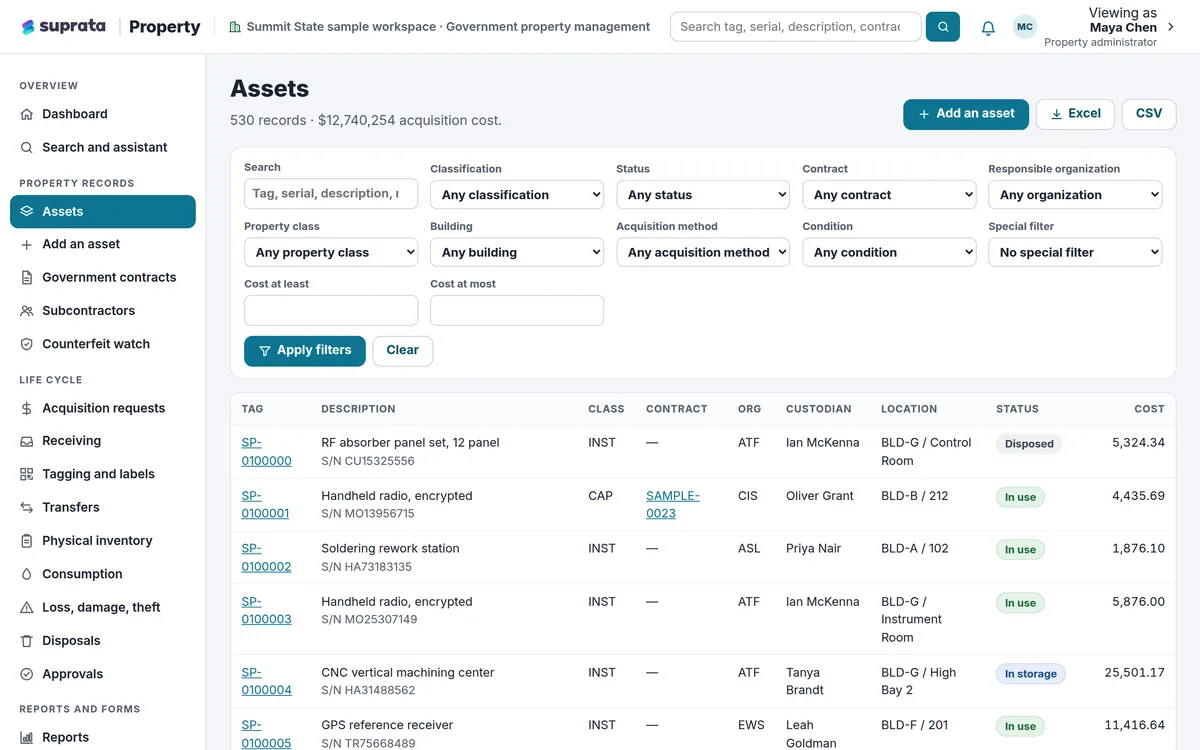 Field & Service Operations
Suprata Property
Track every piece of equipment and property from the day it arrives to the day it leaves, with barcode tags, inventories, transfers, approvals and an…
Learn more
Field & Service Operations
Suprata Property
Track every piece of equipment and property from the day it arrives to the day it leaves, with barcode tags, inventories, transfers, approvals and an…
Learn more
Pricing
Ask about pricing for Inspections
Every organization is different, so we price Inspections around your size and needs. Tell us what you run and we’ll come back with a clear number.