
Grants, Benefits & Payments
Suprata Energy Assistance
One household record for heating help and home weatherization, from online application to fuel vendor payment to the finished job.
Overview
What Suprata Energy Assistance does
Suprata Energy Assistance runs heating-bill help and home weatherization from one household record. Families apply from a phone, upload documents and message their local agency. Staff enter a household and see eligibility, the estimated benefit, priority flags and the exact documents needed update as they type, and every decision shows its math. Program staff keep the rules themselves: income limits, benefit tables and validation messages are dated versions they can schedule ahead.
Approved benefits flow into a weekly payment batch for fuel vendors, with returns, re-issues and holds tracked, and vendors get their own portal for notices and remittance. Weatherization runs from a ranked waitlist through the energy audit, work orders, quality inspections and monthly invoices split by funding source, and auditors use a field app that keeps working without a signal. Dashboards, reports, scheduled banners and a full audit trail round it out for any agency that pays benefits to households through outside vendors.
Who it’s for
Built for organizations like yours
Energy Assistance fits a wide range of organizations. Hundreds of organizations already run their work on the Suprata platform.
- State housing finance agencies and energy offices
- Community action agencies and other local service providers
- Utilities and public power districts running bill-help or efficiency programs
- Cities and counties with emergency heating, water or rent help
- Tribal governments running energy or housing assistance
- Nonprofits that hand out grants paid to vendors or landlords
- Weatherization and home-repair contractors and nonprofits
- Housing authorities
- Private program administrators that run benefit programs for governments or utilities
Features
Everything Energy Assistance can do
56 capabilities in 9 areas. Every one of them can be shaped to your rules.
Applicant portal
- Apply online from a phone
- Upload required documents
- See application status by program
- Message the local agency without leaving the portal
- Sign in with an emailed code
Household record and intake
- One household record across every program and program year: members, applications, jobs, payments, documents, notes and letters
- Household search across the agency or statewide
- Guided intake: application type, household members, income and benefits, home and heat
- Live eligibility result as the worker types: eligibility, estimated benefit, priority flags
- List of only the documents these answers require
- Priority flags computed from members: age 60 or older, child 6 or under, disability
- Roll-forward of last year's values with a prompt to confirm each one
- Validation checks that stop or warn before saving
- Three application types: annual help, emergency crisis help and weatherization
- Application statuses from started in portal through certified, denied, voided and reversed
- Certify, request documents or override with a reason, each logged
Rules engine
- Eligibility worksheet that shows the math: rule version, poverty test, state median income test, heating burden, benefit table cell
- Effective-dated rule versions chosen by application date
- Schedule next season's increase ahead of time
- Income limits and benefit matrix by household size and burden
- Program staff edit validation messages without a developer
- Funding sources with award amounts and dates
Statewide checks
- Duplicate ID number and duplicate household checks across agencies
- Merge tool for duplicate households
- Fraud flags and payment holds that carry from year to year
Vendors and payments
- Vendor list with fuels, status (active, inactive, departed) and typed contacts
- Vendor record with contract, payments and electronic agreement
- Weekly payment batches built from certified benefits
- Release a batch and produce a bank transfer file, or send it to finance software by API
- Returns, re-issues, holds and overrides tracked as exceptions
- Totals by vendor and payment register by funding source
- Vendor portal: credit notices, vouchers and remittance advice, with no access to income or weatherization data
- Contractor bids per measure, per vendor, per agency
Weatherization
- Waitlist ranked by priority points, each point explained line by line
- Weatherization jobs with status from waitlist to invoiced, plus deferral with stated reasons
- Energy audit hand-off: send a package to the audit tool and import results
- Measures with savings-to-investment ratio; measures at 1.0 or more preselected
- Work orders to contractors with itemized labor and materials
- Agency quality inspection and state-selected follow-up inspections
- Geotagged photos in the client file
- Monthly agency invoices from completed and inspected jobs, split across funding sources
- Running budgets and balances, with review by job
- Audit package export per job (XML)
Field app
- Auditor's job list on a phone or tablet
- Works offline; entries wait on the device and sync when signal returns
- Waiting-to-sync queue and Sync now button
- Take photos in the field
Dashboards, reports and control
- Dashboards of households served by county, agency, funding source and demographics, with a county map
- Applications by status, jobs by status, primary heating source, units and cost per unit
- Every number follows the viewer's access
- Twelve built-in reports, including days to certify, vendor vouchers, payment register, returns, federal household report data, cost per unit, deferrals, quality results, vendor performance and clients by agency
- CSV export of reports and budgets
- Scheduled banner messages with start and end times
- Audit trail of every change and every view of personal information, exportable to CSV
Access and security
- Eight seats: program manager, fiscal, technical monitor, agency intake, agency weatherization coordinator, field auditor, fuel vendor, applicant
- Role permission matrix: each role sees only its part, agencies see only their own households
Screens
See Energy Assistance at work
Real screens from the working copy, filled with made-up sample data. Click any screen to enlarge it.
How it fits
One platform underneath
Suprata is a versatile workflow and business intelligence platform that delivers the power of custom software with ease and affordability. Energy Assistance is built on it, so it shares the same engine, records and controls.
Workflow & automation
Approvals, work queues, reminders and rules move every Energy Assistance request forward without anyone chasing it.
Business intelligence
Live dashboards for every role and custom reports built from your Energy Assistance data, with an AI report builder.
Customer portal
The people you serve sign in to apply, book, pay, upload documents and check status, day or night.
Payments & billing
When Energy Assistance takes money, card and bank payments, invoices and refunds land in one ledger.
Integrations & API
A documented API, webhooks and exports connect Energy Assistance to the systems you already run.
Click around a working copy
The working copy of Energy Assistance is filled with realistic, made-up data. There is no sign-up and no password. Pick a role and explore. Your changes stay in your own copy.
Related
Often used together
 Grants, Benefits & Payments
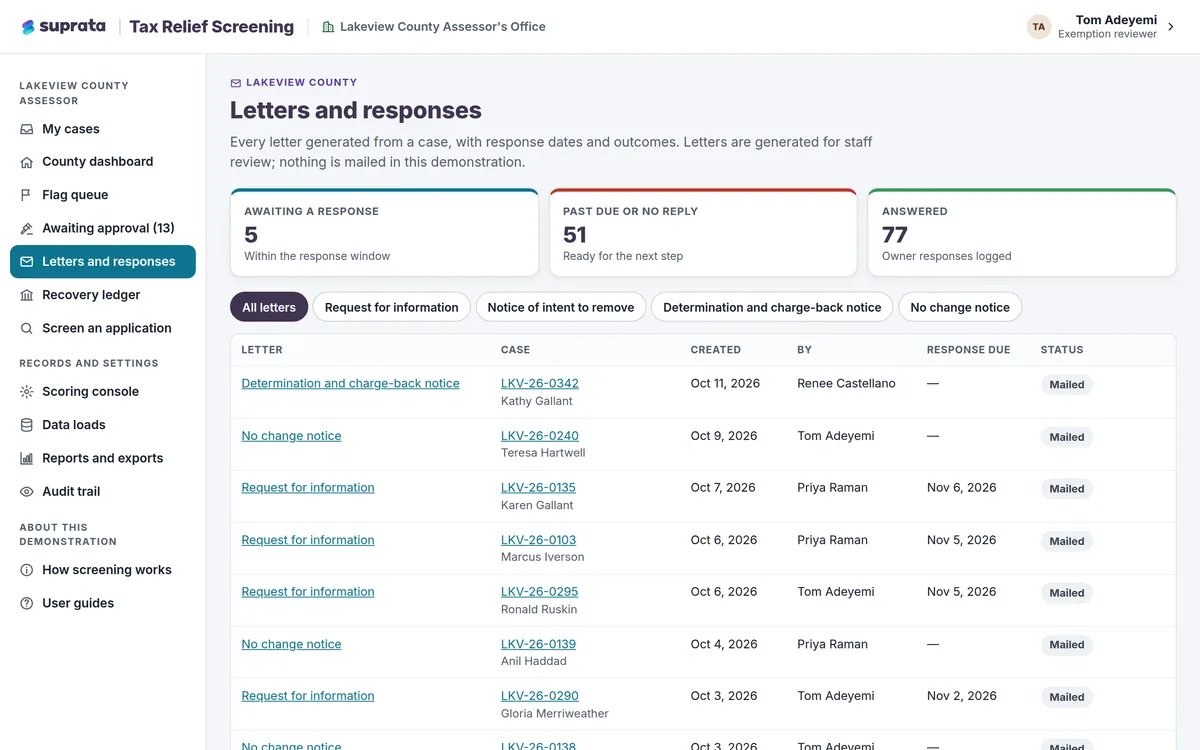
Suprata Tax Relief Screening
Find tax breaks and benefits that no longer qualify, show the proof behind every flag, and track every dollar recovered.
Learn more
Grants, Benefits & Payments
Suprata Tax Relief Screening
Find tax breaks and benefits that no longer qualify, show the proof behind every flag, and track every dollar recovered.
Learn more
 Grants, Benefits & Payments
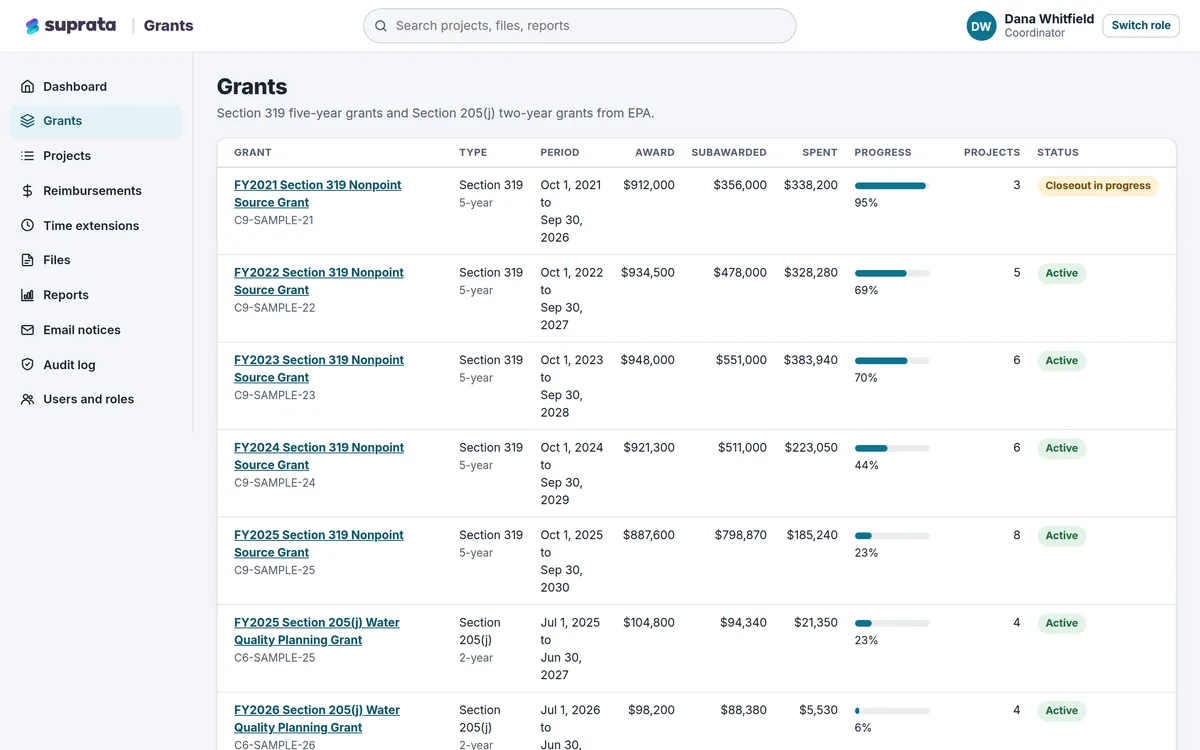
Suprata Grants
One secure place to run grants you pass on to partners: budgets, matching funds, reimbursements, reports, files and deadlines.
Learn more
Grants, Benefits & Payments
Suprata Grants
One secure place to run grants you pass on to partners: budgets, matching funds, reimbursements, reports, files and deadlines.
Learn more
 Grants, Benefits & Payments
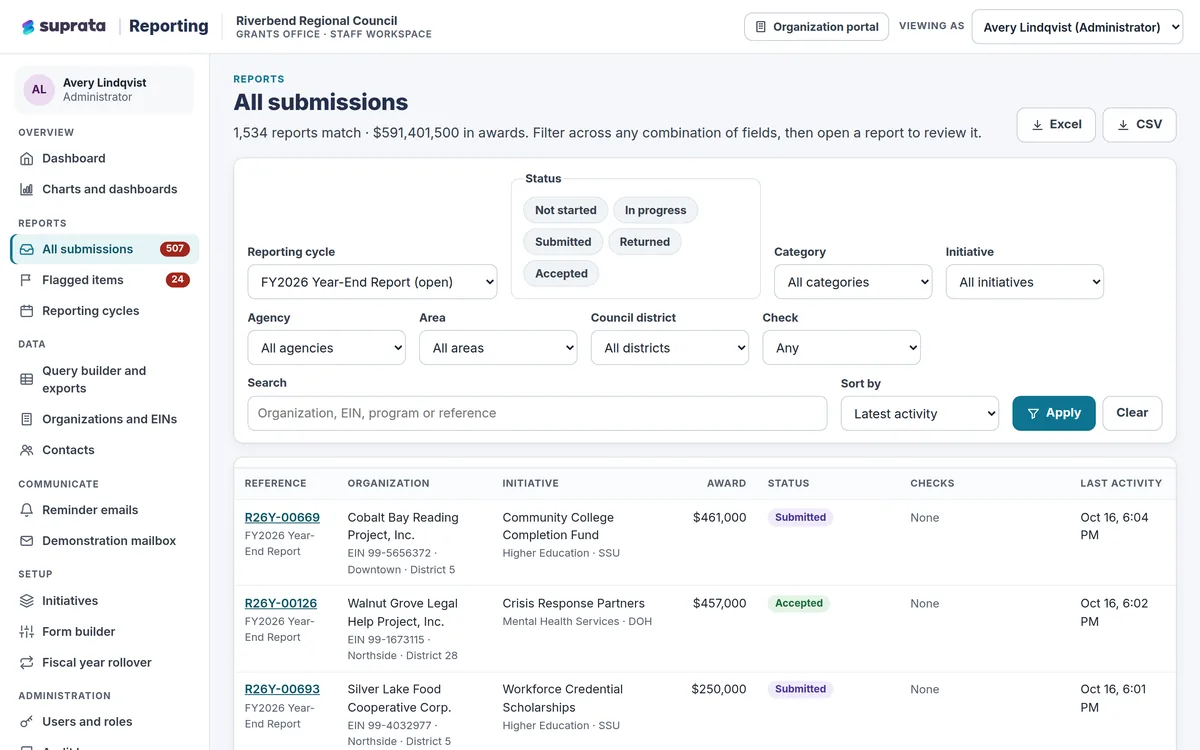
Suprata Reporting
One secure place for funded organizations to file their reports and for the funder to review, flag, export and chart every dollar.
Learn more
Grants, Benefits & Payments
Suprata Reporting
One secure place for funded organizations to file their reports and for the funder to review, flag, export and chart every dollar.
Learn more
Pricing
Ask about pricing for Energy Assistance
Every organization is different, so we price Energy Assistance around your size and needs. Tell us what you run and we’ll come back with a clear number.