
Reserve & Rent
Suprata Parking
One system for parking permits, waiting lists, monthly billing, payments and the cameras and gates that let parkers in.
Overview
What Suprata Parking does
Suprata Parking runs a parking operation from one account per customer: the permit, the vehicles, the invoice and the payment all live together. Parkers apply, upload documents, sign the user agreement, pay, add guests, load prepaid parking cards and join waiting lists from a phone. Staff review applications, issue permits with new or existing numbers, run billing on a set day each month, take payments at the counter, approve contract invoices and chase past-due balances.
Access follows payment. When a permit is issued, changed or turned off for nonpayment, Suprata sends the change to license plate cameras and gate systems right away, and turns access back on within seconds of payment. Finance gets aging, receivables, daily collections, a general ledger by facility, a month-end close checklist, a report builder for any data in any format, full data export and an open API. It fits a city garage system, a campus, a hospital, a marina, an airport lot, or a private lot operator.
Who it’s for
Built for organizations like yours
Parking fits a wide range of organizations. Hundreds of organizations already run their work on the Suprata platform.
- Cities, towns and villages with public garages, lots or residential permit zones
- Parking authorities and downtown districts
- Counties and regional transit agencies with commuter lots
- Colleges, universities and school districts (student, staff and visitor parking)
- Hospitals, health systems and clinics (staff, patient and visitor parking)
- Airports, ports, ferry terminals and marinas
- Private parking operators and garage owners
- Property managers, office parks, apartment and condo communities
- Hotels, event venues, stadiums and theaters
- Employers with staff parking programs
- Courts and government campuses
- Housing authorities
- Parks, recreation and reservation businesses with paid parking
- Utilities and large private campuses with gated lots
- Nonprofits and churches that manage shared parking
Features
Everything Parking can do
73 capabilities in 10 areas. Every one of them can be shaped to your rules.
Parker portal (phone-first)
- Self sign-up with account type (home, work, student), address, phones, email and first vehicle plate
- Accept the current user agreement, with forced re-acceptance when a new version is published
- Apply for a permit and upload proof documents (residence, vehicle registration, enrollment, employer letter, disability placard)
- Digital permit with a signed QR code that enforcement can scan
- Pay invoices in full or in part by saved card or bank account
- Wallet of saved cards and bank accounts, with autopay on or off
- Card entry through a hosted payment field so card numbers never touch the parking system
- Create visitor permits for guests by plate, with an end time and per-month limits
- Prepaid parking (debit) card: load a balance, set automatic reload, see sessions
- Join, leave and accept offers on several waiting lists at once, with an estimated wait
- Add and update vehicles and plates
- Messages and notices from the operator, with one-tap acknowledgement
- Employer group managers add and end team permits and fund team cards from a master balance by bank transfer
- Installable as a phone app (web app manifest and offline worker)
Accounts and permits (staff)
- Account list with filters by kind (contract, group, single), type, status and balance
- Account record with tabs for overview, permits, billing, wallet, documents, messages and activity
- Open new accounts at the counter
- Permit list and permit record with status, access level, access card and linked plates
- Issue, suspend, end and reinstate permits, replace an access card, resend to devices
- Keep imported permit numbers and assign new numbers by a configurable pattern
- Mass update every permit under a contract (for example, change access levels in one step)
- Visitor permit oversight with limits on active, monthly and maximum hours
Applications and waiting lists
- Application review queue with uploaded documents, accept or reject each document
- Approve, decline or request more information, with automatic notices
- Program-limited staff role (for example, a partner department that only reviews residential permits)
- Waiting lists by facility, permit type and quantity
- Priority rules by class (resident, local employee, student, public), then manual adjustment, then join date
- Every manual move is recorded with a reason
- Send the next offer with a time limit to accept; expired offers move to the next person
- Wait forecast for each list from its own history
Billing and payments
- Monthly billing run on a set day for the next month, with a preview before it runs
- One invoice per group or contract with a line per facility, not one per permit
- Rates by facility, permit type, group or contract, with effective dates and history
- Contract invoices wait for approval before they are sent
- Other invoices for rent, reimbursed costs, event parking and more, each line to its own ledger account
- Fee catalog: card replacement, validations, late fee, returned payment, reinstatement, hang tag
- Automatic late fee on a set day for unpaid non-contract invoices
- Autopay with retry days for saved cards and bank accounts
- Card payment rules: single permit holders only, maximum number of permits, maximum dollar amount
- Partial payments and unapplied payment tracking
- Payments list and receipt detail by method and channel (portal, autopay, counter, mail)
- Chargeback inbox with evidence response, as merchant of record
Counter (point of sale)
- Open and close a cash drawer with float, count and over/short
- Take cash, check and card for invoices, fees, prepaid card loads and walk-in sales
- Printable receipts
- Post meter and pay station cash and coin collections by facility with deposit reference
Access, cameras and gates
- Access follows payment: non-contract permits turn off on the due date when unpaid, contract accounts get a longer grace period
- Access returns within seconds of payment
- Every permit change is sent to license plate cameras and gate systems as it happens, with delivery times measured
- Queued delivery when a device system is offline, sent in order when it returns
- Device event log of plate reads, gate opens and denials
- Prepaid card sessions debited from gate exit events
- Enforcement screen: check a plate or scan a permit QR code and get valid, visitor, inactive or no permit
Finance and reports
- Aging report by customer and age from the due date
- Receivables by customer, permit type, facility and income
- Daily collections report that ties to the drawer and the processor deposit
- General ledger journal and summary by account and facility segment, exportable for the accounting system
- Month-end close checklist (drawers balanced, invoices approved, devices acknowledged, journal balanced, chargebacks noted) and a close packet
- Report builder on permits, accounts, invoices, payments, waiting lists, device events and prepaid card activity
- Results on screen or as CSV, Excel or PDF, saved with scheduled delivery
- Full data export of every table, one at a time or all at once
Leadership views
- Dashboard: active permits, accounts, receivables, collected today, waiting lists, inactive for nonpayment, device delivery time, next billing run
- Executive view of revenue, collections, utilization and demand
- Live occupancy board by facility, refreshed every 20 seconds, with a map and a weekday heat map
Communication
- Email or text customers by facility, account, account type, permit type or balance
- Notices that require acknowledgement, with tracking and reminders to those who have not
- Automatic notices for invoices, receipts, shutoffs, offers, approvals and missing documents
- Staff assistant that answers account questions from the records, explains why access is off and drafts notices for staff to approve; it never sends or changes anything on its own
Setup, security and integration
- Settings for permit types and rates, facilities, fees, payment rules, billing and grace, visitor limits, user agreement versions, permit numbering, staff and roles
- Seven staff roles: administrator, finance, cashier, permit coordinator, program staff, enforcement, read-only auditor
- Audit log of every change by staff, customers and the system that cannot be edited
- Documented open REST API (JSON, bearer key) with an OpenAPI file and a live tester
- Customer-owned data: full export and API access at no extra charge
Screens
See Parking at work
Real screens from the working copy, filled with made-up sample data. Click any screen to enlarge it.
How it fits
One platform underneath
Suprata is a versatile workflow and business intelligence platform that delivers the power of custom software with ease and affordability. Parking is built on it, so it shares the same engine, records and controls.
Workflow & automation
Approvals, work queues, reminders and rules move every Parking request forward without anyone chasing it.
Business intelligence
Live dashboards for every role and custom reports built from your Parking data, with an AI report builder.
Customer portal
The people you serve sign in to apply, book, pay, upload documents and check status, day or night.
Payments & billing
When Parking takes money, card and bank payments, invoices and refunds land in one ledger.
Integrations & API
A documented API, webhooks and exports connect Parking to the systems you already run.
Click around a working copy
The working copy of Parking is filled with realistic, made-up data. There is no sign-up and no password. Pick a role and explore. Your changes stay in your own copy.
Related
Often used together
 Permits & Forms
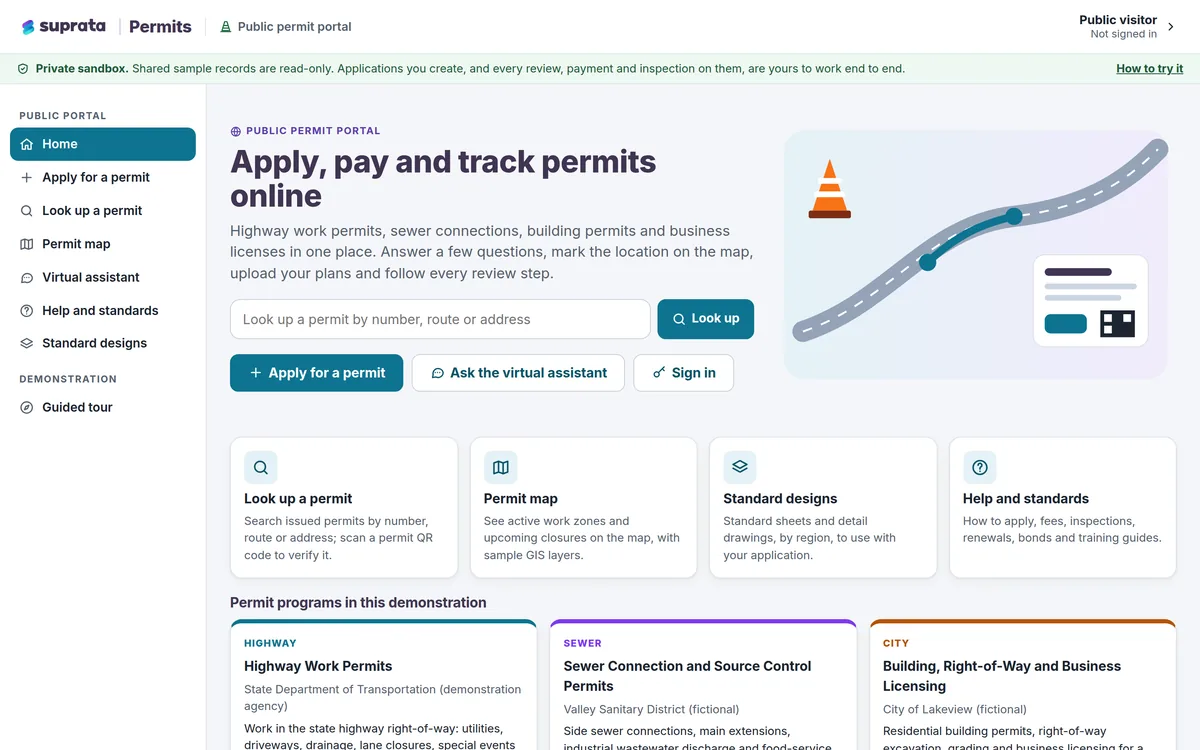
Suprata Permits
Online permits and licenses from first question to final inspection: apply, check the map, pay, review, approve, issue and inspect in one place.
Learn more
Permits & Forms
Suprata Permits
Online permits and licenses from first question to final inspection: apply, check the map, pay, review, approve, issue and inspect in one place.
Learn more
 Reserve & Rent
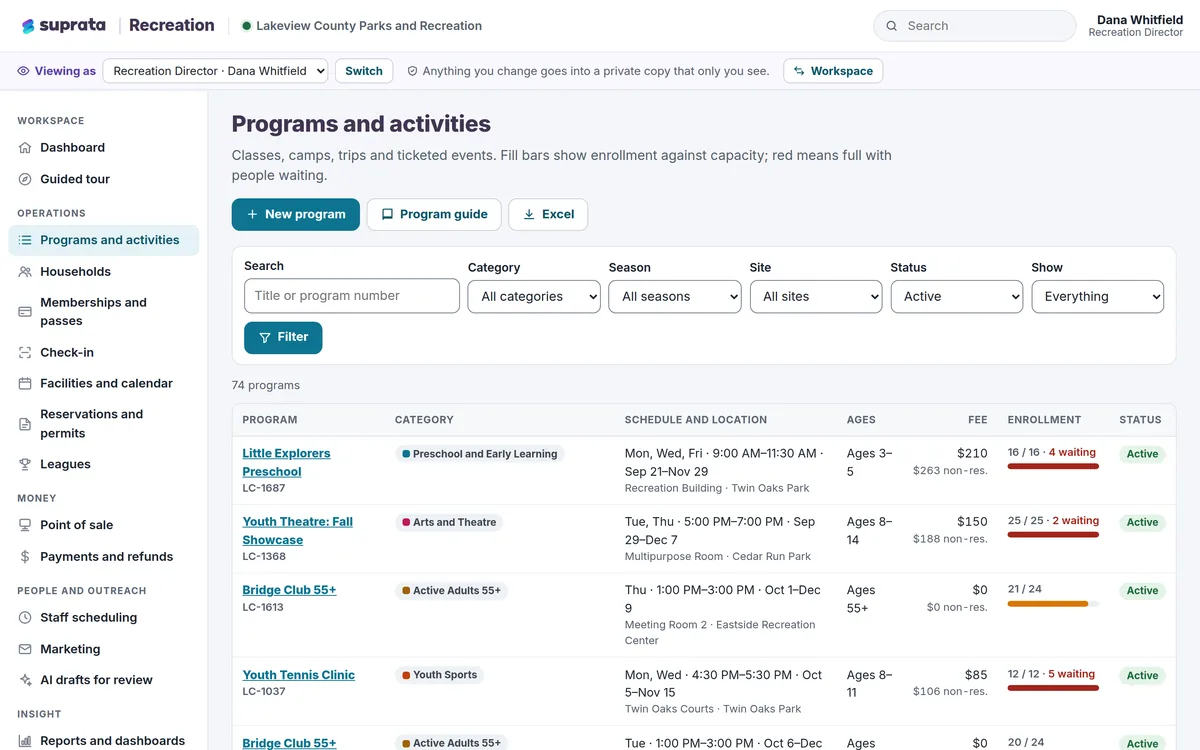
Suprata Recreation
One system for recreation programs, family registration, memberships, facility rentals, leagues, the front desk and payments, with a phone app for…
Learn more
Reserve & Rent
Suprata Recreation
One system for recreation programs, family registration, memberships, facility rentals, leagues, the front desk and payments, with a phone app for…
Learn more
 Reserve & Rent
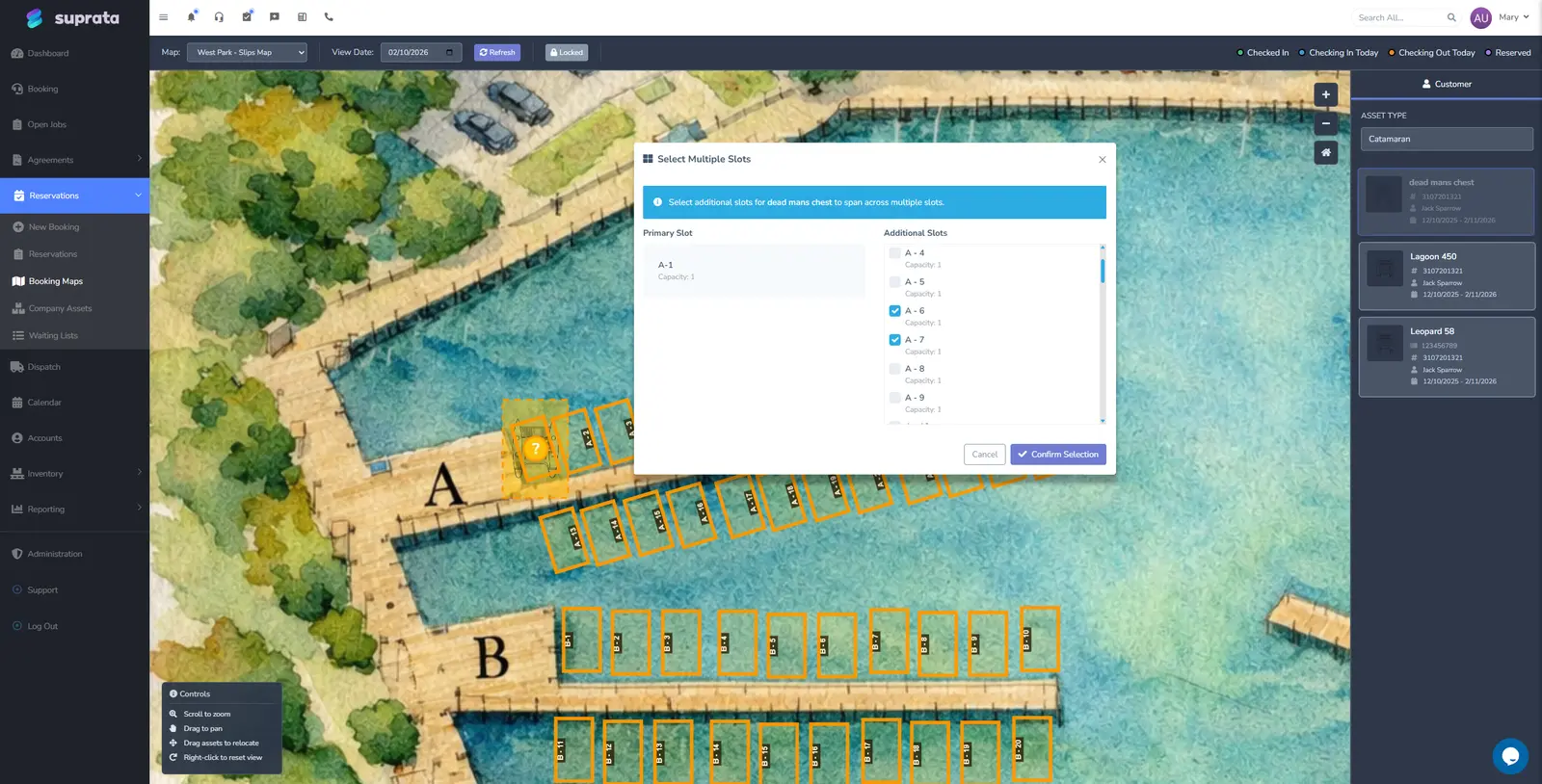
Suprata Marina
One system for every slip, mooring, site and lease: reservations, contracts, online booking and payment, point of sale, memberships and tenant…
Learn more
Reserve & Rent
Suprata Marina
One system for every slip, mooring, site and lease: reservations, contracts, online booking and payment, point of sale, memberships and tenant…
Learn more
Pricing
Ask about pricing for Parking
Every organization is different, so we price Parking around your size and needs. Tell us what you run and we’ll come back with a clear number.