
Field & Service Operations
Suprata Works
Track every asset, request, work order, inspection, vehicle, part and capital project in one place, with a field app that works without a signal.
Overview
What Suprata Works does
Suprata Works is a complete maintenance and asset management system for any organization that looks after roads, pipes, buildings, parks, grounds, vehicles or equipment. Requests come in from staff, the public or a 311 line, a supervisor reviews them with a suggested crew, priority and parts, and approved requests become work orders that track labor, equipment, materials, contractors, photos and documents through to close-out.
Every asset sits on a map with its condition, expected life, replacement cost and full maintenance history. Inspections use checklists that turn failed items into work orders on their own, preventive maintenance runs on calendar, season or engine hours, inventory is issued to jobs and reordered when it runs low, and capital projects show budget, actual cost and forecast. Crews use a phone app that keeps working offline in a park, trail or basement and syncs later, volunteer workdays can be tracked beside staff work, and managers get dashboards, budget comparisons and reports that export to Excel or PDF.
Who it’s for
Built for organizations like yours
Works fits a wide range of organizations. Hundreds of organizations already run their work on the Suprata platform.
- Cities, towns and villages (public works, streets, utilities, facilities, parks)
- Counties and county road or parks departments
- Water, sewer, stormwater and electric utilities
- Park districts and recreation departments
- School districts (buildings, grounds, transportation fleet)
- Colleges and universities (facilities and grounds)
- Hospitals and health campuses (facilities and plant operations)
- Airports, ports, harbors and marinas
- Housing authorities and property managers
- Transit agencies and fleet operators
- Private facility-management, landscaping and field-service contractors
- Golf courses, campgrounds, resorts and other rental or reservation businesses with grounds to maintain
- Nonprofits that run land trusts, nature preserves or campuses
- Corporate campuses, churches and other multi-building owners
Features
Everything Works can do
133 capabilities in 23 areas. Every one of them can be shaped to your rules.
Requests and intake
- Staff submit maintenance requests with category, location, asset, description and photo
- Requests from an outside 311 or citizen request system land in the same review queue
- Suggested crew, priority and parts on each request, clearly labeled as suggestions
- Likely duplicate reports flagged and merged
- Supervisor approves a request as a work order or declines it with a reason
- Status flows back to the requester and to the outside request record
- Requesters see 'My requests' with live status
Work orders
- Create, assign, schedule and close work orders by crew or person
- Configurable work types, priorities, statuses, target times and escalation
- Record labor hours, equipment hours, materials from stock and contractor or other costs
- Notes, photos and documents on every work order
- Checklist on each work order
- Approve completion and close, with resolution notes
- Batch related work for one crew and plan geographic crew routes for the day
- Emergency work orders and escalation
- Email notices and Outlook calendar invitations for assignments
- Full history of every change on the work order
Assets and map
- Asset register by class: streets, sewer, storm drain, traffic signals, street lights, signs, buildings, parks, trees, fleet
- Condition rating, install year, design life, replacement cost and lifecycle on each asset
- Assets as points, lines and polygons from GIS layers, kept in sync
- Map view with open work, inspections and history; create work from the map
- Asset classes with real-world counts next to what is loaded
- Mark asset condition and public status shown on a public conditions map
- Maintenance history written back to the GIS layer
Inspections
- Checklist templates (playground safety, sewer manhole, storm drain and trash capture, pump station, building safety walk, vehicle pre-use, traffic signal)
- Failed checklist items become prioritized work orders automatically
- Severity sets priority and due date
- Inspection compliance tracking with missed and overdue inspections
- Printable inspection compliance certificates
- Photos on failed items
Preventive maintenance
- Schedules by calendar interval, season or usage (engine hours)
- Work orders or inspections generated a set number of days ahead
- Seasonal templates (for example rainy-season preparation, winter closure, spring opening) with a season calendar
- Pause or resume any schedule
- Preventive maintenance on-time rate
Fleet and equipment
- Fleet and equipment list with availability and service status
- Engine-hour and fuel readings from a telematics or fuel system feed
- Service work order created automatically when a unit passes its interval
- Equipment utilization and hours charged to work orders
Inventory
- Stock on hand with minimums, reorder quantities, bins and item codes
- Issue parts to work orders from stock
- Below-minimum alerts and reorder requisitions sent to the finance system
- Receive against purchase orders
- Cycle counts and count adjustments
- Full transaction history per item
Capital projects
- Five-year capital plan by fiscal year and funding source
- Budget, actual cost, commitments and forecast at completion per project
- Cost lines and actuals imported from the finance system
- Change orders with approval that update the budget with a full record
- Projects forecast over budget flagged
- Prioritization scoring with score breakdown
- Link a project to the asset it renews and that asset's maintenance cost
Field app
- Installable browser app for phones and tablets
- Assigned work, forms and asset details stored on the device
- Start jobs, record labor and materials, take photos and complete work with no signal
- Changes queue on the device and upload when the connection returns
- Conflicting field changes held for supervisor review
Dashboards, reports and budget
- Operations dashboard: open and overdue work, requests awaiting review, costs by location; every number opens its records
- Predictive flags for assets likely to need attention next
- Executive view for leadership, read only
- Reports on backlog, compliance, labor, equipment, cost, response times and lifecycle
- Save report views; export to Excel or PDF
- Budget and forecast by location with spending against budget
- Staff calendar with calendar file download
Resident portal (optional)
- Public 'Report a problem' page with category, photo and map pin, no account needed
- Check a request by number
- Public street and facility conditions map
Administration and security
- Single sign-on (SAML) with multi-factor claim and group-to-role mapping
- Five roles: administrator, supervisor, executive (read only), field technician, requester
- Users and roles management
- Work order setup: crews, materials and unit costs, categories and routing
- Connector pages for GIS, finance system, 311 intake, fuel system and Outlook, each with a data-flow log
- Audit log of every change
Parks and grounds edition
Requests and intake
- Internal staff submit maintenance requests with category, park, asset, description and photo
- Supervisor review queue with labeled suggestions for priority and crew
- Approve a request as a work order or decline it with a reason
- Requesters follow status under 'My requests'
Work orders
- Create, assign, schedule and close work orders by crew or person
- Configurable work types, priorities, statuses, target times and escalation
- Record labor hours, equipment hours, materials from stock and contractor or other costs
- Notes, photos and documents on every work order
- Checklist on each work order
- Approve completion and close, with resolution notes
- Batch related work for one crew and plan geographic crew routes for the day
- Emergency work orders and escalation
- Email notices and Outlook calendar invitations for assignments
- Full history of every change on the work order
Assets and map
- Assets from GIS layers: playgrounds and buildings as points, trails as lines, natural areas as polygons
- GIS stays the system of record; a synchronized copy powers maps, search and offline use
- Condition rating, install year, design life and replacement cost on each asset
- Select an asset on the map to see open work and history or create a work order
- Maintenance history written back to the GIS layer
- Public status of assets shown on the resident conditions map
Inspections
- Checklist templates (playground safety, restroom condition, trail, building and vehicle checks)
- Failed checklist items become prioritized work orders automatically, linked to the inspection and asset
- Severity sets priority and due date
- Inspection compliance tracking with missed and overdue inspections
- Printable playground inspection compliance certificates
- Inspection deficiency marked corrected when the work closes
- Photos on failed items
Preventive maintenance
- Schedules by calendar interval, season or usage (engine hours)
- Work orders or inspections generated a set number of days ahead
- Seasonal templates (for example rainy-season preparation, winter closure, spring opening) with a season calendar
- Pause or resume any schedule
- Preventive maintenance on-time rate
Fleet and equipment
- Fleet and equipment list (mowers, trucks, utility vehicles) with availability
- Engine-hour readings from a telematics feed
- Service work order created automatically when a unit passes its hour interval, with the triggering reading
- Equipment hours on work orders feed utilization reports
Field app
- Installable browser app for phones and tablets
- Assigned work, forms and asset details stored on the device
- Start jobs, record labor and materials, take photos and complete work with no signal
- Changes queue on the device and upload when the connection returns
- Conflicting field changes held for supervisor review
Dashboards, reports and budget
- Operations dashboard: open and overdue work, requests awaiting review, costs by location; every number opens its records
- Predictive flags for assets likely to need attention next
- Executive view: year-to-date summary for the director and a board or commission
- Reports on backlog, compliance, labor, equipment, cost, response times and lifecycle
- Save report views; export to Excel or PDF
- Budget and forecast by location with spending against budget
- Staff calendar with calendar file download
Volunteer workdays
- Plan volunteer workdays (litter cleanup, invasive removal, seed collection) by park
- Expected and actual volunteers, volunteer hours and outputs (bags of litter, acres treated)
- Record attendance and results after the workday
Resident portal (optional)
- Public 'Report a problem' page with category, photo and map pin, no account needed
- Check a request by number
- Public street and facility conditions map
Administration and security
- Single sign-on (SAML, Microsoft ADFS style) with group-to-role mapping
- Four roles: administrator, supervisor, field staff, internal requester
- Users and roles management, unlimited users
- Work order setup: crews, materials and unit costs, categories
- Connector pages for GIS (read layers, write history back), telematics and Outlook
- Audit log of every change
Screens
See Works at work
Real screens from the working copy, filled with made-up sample data. Click any screen to enlarge it.
How it fits
One platform underneath
Suprata is a versatile workflow and business intelligence platform that delivers the power of custom software with ease and affordability. Works is built on it, so it shares the same engine, records and controls.
Workflow & automation
Approvals, work queues, reminders and rules move every Works request forward without anyone chasing it.
Business intelligence
Live dashboards for every role and custom reports built from your Works data, with an AI report builder.
Customer portal
The people you serve sign in to apply, book, pay, upload documents and check status, day or night.
Payments & billing
When Works takes money, card and bank payments, invoices and refunds land in one ledger.
Integrations & API
A documented API, webhooks and exports connect Works to the systems you already run.
Click around a working copy
The working copy of Works is filled with realistic, made-up data. There is no sign-up and no password. Pick a role and explore. Your changes stay in your own copy.
Related
Often used together
 Field & Service Operations
Suprata Inspections
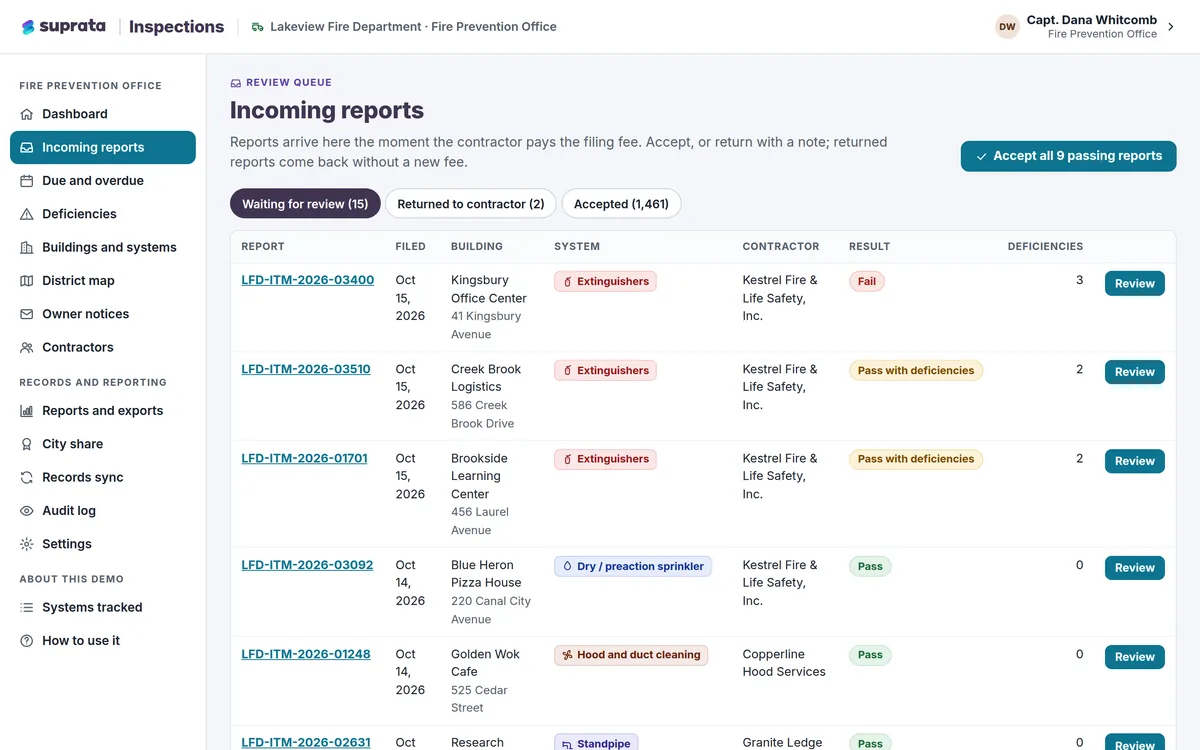
Outside contractors file inspection and test reports online, you see what is due, overdue or broken, and owners are notified automatically.
Learn more
Field & Service Operations
Suprata Inspections
Outside contractors file inspection and test reports online, you see what is due, overdue or broken, and owners are notified automatically.
Learn more
 Field & Service Operations
Suprata Property
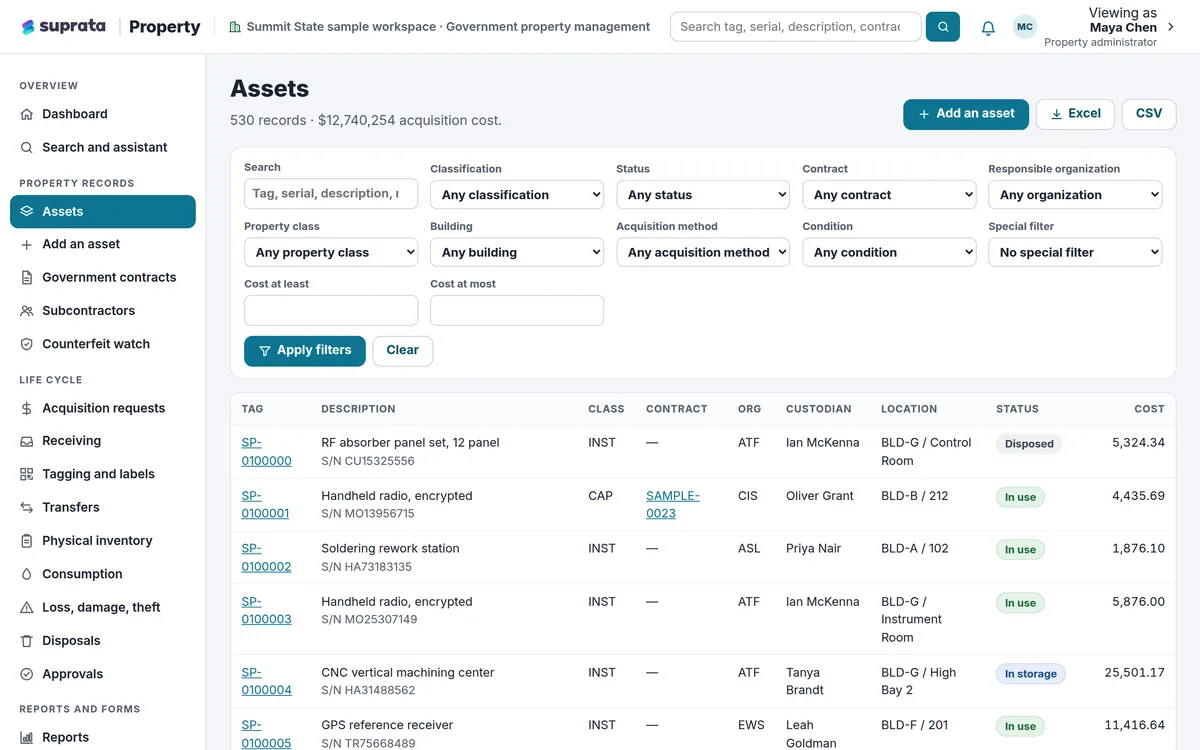
Track every piece of equipment and property from the day it arrives to the day it leaves, with barcode tags, inventories, transfers, approvals and an…
Learn more
Field & Service Operations
Suprata Property
Track every piece of equipment and property from the day it arrives to the day it leaves, with barcode tags, inventories, transfers, approvals and an…
Learn more
 Data & Insights
Suprata Insights
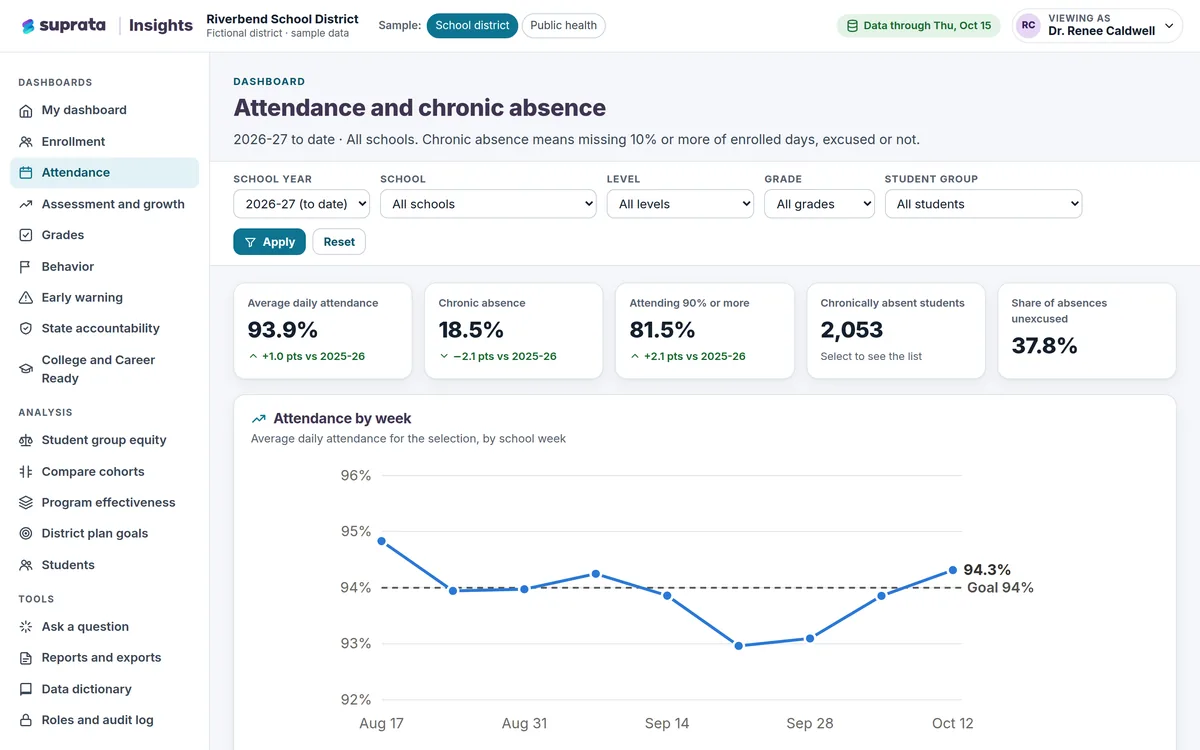
Turn records from many systems and sources into trusted dashboards: a private view for every role, a public dashboard for everyone else, and…
Learn more
Data & Insights
Suprata Insights
Turn records from many systems and sources into trusted dashboards: a private view for every role, a public dashboard for everyone else, and…
Learn more
Pricing
Ask about pricing for Works
Every organization is different, so we price Works around your size and needs. Tell us what you run and we’ll come back with a clear number.