
Grants, Benefits & Payments
Suprata Tax Relief Screening
Find tax breaks and benefits that no longer qualify, show the proof behind every flag, and track every dollar recovered.
Overview
What Suprata Tax Relief Screening does
Suprata Tax Relief Screening checks every property tax credit and exemption on the roll against outside records every night: death records, homestead claims in other states, second claims on other local parcels, voter and license addresses, deeds, business filings, rental listings and change-of-address data. Fourteen plain rules turn those matches into one risk score, and every point of the score links to the record behind it, so staff can see exactly why a property was flagged.
Reviewers work a queue sorted by risk, send letters, log owner replies and recommend removals; a manager approves every removal, and the system works out the back taxes and interest by year. A recovery ledger follows each dollar from billed to collected to verified, a state or regional office sees every member county side by side, and a tamper-evident audit trail backs up hearings and appeals. Any taxing office, or any program that grants a discount based on where someone lives, can use the same method.
Who it’s for
Built for organizations like yours
Tax Relief Screening fits a wide range of organizations. Hundreds of organizations already run their work on the Suprata platform.
- State revenue and taxation departments
- County auditors, assessors and property appraisers
- City and town assessing offices
- Tax collectors and treasurers
- School districts and special districts funded by property tax
- Regional councils running a shared program for many counties
- Utilities and public power districts with low-income or senior discount programs
- Housing authorities and benefit programs that must confirm where someone lives
- Private firms that do tax recovery or program-integrity audits for governments
Features
Everything Tax Relief Screening can do
54 capabilities in 8 areas. Every one of them can be shaped to your rules.
Screening and scoring
- Nightly or weekly matching of each county roll against state and national data sources
- Fourteen built-in rules: deceased owner, out-of-state homestead, second local parcel, business or trust owner, sale with no new application, rental activity, age, income, license address, expired disability certificate, voter address, change of address, low utility use, out-of-area mailing address
- One risk score from 0 to 100 that combines rules so two independent signals count more than one
- Each rule shows its weight, the match strength and the points it added
- High, medium and low risk bands with a queue threshold and a watch list below it
- Cross-county matching finds one owner claiming the same break in two counties
Reviewer queue and cases
- Personal 'My cases' queue sorted by risk
- Full flag queue with tabs for new, in review, information requested, awaiting approval, decided and all, each with counts
- Filters by program, risk band, reason and county, plus search by owner, parcel, address or case number
- Sort by highest risk, newest, largest estimated recovery or recently updated
- Top reasons shown as chips on every queue row
- Export the filtered queue to CSV
- Case page tabs: score and evidence, parcel and owner, activity, letters, recovery
- Evidence cards for each source record with match keys, confidence and record details
- Assign a case to yourself
- Request information with a dated response window
- Log the owner's response, add notes or phone calls
- Clear a case as eligible with a stated reason
- Recommend removal with an estimated charge-back by tax year
- Printable evidence packet for each case, for hearings and appeals
Manager approval and recovery
- Awaiting-approval list with a count in the menu
- Approve a removal or return it to the reviewer with a note
- Charge-back worked out by tax year, with reduction, interest and penalty
- Determination letter generated on approval
- Post a treasurer payment and verify the collection
- Record an appeal on a removed case
- Recovery ledger: billed, collected and verified, with monthly reconciliation
- Quarterly statement and a rate calculator to preview a contingency share
- Only verified collections count as recovered revenue
Letters
- Four letter types: request for information, notice of intent to remove, determination and charge-back notice, no change notice
- Letters written from the case record, with response due dates
- Letters and responses screen with counts for awaiting, answered and past due
- Printable letter view with the office letterhead
New application screening
- Screen a new application at the counter by name, date of birth, program and address
- Answer in about a second, with the score and the matching records
- Open a case straight from a risky application
- List of recent application checks and response times
Dashboards and reports
- County dashboard: open flags, removals, confirmation rate, revenue charged back and collected by month
- Case pipeline, flags by reason and team workload with responses coming due
- Statewide dashboard with a clickable map of live, onboarding and not-joined counties
- County comparison table and statewide totals
- Trends, year-over-year comparison and anomaly detection
- Model accuracy by rule (how often each rule leads to a confirmed removal)
- Exports in CSV, Excel and XML, plus scheduled reports
Settings, data and oversight
- Statewide rule weights with a range each county may adjust within
- County scoring console: change weights, turn rules off, change thresholds; saving rescores every open case
- Data sources and loads screen with validation results and exceptions
- Run a data load on demand
- Onboarding tracker for counties joining in a four-to-six-week cycle
- Each county sees only its own data; the state office sees all, read-only
- Audit trail of every sign-in, view, letter, decision and payment, chained so one click proves nothing was changed
Help and access
- Built-in step-by-step guides for reviewers, managers and the state office
- One-click role switch in the account menu for demonstrations
- Keyboard and screen-reader friendly, with a data table behind every chart
Screens
See Tax Relief Screening at work
Real screens from the working copy, filled with made-up sample data. Click any screen to enlarge it.
How it fits
One platform underneath
Suprata is a versatile workflow and business intelligence platform that delivers the power of custom software with ease and affordability. Tax Relief Screening is built on it, so it shares the same engine, records and controls.
Workflow & automation
Approvals, work queues, reminders and rules move every Tax Relief Screening request forward without anyone chasing it.
Business intelligence
Live dashboards for every role and custom reports built from your Tax Relief Screening data, with an AI report builder.
Customer portal
The people you serve sign in to apply, book, pay, upload documents and check status, day or night.
Payments & billing
When Tax Relief Screening takes money, card and bank payments, invoices and refunds land in one ledger.
Integrations & API
A documented API, webhooks and exports connect Tax Relief Screening to the systems you already run.
Click around a working copy
The working copy of Tax Relief Screening is filled with realistic, made-up data. There is no sign-up and no password. Pick a role and explore. Your changes stay in your own copy.
Related
Often used together
 Grants, Benefits & Payments
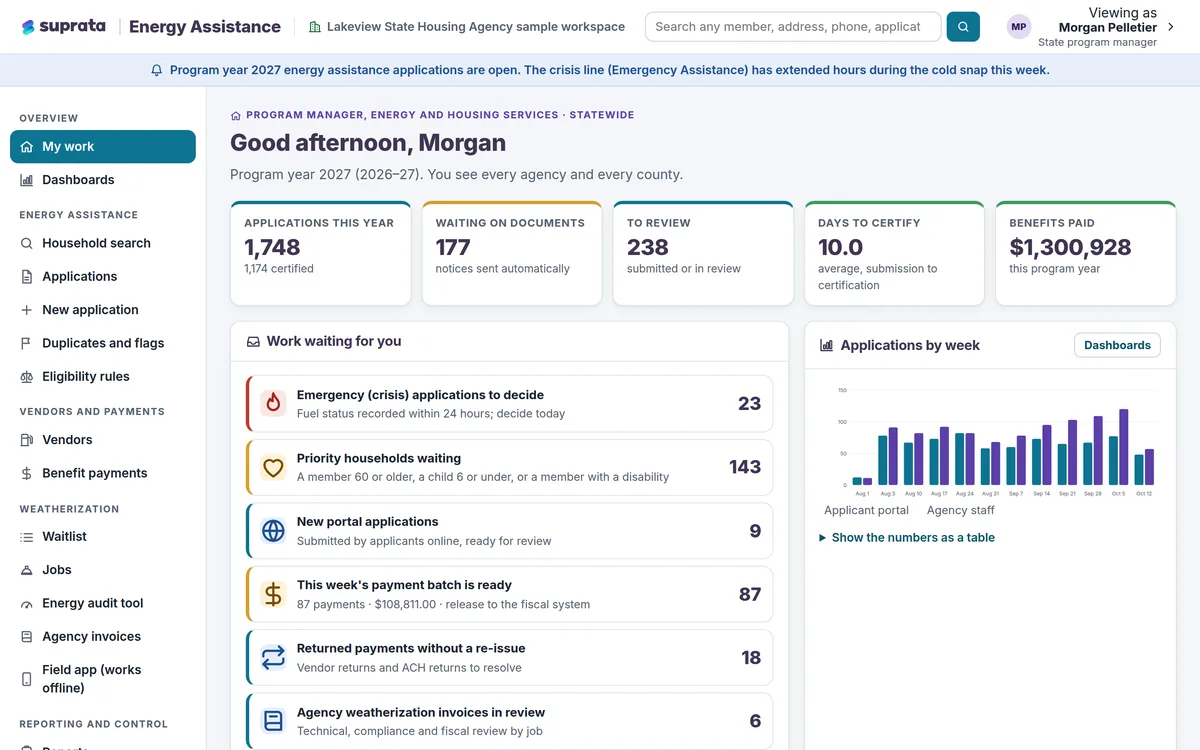
Suprata Energy Assistance
One household record for heating help and home weatherization, from online application to fuel vendor payment to the finished job.
Learn more
Grants, Benefits & Payments
Suprata Energy Assistance
One household record for heating help and home weatherization, from online application to fuel vendor payment to the finished job.
Learn more
 Data & Insights
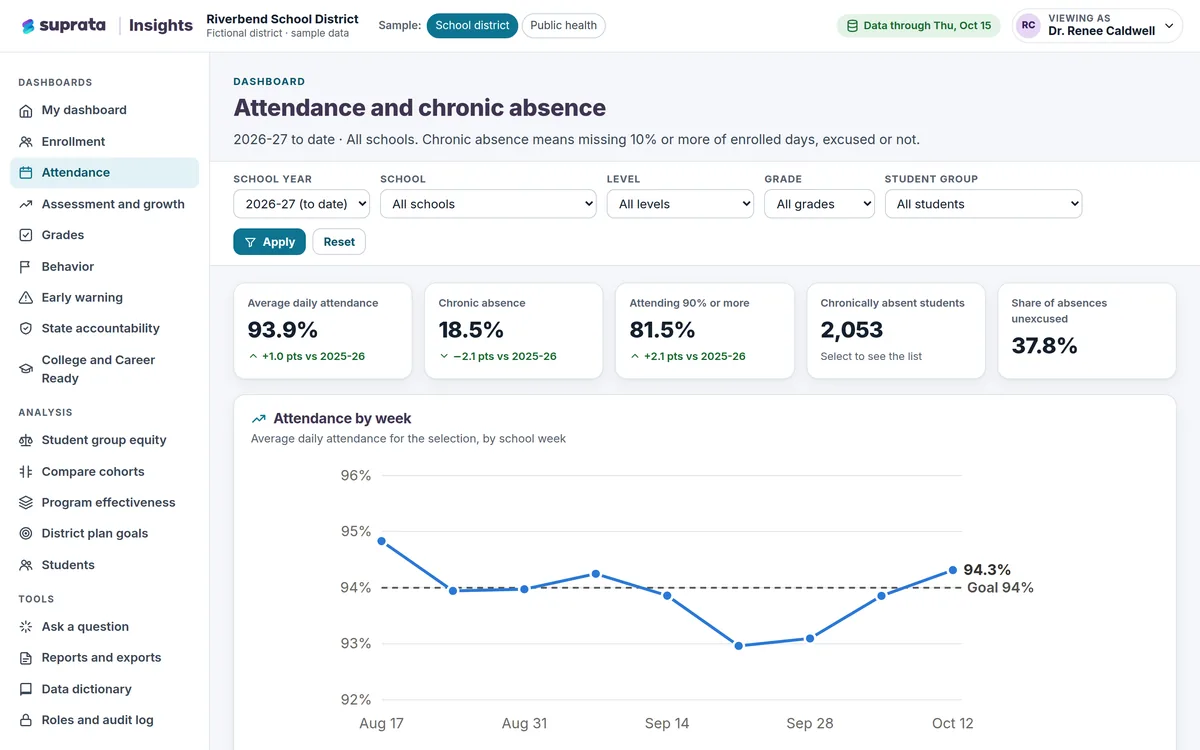
Suprata Insights
Turn records from many systems and sources into trusted dashboards: a private view for every role, a public dashboard for everyone else, and…
Learn more
Data & Insights
Suprata Insights
Turn records from many systems and sources into trusted dashboards: a private view for every role, a public dashboard for everyone else, and…
Learn more
 Grants, Benefits & Payments
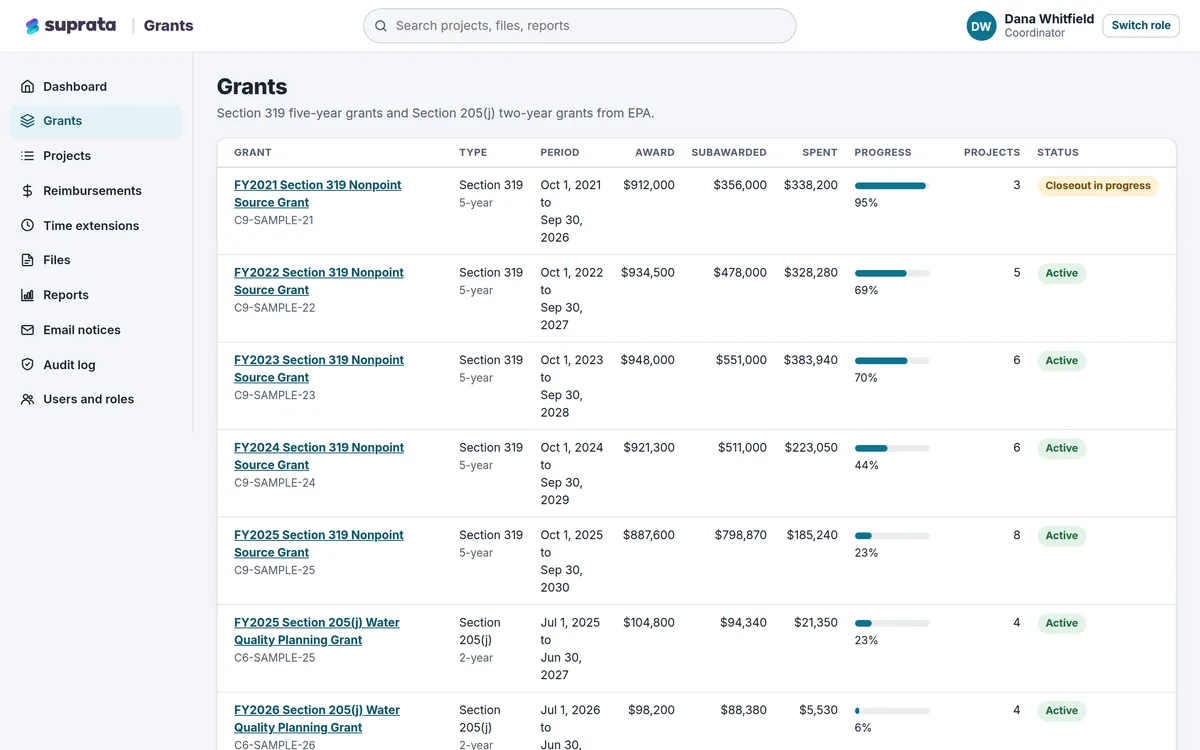
Suprata Grants
One secure place to run grants you pass on to partners: budgets, matching funds, reimbursements, reports, files and deadlines.
Learn more
Grants, Benefits & Payments
Suprata Grants
One secure place to run grants you pass on to partners: budgets, matching funds, reimbursements, reports, files and deadlines.
Learn more
Pricing
Ask about pricing for Tax Relief Screening
Every organization is different, so we price Tax Relief Screening around your size and needs. Tell us what you run and we’ll come back with a clear number.