
Grants, Benefits & Payments
Suprata Reporting
One secure place for funded organizations to file their reports and for the funder to review, flag, export and chart every dollar.
Overview
What Suprata Reporting does
Suprata Reporting replaces dozens of separate online forms with one portal. Each funded organization signs in, sees only the reports assigned to it, and fills in one smart form that combines performance measures, narrative and a spreadsheet-style budget. Questions appear only when they apply, tables total themselves, every answer saves as you type, and the report cannot be submitted until the budget matches the award.
Funder staff see every submission in one dashboard. They accept, flag or return reports, correct data with a recorded reason, build any query and export it to Excel, chart spending by category, program, organization and district, and send scheduled reminders. Each new fiscal year rolls forward from the last, with programs renamed, combined or retired while their history stays linked.
Who it’s for
Built for organizations like yours
Reporting fits a wide range of organizations. Hundreds of organizations already run their work on the Suprata platform.
- City councils and county boards that award discretionary or member-item funding
- State agencies and legislatures that fund community programs
- Foundations and community foundations
- United Ways and other federated funders
- Regional councils of government passing through federal and state grants
- School districts funding outside partners
- Universities managing sub-awards
- Health departments and hospital community benefit programs
- Housing authorities and workforce boards
- Corporate giving and sponsorship programs
- Any funder that collects periodic reports from many funded organizations
Features
Everything Reporting can do
53 capabilities in 8 areas. Every one of them can be shaped to your rules.
Organization portal
- Each person at an organization has their own account tied to the organization's tax ID on the funder's master list
- Self sign-up by tax ID with email confirmation; password reset
- Organization sees only its assigned reports; details fill in automatically
- Shared submission history across everyone at the organization
- Organization record with a 'report a correction' request and invite colleagues
- Help page and 'my reports' with due dates
Report form
- One form combining performance measures, narrative and budget
- Branching: questions appear only when they apply
- Tables and calculated fields that total themselves
- Autosave with a visible saved indicator; stop and return at any time
- Spreadsheet-style budget grid up to one hundred lines
- Paste rows straight from Excel, matched to budget categories
- Arrow-key navigation in grids
- Budget must equal the award before submission
- Downloadable budget template workbook
- Plain-language validation: tax ID digits, phone digits, word limits, required items, with each fix explained
- Word counter on narratives
- Multiple file uploads up to 25 MB each, with type checks and remove
- Certification step before submit
- Read-only after submission
Submission and revision
- Confirmation email with a full copy of the answers
- PDF copy that keeps the grid layout
- Reviewer can return a report with comments; organization revises and resubmits
- Every submitted version kept
Funder review
- Dashboard by cycle, status, category and deadline
- All submissions list with filters across any combination of fields
- Flagged items view: unbalanced budgets, incomplete drafts, missing reports, validation errors, staff flags
- Accept, flag, resolve or return with notification
- Authorized edits with reason and full change history (who, when, old and new value)
- Excel and CSV exports of submissions
Data and charts
- Query builder over any fields and form answers
- Saved queries and Excel or CSV export
- Charts that drill down from category to program, organization, area and district
- Awards by fiscal year, contracting agency, area and district
- Spent compared with budget on submitted reports
- Three-year view of the largest categories
- Chart data download as CSV
Communication
- Scheduled reminder emails with merge fields to contacts of every open report
- Contacts list
Setup and fiscal year rollover
- Organizations and tax ID master list with spreadsheet import and rejected-row check
- Programs (initiatives) with awards and linked history across fiscal years
- Rename, combine or retire a program while its history stays linked
- Form builder with question editing, branching and locks on forms in use
- Form preview
- Reporting cycles with open and due dates
- One-step rollover to the next fiscal year carrying programs, questions, cycles and assignments
Administration and security
- Funder users and roles: administrator, reviewer, unit head, analyst with custom permissions, view only
- Add users, set permissions, send password resets, deactivate
- Audit log of every action with CSV export
- Data retention (kept permanently) and security page
- Single sign-on and one-time code for staff
- Guided walk-throughs for submit, revise, review, export, rollover and admin
- Accessible at phone and desktop sizes
Screens
See Reporting at work
Real screens from the working copy, filled with made-up sample data. Click any screen to enlarge it.
How it fits
One platform underneath
Suprata is a versatile workflow and business intelligence platform that delivers the power of custom software with ease and affordability. Reporting is built on it, so it shares the same engine, records and controls.
Workflow & automation
Approvals, work queues, reminders and rules move every Reporting request forward without anyone chasing it.
Business intelligence
Live dashboards for every role and custom reports built from your Reporting data, with an AI report builder.
Customer portal
The people you serve sign in to apply, book, pay, upload documents and check status, day or night.
Payments & billing
When Reporting takes money, card and bank payments, invoices and refunds land in one ledger.
Integrations & API
A documented API, webhooks and exports connect Reporting to the systems you already run.
Click around a working copy
The working copy of Reporting is filled with realistic, made-up data. There is no sign-up and no password. Pick a role and explore. Your changes stay in your own copy.
Related
Often used together
 Grants, Benefits & Payments
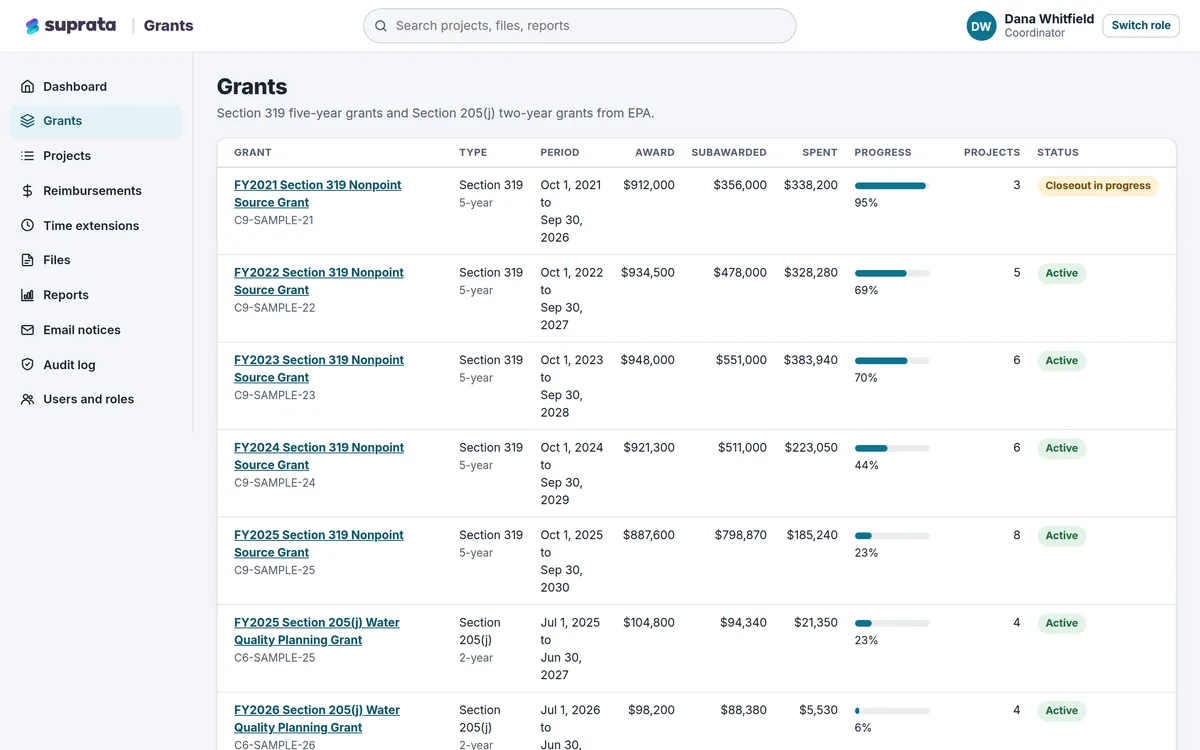
Suprata Grants
One secure place to run grants you pass on to partners: budgets, matching funds, reimbursements, reports, files and deadlines.
Learn more
Grants, Benefits & Payments
Suprata Grants
One secure place to run grants you pass on to partners: budgets, matching funds, reimbursements, reports, files and deadlines.
Learn more
 Permits & Forms
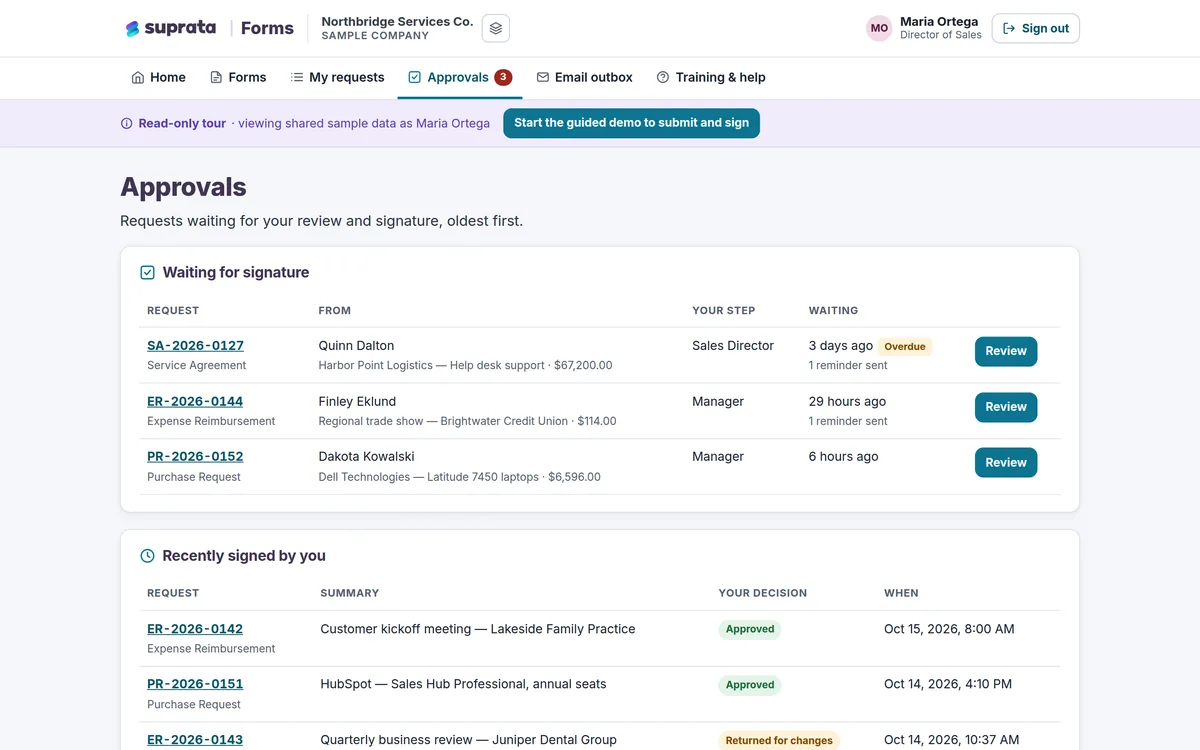
Suprata Forms
Turn paper forms into online forms that route themselves for approval, collect unlimited e-signatures and end in a signed PDF.
Learn more
Permits & Forms
Suprata Forms
Turn paper forms into online forms that route themselves for approval, collect unlimited e-signatures and end in a signed PDF.
Learn more
 Grants, Benefits & Payments
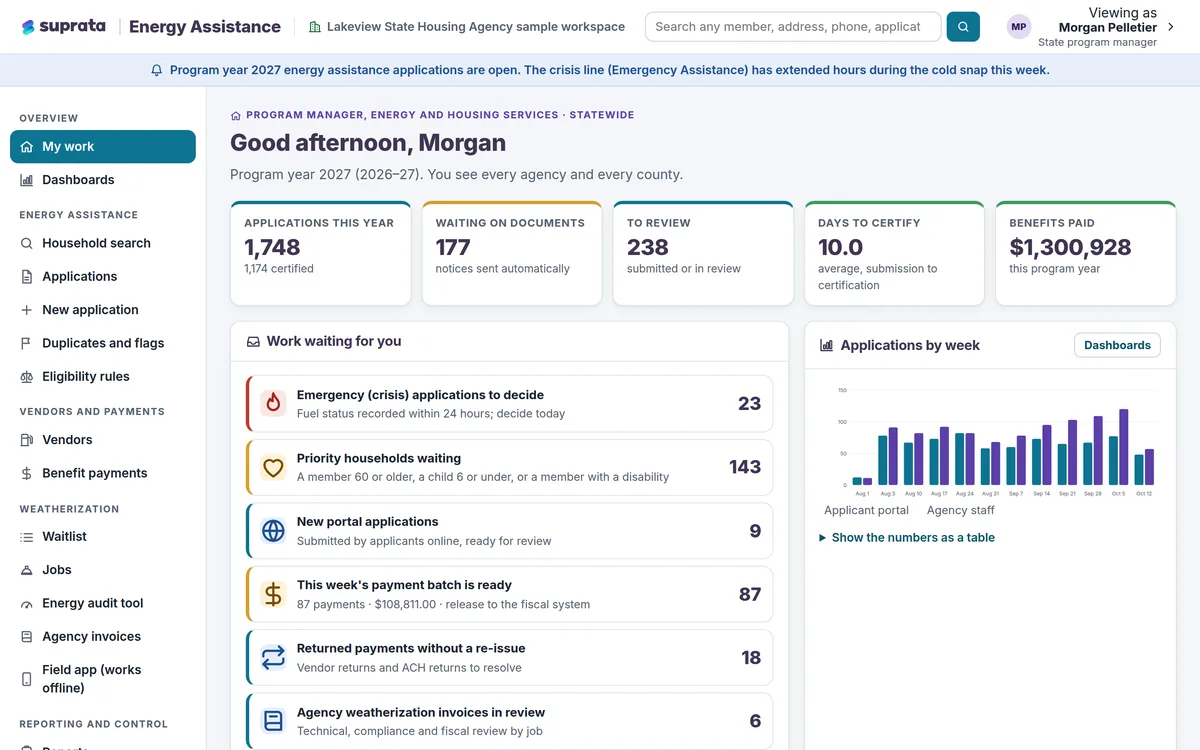
Suprata Energy Assistance
One household record for heating help and home weatherization, from online application to fuel vendor payment to the finished job.
Learn more
Grants, Benefits & Payments
Suprata Energy Assistance
One household record for heating help and home weatherization, from online application to fuel vendor payment to the finished job.
Learn more
Pricing
Ask about pricing for Reporting
Every organization is different, so we price Reporting around your size and needs. Tell us what you run and we’ll come back with a clear number.