
Training & People
Suprata Exercise
Build, run and review tabletop exercises and team simulations: scenarios without programming, several teams at once, a control team in charge, and a full record of every decision.
Overview
What Suprata Exercise does
Suprata Exercise is a platform for tabletop exercises, crisis simulations and teaching games. Designers build a scenario in plain forms with no programming: the people and groups involved, teams and roles, goals, a timeline of turns, a map, the decisions each team must make, and the rules that decide what happens next. Scenarios are versioned, can be copied, and can be exported.
During a run, several teams play at the same time and each person sees only what their team, role and access level allow. A control team runs the clock, sends new information, changes the situation, moves the story down a different path, and settles each outcome by rules, dice or human judgment. Every message, decision and change is time-stamped, so afterward you can replay the exercise turn by turn, compare teams and compare different groups who played the same scenario, print an after-action report, and download the data as spreadsheets.
Who it’s for
Built for organizations like yours
Exercise fits a wide range of organizations. Hundreds of organizations already run their work on the Suprata platform.
- Emergency management offices running disaster and continuity drills
- Cities, counties and towns practicing storm, flood, outage and public-safety response
- Utilities (water, power, gas) practicing cyber attack and service outage response
- Police, fire and EMS agencies and regional dispatch centers
- Hospitals, clinics and public health departments practicing surge and outbreak plans
- School districts practicing campus safety and crisis communication
- Colleges and universities teaching crisis decision-making, policy, business and security courses
- Military academies, war colleges and officer training programs
- Courts and justice agencies practicing continuity of operations
- State agencies and regional councils running multi-agency exercises
- Corporate risk, security and business-continuity teams
- IT and security teams running incident response tabletop exercises
- Banks, credit unions and insurers practicing crisis and fraud response
- Consulting and training firms that design and run exercises for clients
- Nonprofits and humanitarian groups practicing disaster relief coordination
- Ports, marinas, airports and transit operators practicing security and weather events
- Think tanks and research groups studying decisions with repeatable simulations
Features
Everything Exercise can do
66 capabilities in 5 areas. Every one of them can be shaped to your rules.
Scenario building (no programming)
- Scenario library with search by status: published, draft and archived
- Create a new scenario from a blank start or a two-sided starter with two teams and a control team
- Duplicate any scenario; the copy records where it came from
- Every change bumps the version and is listed in a version history
- Overview: title, summary, setting, purpose, tags, number of turns, turn label (move, phase, day), minutes per turn and game time per turn
- Actors: countries, groups, institutions or media, each with a type, description and which team plays it
- Teams with a name, color and type (player team or control team)
- Roles on each team with a description, authorities and an information access level (standard, leadership, control only)
- Per-role permissions: submit team decisions, post in the team room, post in liaison channels, issue public statements, ask the control team questions
- Communication channels with who can read them, a minimum access level and who may post
- Team objectives that are scored automatically from the game state against a target
- Team resources with quantity, unit and notes
- Timeline of turns, each with a title, game time and a situation brief sent at the start of the turn
- Planned injects (new information) scheduled by turn, with audience, access level and attributed source
- Map with markers, regions and routes; click the map to place a feature
- Map features can belong to a team, be visible only to some teams, and appear from a given turn
- Decision points: a question put to a team in a given turn with lettered options
- Branch tree of story paths, each with a parent, starting turn, condition and end-state flag
- Game-state variables (for example support, escalation, traffic) with start, minimum, maximum, who can see them and whether higher is better
- Probability tables using 1d6, 2d6, 1d10, 1d20 or percentile dice, with outcome, effects and branch per row
- Test roll button to try a probability table
- Rules: when a team picks an option (optionally combined with another team's choice or a state threshold), apply effects, roll on a table, and move to a branch
- Each rule chooses automated, combined (proposed then confirmed) or human judgment
- Built-in checks on effects so a rule cannot reference a variable that does not exist
- Publish or archive a scenario; export a scenario as a JSON file
- Sample scenarios: a maritime crisis, a hurricane relief coordination game and a water utility ransomware decision game
Running an exercise
- Launch an exercise from a published scenario with a name, run label, group or cohort, minutes per turn and start time
- Assign each person to a team role at launch; several exercises can run at the same time
- Turn clock with pause, resume, extend and start the next turn
- Situation briefs and planned injects go out automatically at the start of each turn
- Team view: the situation, the team's decision, information received, team brief, the game state the team may see, the map and its channels
- Only roles allowed to decide can submit the team decision, with a written rationale; time taken to decide is recorded
- Team rooms, leadership-only channel, cross-team liaison channels, a hotline, public statements and a control net
- Requests for information from teams to the control team, answered in the exercise
- Live activity feed that refreshes on its own
- Every item is filtered by team, role and access level, including map layers and state variables
- Seat perspectives page shows the same moment from six seats side by side
Control team and adjudication
- Control team view with decisions waiting, the full activity feed and every control form on one screen
- Deliver an unplanned inject to chosen teams at a chosen access level
- Change the game state by hand with a reason; the change is logged
- Automated outcomes: rules and dice applied the moment a team decides
- Combined outcomes: the system proposes a result with the dice roll and table row; the umpire confirms or overrides
- Human outcomes: the umpire decides directly with a required rationale
- Choose which teams receive each outcome
- Move the story to another branch, or create a new branch during play
- End the exercise and record the outcome
- Observers can flag significant moments and write notes without any controls
Record, review and export
- Time-stamped activity log of every inject, decision, message, intervention and game-state change
- Filter the log by type, team and turn
- After-action review: replay a finished exercise turn by turn with state, map, events and branch at each turn
- Game state over time charts
- Significant decision points: flags, overrides, large swings and branch changes
- Team comparison and every decision with how it was settled
- Compare runs of the same scenario side by side: decisions, game state and branch paths, with patterns found in the data
- Printable after-action report (print or save as PDF)
- Downloads: activity log, decisions and game state as CSV, the full exercise as JSON or Excel, and run comparisons as CSV
- Participant codes can replace names in research data sets
Administration, help and support
- Users and roles with five platform roles: administrator, exercise designer, control team member, observer, participant
- Permissions matrix by platform role
- Invite a user (invitation goes to the mailbox) and change a person's role
- Audit log of platform changes, exports and sign-ins, downloadable as CSV
- Security and data page: access control, data handled, protection and retention
- Onboarding guide by role and a help center with short articles for each role
- Support requests with category and priority, response-time table and escalation path
- "Viewing as" switch to try any seat; each browser has a private copy that can be reset
- Works on phones and desktops; checked for accessibility
Screens
See Exercise at work
Real screens from the working copy, filled with made-up sample data. Click any screen to enlarge it.
How it fits
One platform underneath
Suprata is a versatile workflow and business intelligence platform that delivers the power of custom software with ease and affordability. Exercise is built on it, so it shares the same engine, records and controls.
Workflow & automation
Approvals, work queues, reminders and rules move every Exercise request forward without anyone chasing it.
Business intelligence
Live dashboards for every role and custom reports built from your Exercise data, with an AI report builder.
Customer portal
The people you serve sign in to apply, book, pay, upload documents and check status, day or night.
Payments & billing
When Exercise takes money, card and bank payments, invoices and refunds land in one ledger.
Integrations & API
A documented API, webhooks and exports connect Exercise to the systems you already run.
Click around a working copy
The working copy of Exercise is filled with realistic, made-up data. There is no sign-up and no password. Pick a role and explore. Your changes stay in your own copy.
Related
Often used together
 Training & People
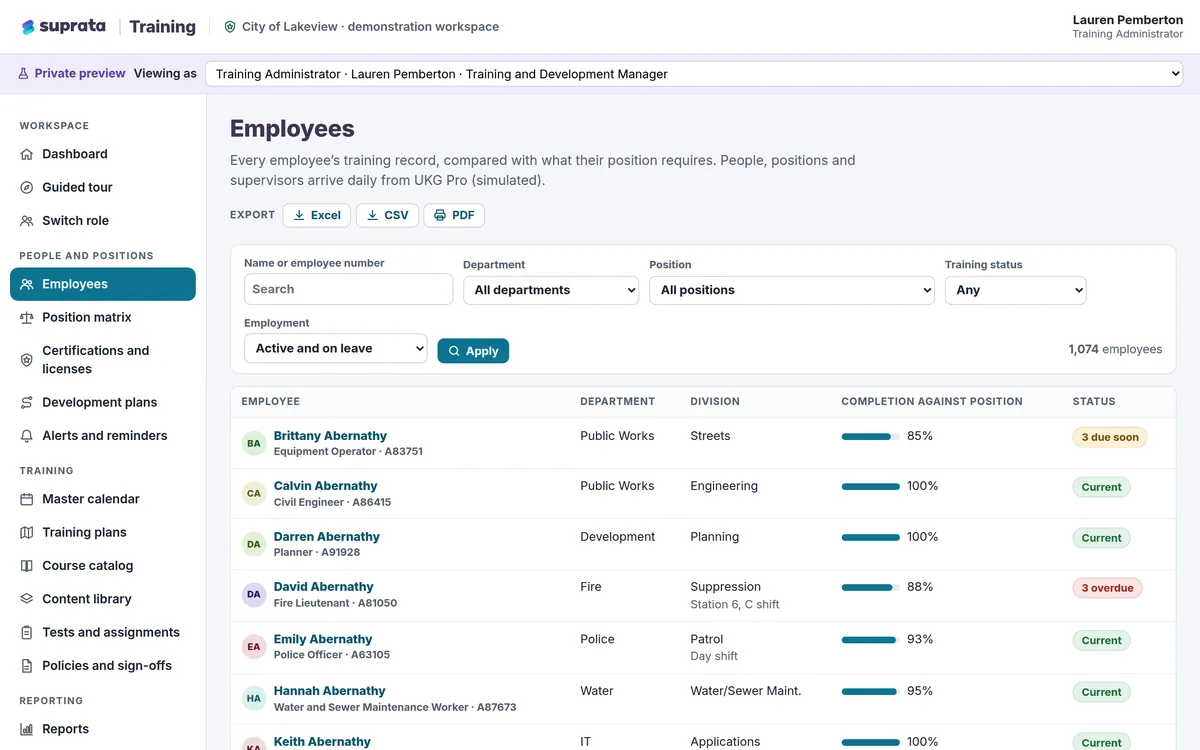
Suprata Training
One training and certification system for your whole workforce: training by job, requirements that check themselves, courses that play in the…
Learn more
Training & People
Suprata Training
One training and certification system for your whole workforce: training by job, requirements that check themselves, courses that play in the…
Learn more
 Training & People
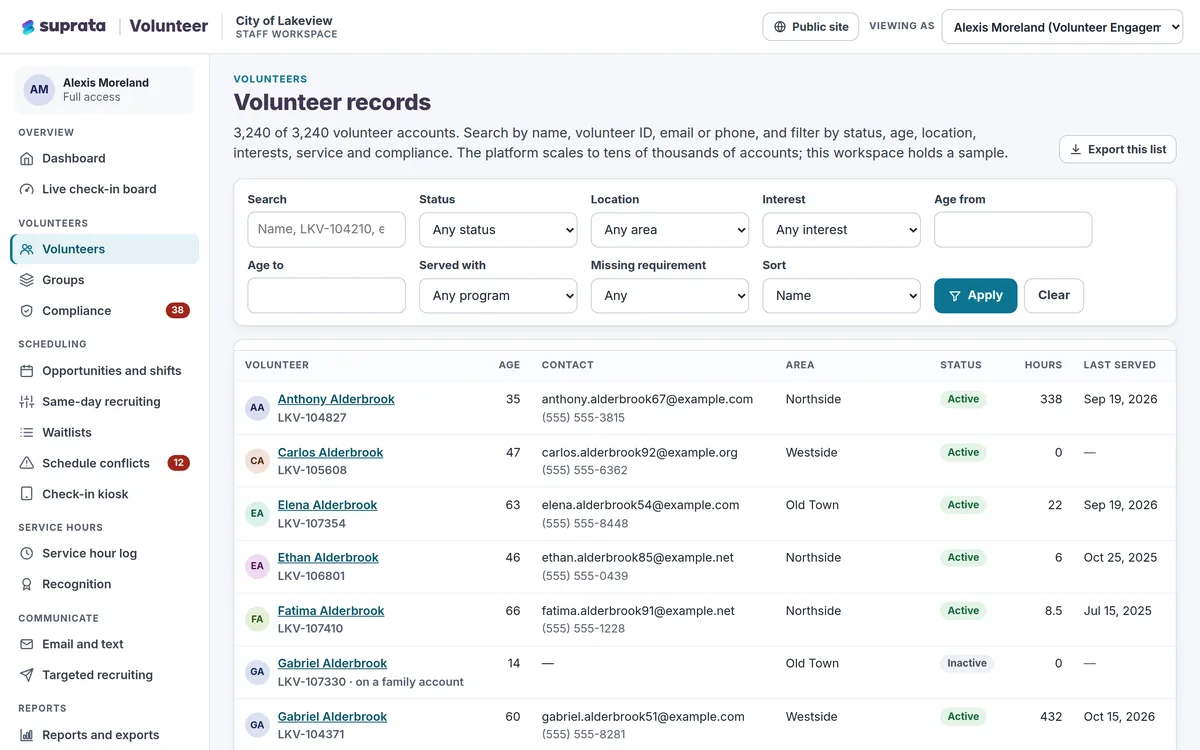
Suprata Volunteer
Recruit, screen, schedule, check in, thank and report on every volunteer in one place, with a phone-first sign-up that takes about a minute.
Learn more
Training & People
Suprata Volunteer
Recruit, screen, schedule, check in, thank and report on every volunteer in one place, with a phone-first sign-up that takes about a minute.
Learn more
Pricing
Ask about pricing for Exercise
Every organization is different, so we price Exercise around your size and needs. Tell us what you run and we’ll come back with a clear number.