
Training & People
Suprata Volunteer
Recruit, screen, schedule, check in, thank and report on every volunteer in one place, with a phone-first sign-up that takes about a minute.
Overview
What Suprata Volunteer does
Suprata Volunteer runs a whole volunteer program, or many programs under one roof. Volunteers find opportunities on a public search page, sign up from a phone with a one-time code instead of a password, add family members or register a whole group, and get the shift straight into their calendar.
Each opportunity carries its own steps: waivers, document uploads such as a CPR card, background clearance, a training video with a quiz, and staff approval. Statuses update on their own and volunteers are reminded before anything expires. On event day volunteers check in at a kiosk or with their own phone, coordinators watch a live board across every site, and hours flow into recognition tiers, messages, reports and a dollar value of volunteer time.
Who it’s for
Built for organizations like yours
Volunteer fits a wide range of organizations. Hundreds of organizations already run their work on the Suprata platform.
- Cities, towns and counties with volunteer programs across many departments
- Libraries, parks and recreation, and community centers
- School districts and parent-teacher groups
- Colleges and universities (service learning, events, alumni volunteers)
- Hospitals, clinics, hospices and senior care
- Food banks, shelters, animal shelters and other nonprofits
- Museums, zoos, gardens and nature centers
- Youth sports leagues and coaching programs that need certifications and background checks
- Large one-day events, races, festivals and cleanups
- Faith communities and service clubs
- Courts and probation community-service programs
- Emergency management and community response teams
Features
Everything Volunteer can do
62 capabilities in 9 areas. Every one of them can be shaped to your rules.
Volunteer side (public and phone)
- Public opportunity search by age, type of work, duration, date, location and program
- Opportunity calendar view
- Opportunity pages that sit beside an existing website without changing it
- Sign-up in about a minute with a one-time passcode by text or email, no password
- Shift goes into the volunteer's calendar (calendar file link)
- Family accounts: a parent adds and registers minors
- Group leaders register their team and manage the group schedule
- Private registration links so an opportunity is visible only to people who get the link
- Compliance page: accept waivers, upload certificates from the phone, see status
- Training video with captions and a short quiz; passing advances the workflow
- My schedule (printable), past shifts and attendance
- My hours with printable transcript and CSV download
- Messages from staff, profile and preferences
- Recommended opportunities for the volunteer
- Installable phone app (web app manifest)
- Help page and a question-answering assistant from staff-written answers
Compliance and onboarding workflows
- Each opportunity has its own stages: waivers, documents, background clearance, training and approval
- Staff set stages per opportunity without programming
- Requirement library with validity periods and reminder lead times
- Staff review uploaded documents and approve or reject
- Background clearance dates entered by staff with notes
- Automatic status change on a passing quiz score
- Expiring and expired list with reminders before expiry
- Progress of every volunteer visible at a glance
Scheduling
- Opportunities and shifts by program and site, with minimum and maximum per shift
- Add shifts and recurring dates
- Waitlists: when a spot opens the first eligible volunteer moves in and gets a text
- Overlapping shifts (more than 15 minutes) flagged before booking
- Schedule conflicts page for staff to resolve
- Same-day recruiting for shifts below their minimum
- Staff can register, cancel or promote volunteers on any shift
Event-day check-in
- Check-in kiosk per site for a tablet
- Find yourself by name, volunteer ID or phone number
- Scan a QR code to check in with your own phone
- Walk-in registration at the kiosk
- Live check-in board across every site: present, not yet arrived, no-show
- Volunteers on consecutive or multiple shifts today highlighted
- Check-out and hours recorded automatically
Service hours and recognition
- Service hour log with hand entry and corrections, each with change history
- Hours by program, by month and by year
- Recognition tiers defined by hours and date range
- Record awards for selected volunteers, including prior recognition
- Past awards kept on each record
Communication and recruiting
- Email and text messages to any filtered group (for example everyone missing a certificate)
- Scheduled and sent message history
- Targeted recruiting invitations to matching volunteers
- Automated notifications (confirmations, reminders, waitlist moves) configurable in settings
Staff workspace
- Dashboard with real-time program statistics, outstanding compliance and training, and latest activity
- Volunteer records with profile, compliance, shifts, hours, awards, staff-only notes and messages
- Groups list and group schedules
- Programs (divisions) each with their own opportunities and staff
Reports
- Custom reports on compliance, scheduling, attendance and hours
- Saved reports and export in common formats
- Return on volunteer investment using a published value of volunteer time, with source shown
Administration, security and migration
- Staff access levels: full, limited (by program) and technology administrator
- Permissions matrix and per-user access, disable accounts
- Staff single sign-on with multi-factor authentication
- Security log and sign-on settings
- Custom fields on volunteer records
- Data import from a legacy volunteer system: upload, map columns, validate, review rejected rows, commit, with counts reconciled
- Import history
- Audit trail of every change with date, time and user
Screens
See Volunteer at work
Real screens from the working copy, filled with made-up sample data. Click any screen to enlarge it.
How it fits
One platform underneath
Suprata is a versatile workflow and business intelligence platform that delivers the power of custom software with ease and affordability. Volunteer is built on it, so it shares the same engine, records and controls.
Workflow & automation
Approvals, work queues, reminders and rules move every Volunteer request forward without anyone chasing it.
Business intelligence
Live dashboards for every role and custom reports built from your Volunteer data, with an AI report builder.
Customer portal
The people you serve sign in to apply, book, pay, upload documents and check status, day or night.
Payments & billing
When Volunteer takes money, card and bank payments, invoices and refunds land in one ledger.
Integrations & API
A documented API, webhooks and exports connect Volunteer to the systems you already run.
Click around a working copy
The working copy of Volunteer is filled with realistic, made-up data. There is no sign-up and no password. Pick a role and explore. Your changes stay in your own copy.
Related
Often used together
 Training & People
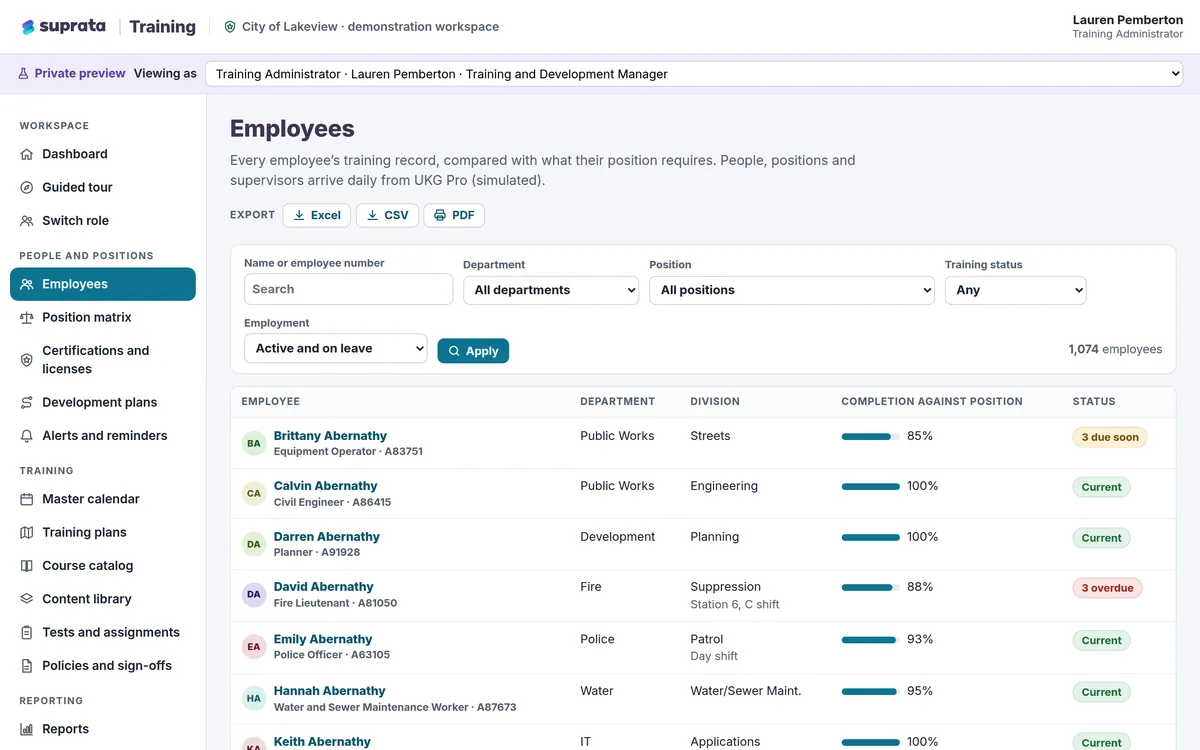
Suprata Training
One training and certification system for your whole workforce: training by job, requirements that check themselves, courses that play in the…
Learn more
Training & People
Suprata Training
One training and certification system for your whole workforce: training by job, requirements that check themselves, courses that play in the…
Learn more
 Permits & Forms
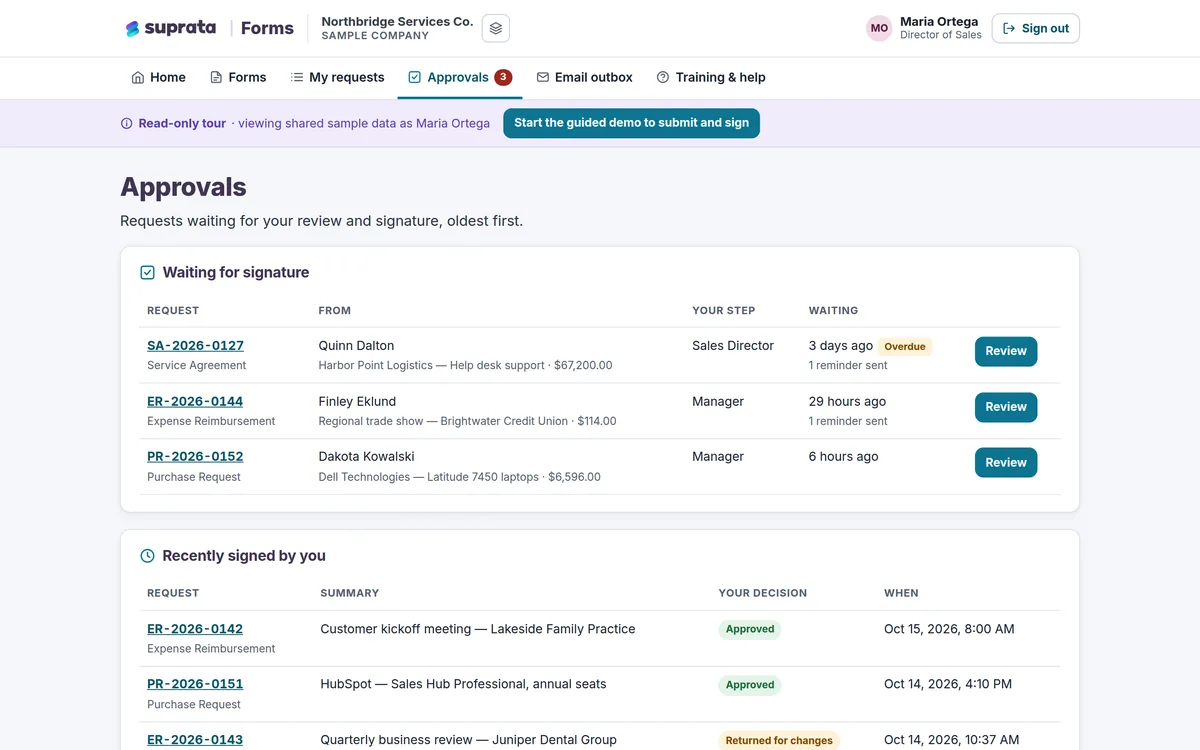
Suprata Forms
Turn paper forms into online forms that route themselves for approval, collect unlimited e-signatures and end in a signed PDF.
Learn more
Permits & Forms
Suprata Forms
Turn paper forms into online forms that route themselves for approval, collect unlimited e-signatures and end in a signed PDF.
Learn more
 Reserve & Rent
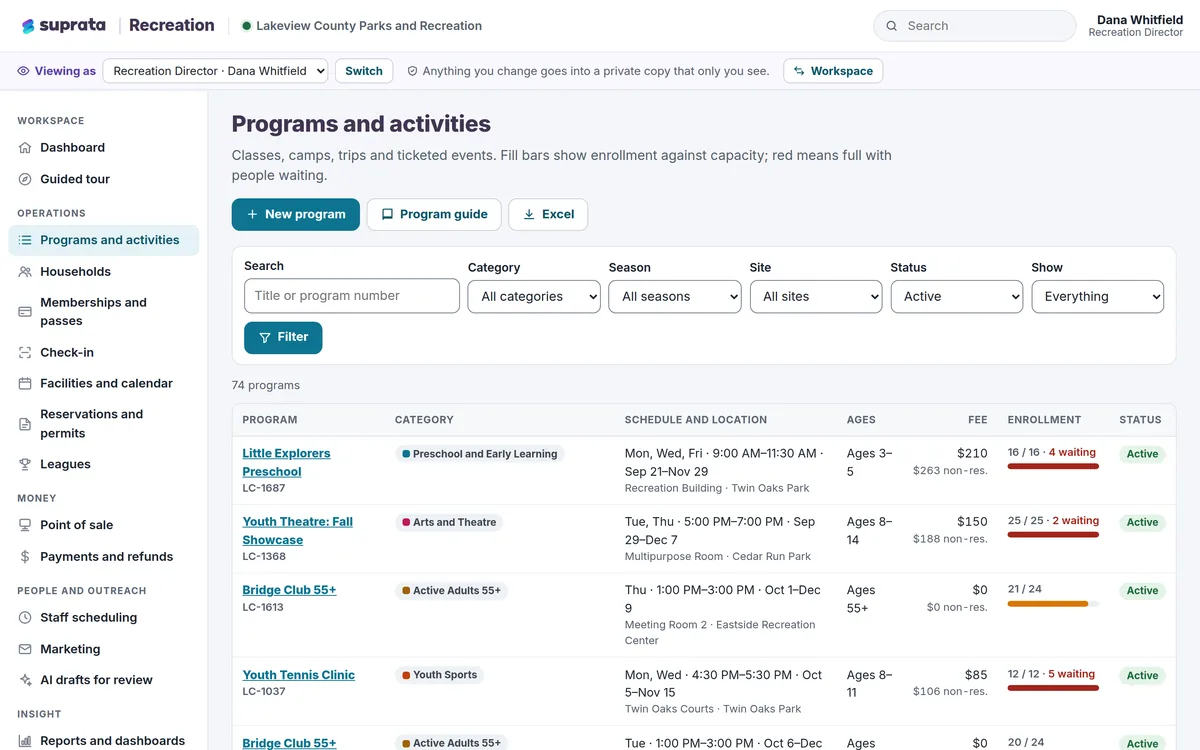
Suprata Recreation
One system for recreation programs, family registration, memberships, facility rentals, leagues, the front desk and payments, with a phone app for…
Learn more
Reserve & Rent
Suprata Recreation
One system for recreation programs, family registration, memberships, facility rentals, leagues, the front desk and payments, with a phone app for…
Learn more
Pricing
Ask about pricing for Volunteer
Every organization is different, so we price Volunteer around your size and needs. Tell us what you run and we’ll come back with a clear number.