Work queue
One list of every customer you need to reach: renewals, visits to book, calls and follow-up surveys. Nothing leaves the list until someone records what happened.

Workflow and automation
Work queues, approvals, automations, forms, rules and reminders turn the way you already work into a system. Every request lands somewhere, gets owned by someone and ends with a record of what happened.
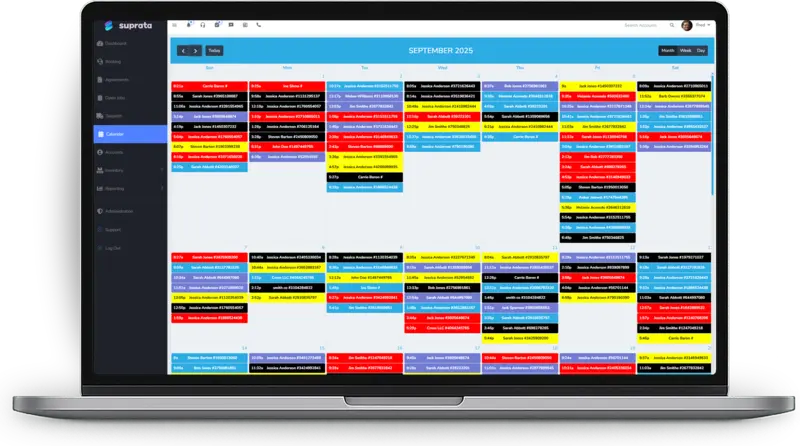
Suprata is a versatile workflow and business intelligence platform that delivers the power of custom software with ease and affordability. Buy Suprata Suite tonight and be set up in minutes. Then shape it as far as your business logic, intelligence and workflows need.
How a request flows
One request touches the work queue, approvals, the field, billing and reports. Automations (in teal) do the routine steps for you along the way.
The building blocks
Use them on their own, or combine them into a workflow that fits your organization exactly.
One list of every customer you need to reach: renewals, visits to book, calls and follow-up surveys. Nothing leaves the list until someone records what happened.
When something happens, and the situation matches, do something. Send a text, change a status, create a task or an invoice, on its own.
The Automation Builder in 90 SecondsTriggers and Actions — the Vocabulary
Route contracts, refunds and pricing exceptions to the right approver. A document waiting for a decision cannot be sent until someone decides.
Industry forms attach to the right jobs on their own, based on the job type. Adjust their fields with the form builder, or have a new one built.
Job types decide which forms attach and which workflow runs. Status changes send notices, create invoices and update the board.
Appointment confirmations and reminders, renewal notices and expiring-document alerts go out on a schedule, so no one has to remember.
Appointment Confirmations and RemindersStaying ahead of expiring documents
Customer and internal requests become tracked tickets with a queue, an owner, statuses and a full history.
Service agreements and recurring appointments create the next job and the next invoice on their own cadence.
The work queue
Agreements run out because nobody called. Visits sit on the calendar as “sometime in March”. The work queue fixes that leak.
Help articles:Working the Work Queue
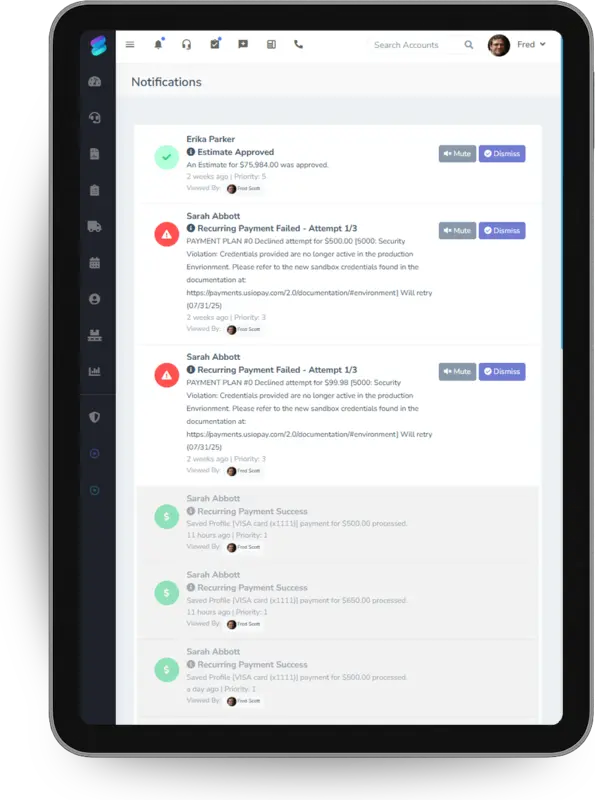
The automation builder
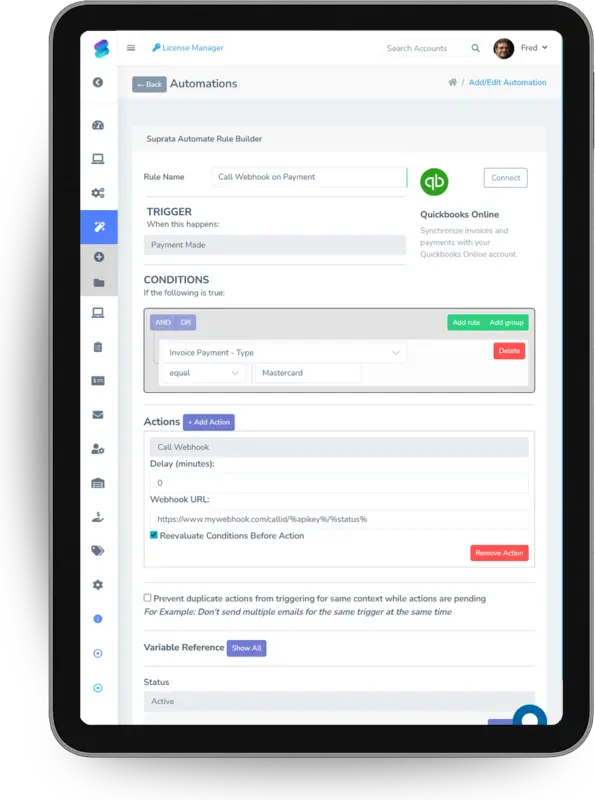
Every automation has a trigger, optional conditions and one or more actions. If you can say it in one plain sentence, you can build it without code.
Help articles:The Automation Builder in 90 SecondsTriggers and Actions — the Vocabulary
Start here
The help center recommends starting with dull, repeatable steps. These are the ones that pay back fastest.
| Automation | Trigger | What it does |
|---|---|---|
| Appointment reminder | Time before: 24 hours before the visit | Send email and text |
| Past-due nudge | Time since: invoice unpaid 7, 14 and 21 days | Send email, firmer each time |
| Post-job follow-up | Job status changed to Complete | Wait until the next morning, then thank the customer and ask for a review |
| Tech on the way | Job status changed to In Progress | Send text |
| Renewal outreach | Agreement nearing its end date | Send email, add a call to the work queue |
| Big-invoice alert | Invoice created above an amount you set | Notify a manager |
Read the recipe. Three Automations Most Businesses Want on Day One gives the trigger, conditions, timing and wording for each. Automations are part of GrowthSuite and Pro Suite; see pricing.
Approvals and signatures
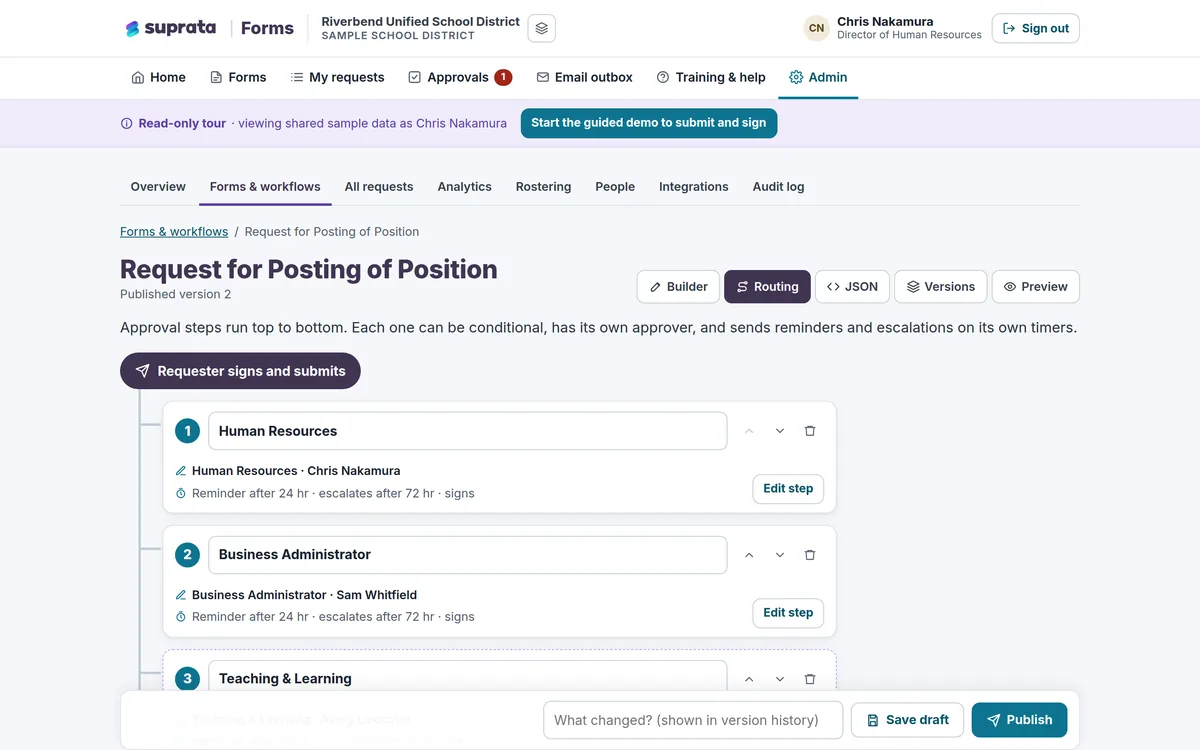
Some documents should never go out without review. Approvals make that review explicit, fast and on the record.
Help articles:Document approvalsJob Attachments — Photos and Signatures
From the help center
Every capability on this page is documented in the Suprata help center. Start with these articles.
More of the platform
Ready when you are
Suprata is a versatile workflow and business intelligence platform that delivers the power of custom software with ease and affordability. Start with Suprata Suite on your own tonight, or let our team shape it around the way you work.