
Permits & Forms
Suprata Permits
Online permits and licenses from first question to final inspection: apply, check the map, pay, review, approve, issue and inspect in one place.
Overview
What Suprata Permits does
Suprata Permits takes any permit or license process online. Applicants answer a few guided questions, find their parcel or mark the location on a map, upload plans, pay and follow every step. The system checks the location against your map layers on the spot (zoning, wetlands, flood zone, distance to water, overlapping work nearby) and shows which permits apply, the fee and the review path before anyone submits. Staff get a work queue with due dates, plan markup, electronic signatures, permit documents with a QR code anyone can scan to verify, and a phone-friendly app for field inspections.
Everything is set up without code: permit types, fees, questions, required documents, workflows with parallel reviews, rules, conditions, letters and roles. Due dates are enforced with reminders and escalation, bonds and insurance are checked automatically, and every change is kept in a complete audit trail. Applications that need a board hearing land on a meeting agenda, neighboring owners within a chosen distance get mailing labels, and one system can serve several programs or several member towns side by side, from road and utility work to building, zoning, sewer connections and business licenses.
Who it’s for
Built for organizations like yours
Permits fits a wide range of organizations. Hundreds of organizations already run their work on the Suprata platform.
- state transportation and highway agencies
- cities and towns
- counties
- special districts (sewer, water, drainage)
- public utilities and utility contractors
- ports, airports and transit authorities
- universities and large campuses with their own roads and facilities
- parks and recreation departments
- building and code enforcement offices
- business licensing offices
- event and film permitting offices
- private property managers and developers that grant site access or work permits
- homeowner and community associations
- tribal governments
- Towns, villages and cities (planning, zoning and code offices)
- Counties and regional planning agencies serving several towns
- Shared-services groups of small municipalities
- Lake, river and coastal protection districts
- Park and conservation agencies that review land use
- Tribal planning departments
- Special districts that issue connection or use permits
- Health departments issuing septic and wastewater permits
- Short-term rental and licensing programs
- Universities and large campuses with internal building review
- Homeowner associations and planned communities with architectural review
- Private planning and engineering firms that run permitting for client towns
Features
Everything Permits can do
101 capabilities in 15 areas. Every one of them can be shaped to your rules.
Public portal (no sign-in)
- Public home page that lists every permit program, recently issued permits and quick links
- Look up an issued permit by permit number, application number, route, town or address; personal details of individual permittees stay hidden
- Scan the QR code on any permit to confirm it is real and still valid (permit verification page)
- Public permit map showing active work zones and upcoming closures, with sample layers for regions, routes, schools, bridges and sensitive areas
- Library of standard designs and detail drawings (PDF and image), tagged by the regions where each applies
- Help library with how-to articles, fees, inspections, renewals, bonds and training guides
- Virtual assistant that answers plain-language questions (which permit, what it costs, which documents, where an application stands) from the help library, work-type catalog and fee schedule, with links to its sources
Applying online
- Guided start: two quick questions suggest the right permit type, or pick from the full catalog
- Questions adapt to earlier answers, with field help, live checks as you type and a list of problems before you submit
- Draw the work area on a map; overlaps with other live permits are flagged while you draw
- Fee estimate updates as you answer (per foot, per pole, per day, per lane, per unit, by construction value, deposits and impact fees)
- Required documents listed per permit type, with upload of PDF, Word, Excel, images, drawings and email files, each with a description
- Terms and conditions configured per permit type and accepted before submitting
- Save drafts, discard drafts, and save any application as a reusable template for repeat filers
- Track status and the current step, read reviewer comments and letters, then revise and resubmit a returned application
- Request time extensions, renew annual permits, send a notice before work starts, and withdraw an application
Applicant self-service
- My Permits dashboard: drafts, in review, active, expiring soon, and closed
- Organization accounts: an account administrator invites colleagues and sets their access; members see only their organization's records
- Bonds and insurance on file, including blanket bonds that cover every permit, with upload of renewals
- In-app notifications (also recorded as emails) with the application number and description
Staff review and workflow
- Personal work queue of everything waiting for you, with approve-by dates and step timers
- One shared permit record with tabs for overview, workflow, documents, comments, conditions, fees, financial security, inspections and full history
- Visual workflow strip showing finished, current, skipped and upcoming steps, including parallel reviews
- Plan markup directly on uploaded drawings, with a comment on each mark and markup status
- Recommend, approve, disapprove or return to the applicant, with form letters that give the reasons
- Final approval with an electronic signature written to the record's transaction log with a fingerprint of the record as signed
- Add or remove permit conditions from a standard conditions library
- Reassign a step to another person; internal comments that travel with the workflow
- Work-zone conflict board listing live permits whose work areas and dates overlap
- Advanced search on any field with sort and filter on every column and CSV export
- Read-only 'view as applicant' support session to see exactly what an applicant sees
Bonds, insurance and money
- Financial security queue for bonds, insurance, deposits and blanket bonds
- Review assistant reads each certificate and checks amount, approved surety list, principal, the agency as obligee or additional insured, and coverage dates, then flags problems for the reviewer to decide
- Fees, deposits and balances on each permit, with payment step in the workflow
Issuing permits
- Permit numbers assigned in sequence, continuing from a configured starting number
- Permit document generated as a PDF from the agency's own template, with standard conditions and a QR verification code
- Print view of a permit with its attachments and messages; regenerate the permit document when details change
- Close-out of finished work and required inspections created automatically at issuance
Field inspections
- Phone-friendly field app with today's inspections
- Checklists per permit type, photos with location, notes, pass or fail result and typed inspector signature
- Week schedule of inspections; applicants request inspections from their permit and staff schedule any required one
- Permittee notified right away; a failed inspection schedules its own re-inspection
Service levels and reporting
- Business-day timers on every step, including time spent waiting on the applicant
- Automatic reminders before the approve-by date, escalation to the supervisor after it, then to the program manager with optional automatic reassignment
- Service-level board with an escalation log
- Dashboards and key numbers: applications by status, received by month, permits issued by type, average days in each step
- Predefined reports plus build, copy, share and delete your own; tables and charts; CSV export and print-ready layouts
Configuration without code (administrators)
- Permit types: fees, units, deposits, bond and insurance minimums, maximum duration, renewals, required documents and terms
- Application questions with show-if logic, limits, patterns and help text; five agency-defined custom fields that are searchable
- Workflow designer: steps, parallel steps, roles, time limits, payment and signature steps, region-specific variants
- Business rules that pick a workflow, skip or auto-complete steps, require documents or fields, add conditions, set priority, assign a person, change time limits or send alerts
- Distribution lists by permit type, region and step
- Standard conditions library, permit and letter templates with merge fields and PDF preview
- Roles and permission matrix, internal and external users, organizations, supervisors, programs and regions
- Lookup tables, attachment rules (file types, sizes, retention), electronic signature settings and log
- Help article editor feeding both the help library and the field-level help
- Several permit programs side by side (for example highway, sewer and city building/licensing), each with its own work types and workflows
Security, audit and integration
- Sign-in with password and a second factor (app, text or email)
- Applicants see only their own organization's records; staff see only their assigned programs
- Tamper-evident audit trail of every change (who, when, session, channel, old and new value) with filters and CSV export
- Session log for every sign-in
- Documented REST API (permits, inspections, work types, conflicts, map data as GeoJSON) with an OpenAPI file, scoped API keys and webhooks
- Data import tools and file layouts for moving records in from older systems
- Architecture and operations page with load-test evidence for 50 users at once
Planning and zoning
Public portal
- Choose your community; each community gets its own branded portal page with office, phone and hours
- List of permits offered in that community, with a plain description of each
- 17 permit types out of the box: variances, lot line changes, zoning permits, waterfront review, stormwater, septic, short-term rental, site plan, sound, subdivision, signs, floodplain, docks
- Fee and review path shown before applying
- Parcel search by address or tax map number with live suggestions
- Parcel map with the parcel outline highlighted
- Automatic map checks on the chosen parcel: zoning district, land-use class, mapped wetlands, flood zone, nearest waterbody and distance, average slope
- Automatic county or regional referral flag with the reasons listed
- Application form with applicant details, project description, estimated cost, and new housing type and units
- Confirmation with application number
- Check application status by number, with a step-by-step progress tracker
- Public parcel lookup page
Staff workspace
- Dashboard with work queue, recent activity and upcoming board meetings
- Applications list with filters by status, community, permit type and referral flag
- Application record: parcel card, map checks, applicant, project, fee, payments, activity log
- Move an application through its configured steps with one click
- Send the county or regional referral and log it
- Place an application on a board meeting agenda
- Approve and issue a permit with an automatic permit number and expiration date
- Deny with the applicant notified
- Record fee payments by check, cash or money order with receipt numbers
- Staff map showing all applications on the parcel map, colored by status, with zoning, land class, wetland, flood and road layers
- Community staff see only their community; regional staff see all
Boards and notices
- Planning board and appeals board meeting calendar per community
- Meeting page listing the applications on the agenda
- Board agenda download as a Word document
- Abutter search: every parcel within 200, 500 or 1,000 feet of the subject parcel
- Owner mailing labels on Avery 5160 sheets as a Word document
Reports
- Live statistics by community, permit type and date range, with charts and tables
- Applications by permit type and by month
- CSV export
- Housing-production summary (units approved by community and type, and review timeliness) as a Word document
Setup and administration
- Each community sets its own permit types, flat fees, review steps, target days and boards
- Permit types, fees and workflows page per community
- Add a new community by configuration in five steps; list of communities ready to add
- Staff roles: regional planner, zoning administrator, clerk or deputy
- Every action recorded in the application activity log
Screens
See Permits at work
Real screens from the working copy, filled with made-up sample data. Click any screen to enlarge it.
How it fits
One platform underneath
Suprata is a versatile workflow and business intelligence platform that delivers the power of custom software with ease and affordability. Permits is built on it, so it shares the same engine, records and controls.
Workflow & automation
Approvals, work queues, reminders and rules move every Permits request forward without anyone chasing it.
Business intelligence
Live dashboards for every role and custom reports built from your Permits data, with an AI report builder.
Customer portal
The people you serve sign in to apply, book, pay, upload documents and check status, day or night.
Payments & billing
When Permits takes money, card and bank payments, invoices and refunds land in one ledger.
Integrations & API
A documented API, webhooks and exports connect Permits to the systems you already run.
Click around a working copy
The working copy of Permits is filled with realistic, made-up data. There is no sign-up and no password. Pick a role and explore. Your changes stay in your own copy.
Related
Often used together
 Permits & Forms
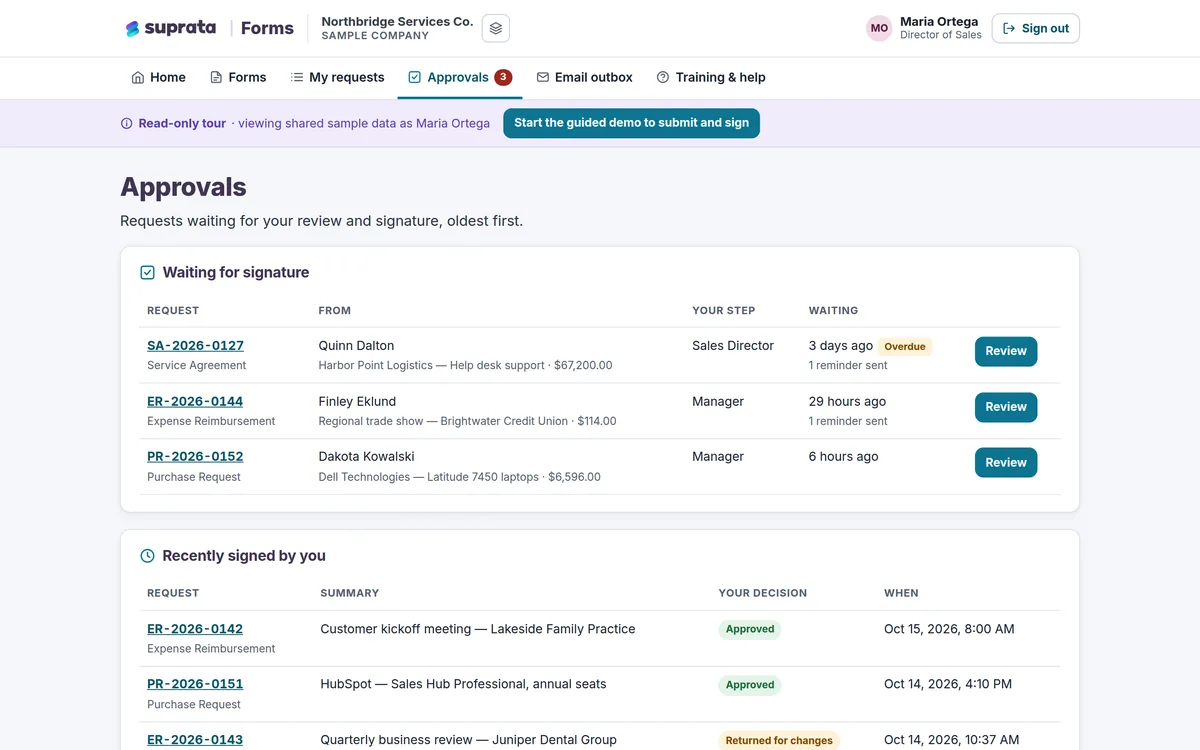
Suprata Forms
Turn paper forms into online forms that route themselves for approval, collect unlimited e-signatures and end in a signed PDF.
Learn more
Permits & Forms
Suprata Forms
Turn paper forms into online forms that route themselves for approval, collect unlimited e-signatures and end in a signed PDF.
Learn more
 Field & Service Operations
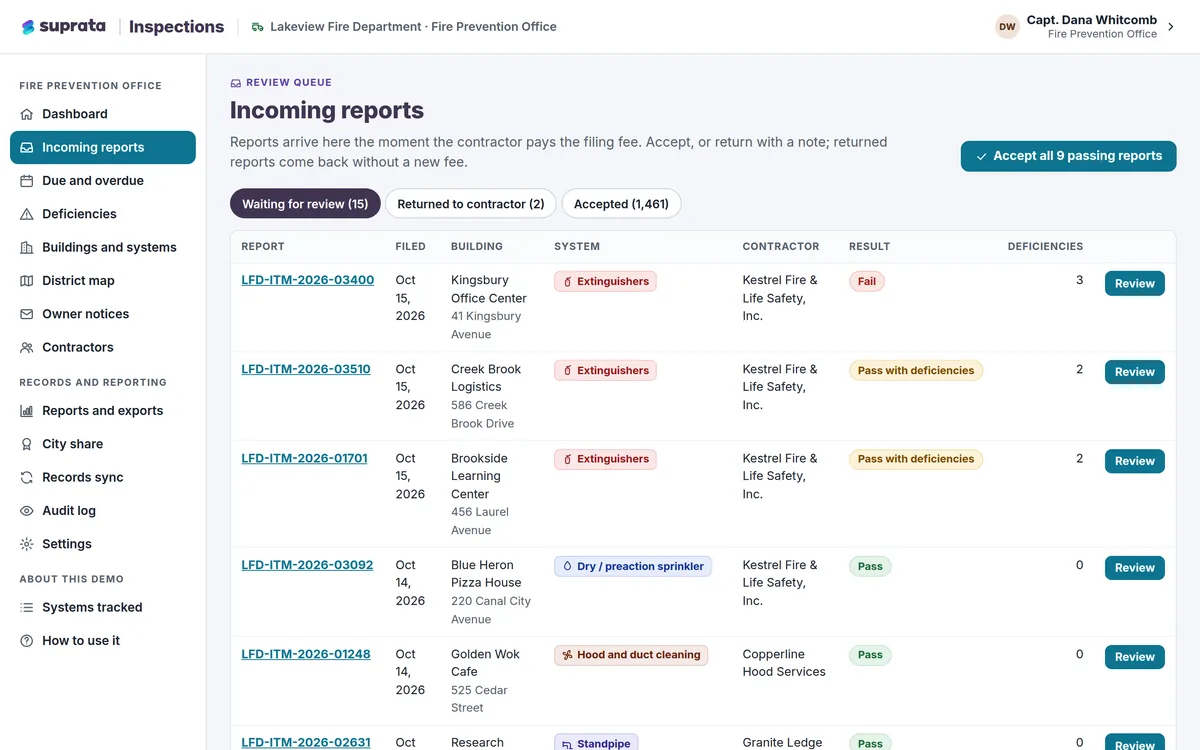
Suprata Inspections
Outside contractors file inspection and test reports online, you see what is due, overdue or broken, and owners are notified automatically.
Learn more
Field & Service Operations
Suprata Inspections
Outside contractors file inspection and test reports online, you see what is due, overdue or broken, and owners are notified automatically.
Learn more
 Reserve & Rent
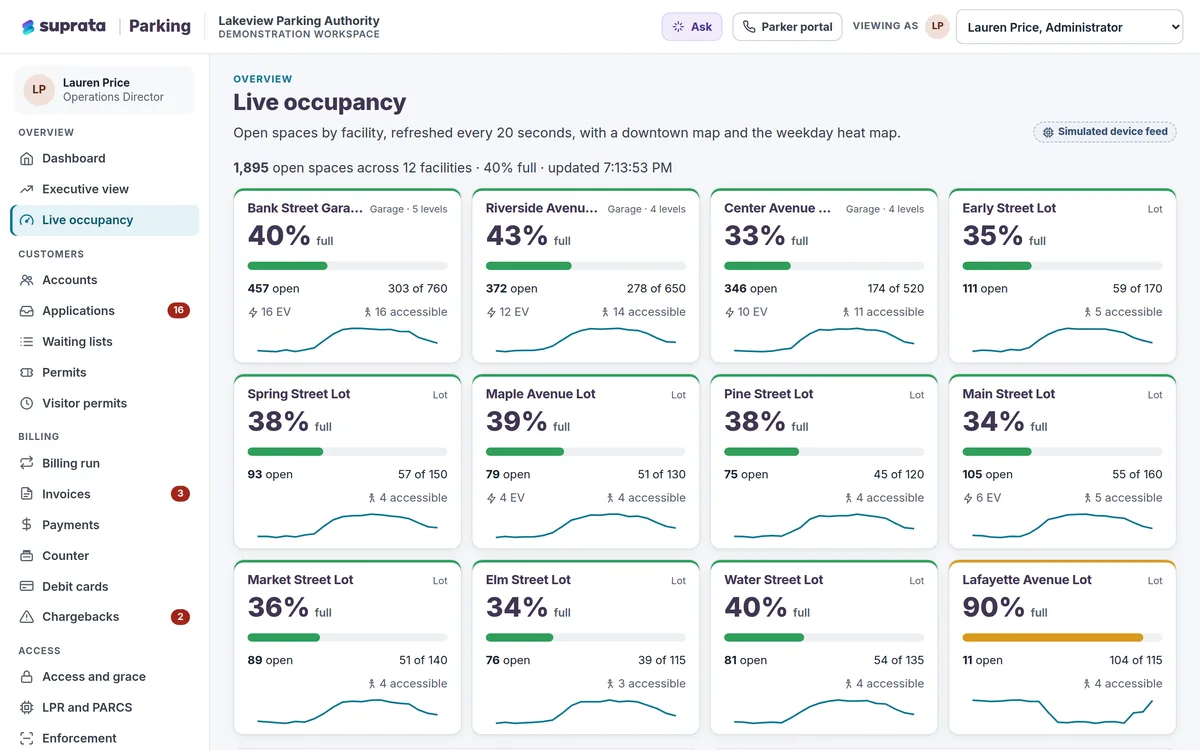
Suprata Parking
One system for parking permits, waiting lists, monthly billing, payments and the cameras and gates that let parkers in.
Learn more
Reserve & Rent
Suprata Parking
One system for parking permits, waiting lists, monthly billing, payments and the cameras and gates that let parkers in.
Learn more
Pricing
Ask about pricing for Permits
Every organization is different, so we price Permits around your size and needs. Tell us what you run and we’ll come back with a clear number.