
Permits & Forms
Suprata Forms
Turn paper forms into online forms that route themselves for approval, collect unlimited e-signatures and end in a signed PDF.
Overview
What Suprata Forms does
Suprata Forms replaces paper forms, email chains and walk-around signatures. Your own staff build forms by drag and drop, with sections that appear only when they apply, totals that calculate themselves and rules that check answers before anyone submits. Each form carries its own approval route: the requester's manager, the head of a location chosen on the form, a named role such as Finance or Human Resources, or a person picked on the form. Steps join or drop out automatically based on the answers.
Approvers act from any computer, tablet or phone: approve and sign, send back with a comment, or decline. Signatures can be drawn with a finger or stylus, typed, or reused from a saved signature, with no per-signature fees. Reminders and escalations keep requests moving, everyone can see where a request stands, and the finished request becomes a signed PDF with an audit certificate. Staff sign in with their existing Google accounts, the staff list and reporting lines sync from your directory, and an API and webhooks pass finished requests to finance, HR and other systems.
Who it’s for
Built for organizations like yours
Forms fits a wide range of organizations. Hundreds of organizations already run their work on the Suprata platform.
- Private service businesses (contracts, purchase requests, expense claims, onboarding)
- Rental and reservation businesses that need signed agreements and internal approvals
- Professional firms: law, accounting, engineering, consulting
- Cities, towns and villages
- Counties and regional councils
- State agencies and authorities
- School districts and charter school networks
- Colleges and universities (faculty, HR, travel and student forms)
- Courts and justice agencies
- Hospitals, clinics and health departments
- Housing authorities
- Utilities and special districts
- Nonprofits and foundations
- Churches and membership organizations
- Construction, field service and facilities companies
- Any organization with HR, finance or travel paperwork that needs several signatures
Features
Everything Forms can do
67 capabilities in 9 areas. Every one of them can be shaped to your rules.
Filling out forms (staff / requesters)
- Home page shows items waiting for you, forms you can start and your recent requests
- Form library grouped by category, each form showing who approves it
- Sections and questions appear only when they apply (for example air travel or car rental details)
- Live 'Who approves this' panel that updates as you answer
- Field types: short text, paragraph, number, dollar amount, date, email, dropdown, multiple choice, checkboxes, yes/no
- Pick a location or a staff member from the synced directory
- Initial-each-statement acknowledgments
- Estimated vs actual cost table with live totals and a difference line
- Automatic mileage line calculated from miles times a rate
- Calculated fields (sums, products, percentages) shown live
- Rules that block submission, such as funding shares that must total 100 percent
- Answers prefilled from your profile (name, title, email, location, today's date)
- Clear error summary linking to each problem field
- Sign and submit with a drawn, typed or saved signature
- Start a follow-up form prefilled from an earlier request
- My requests list with live status and progress
Approvals and e-signatures
- Approvals inbox, oldest first, with a waiting count in the menu
- Approve and sign, return for changes, or decline, with comments
- Unlimited signatures: draw with finger, stylus or mouse, type in a script font, or reuse a saved signature
- Save your signature once on your profile page
- Earlier signatures and comments shown alongside the request
- Returned requests can be edited and resubmitted; routing picks up where it left off or restarts, per form setting
- Step-by-step status tracker showing who has signed, who has it now and when it is due
- Steps skipped automatically when they do not apply, with the reason shown
- Reminder emails at set intervals and escalation to a backup approver after a set time
- Escalation contact can approve on the approver's behalf
- Works on computers, tablets and phones, including touch signing
Signed PDF and records
- Completed PDF on your letterhead with every signature stamped in
- Signature and audit certificate page: who signed, in what role, when and from what network, with a fingerprint for each signature
- Interim PDF copies marked with the current status
- Full audit trail on every request
- Email outbox showing every notification sent (receipt, action needed, step approved, returned, declined, reminder, escalation, completed)
- Unique reference number per request (form code, year, number)
No-code form builder (administrators)
- Drag-and-drop builder with a field palette, form canvas and settings panel
- Add sections and fields, set required, width, help text and placeholders
- 'Show this when' rule builder with all/any conditions
- Visual routing designer: add, order and remove approval steps
- Per-step approver: requester's manager, location head chosen on the form, a named role, or a person picked on the form
- Per-step conditions, due time, reminder timer and escalation target
- Choose whether a returned request keeps earlier approvals or starts over
- JSON view of every form and route, checked before saving
- Save as draft or publish; every publish creates a version
- Requests keep the form version they were submitted on
- Create a new form from scratch
Directory, sign-in and roles
- Sign in with Google single sign-on; no separate passwords
- Automatic nightly staff sync from Google Workspace, with Clever and OneRoster CSV as alternatives
- Sync adds new staff, updates titles and locations, deactivates leavers and keeps their records
- Reporting lines and location heads derived from the directory
- Sync now button and sync history
- Approval roles assigned to people in one place; every form follows the change
- Searchable people directory with location and 'reports to'
Administration and reports
- Admin home with counts and the longest-waiting requests
- Forms and workflows list
- All requests list with filters by form, status and search
- CSV export of requests
- Analytics: average time at each approval step, current bottlenecks, requests per week and totals by form
- Organization-wide audit log with activity filters
Integrations
- REST API to list forms, create requests, read requests and download signed PDFs
- Scoped API keys you can create and revoke
- Signed webhooks on submitted, step approved, returned, declined and completed events
- Send a test webhook and view recent deliveries with their payloads
Training, support and accessibility
- Built-in training center with short task-based guides for staff, approvers and administrators
- Administrator training path
- Support page with contact details, response targets and what is included
- Times shown in each viewer's own time zone
Ready-made form sets
- Education set: travel request, overnight travel checklist, employee change (hours or transfer), extra-duty contract, request to post a position
- Business set: service agreement, purchase request, new hire onboarding, expense reimbursement
Screens
See Forms at work
Real screens from the working copy, filled with made-up sample data. Click any screen to enlarge it.
How it fits
One platform underneath
Suprata is a versatile workflow and business intelligence platform that delivers the power of custom software with ease and affordability. Forms is built on it, so it shares the same engine, records and controls.
Workflow & automation
Approvals, work queues, reminders and rules move every Forms request forward without anyone chasing it.
Business intelligence
Live dashboards for every role and custom reports built from your Forms data, with an AI report builder.
Customer portal
The people you serve sign in to apply, book, pay, upload documents and check status, day or night.
Payments & billing
When Forms takes money, card and bank payments, invoices and refunds land in one ledger.
Integrations & API
A documented API, webhooks and exports connect Forms to the systems you already run.
Click around a working copy
The working copy of Forms is filled with realistic, made-up data. There is no sign-up and no password. Pick a role and explore. Your changes stay in your own copy.
Related
Often used together
 Permits & Forms
Suprata Permits
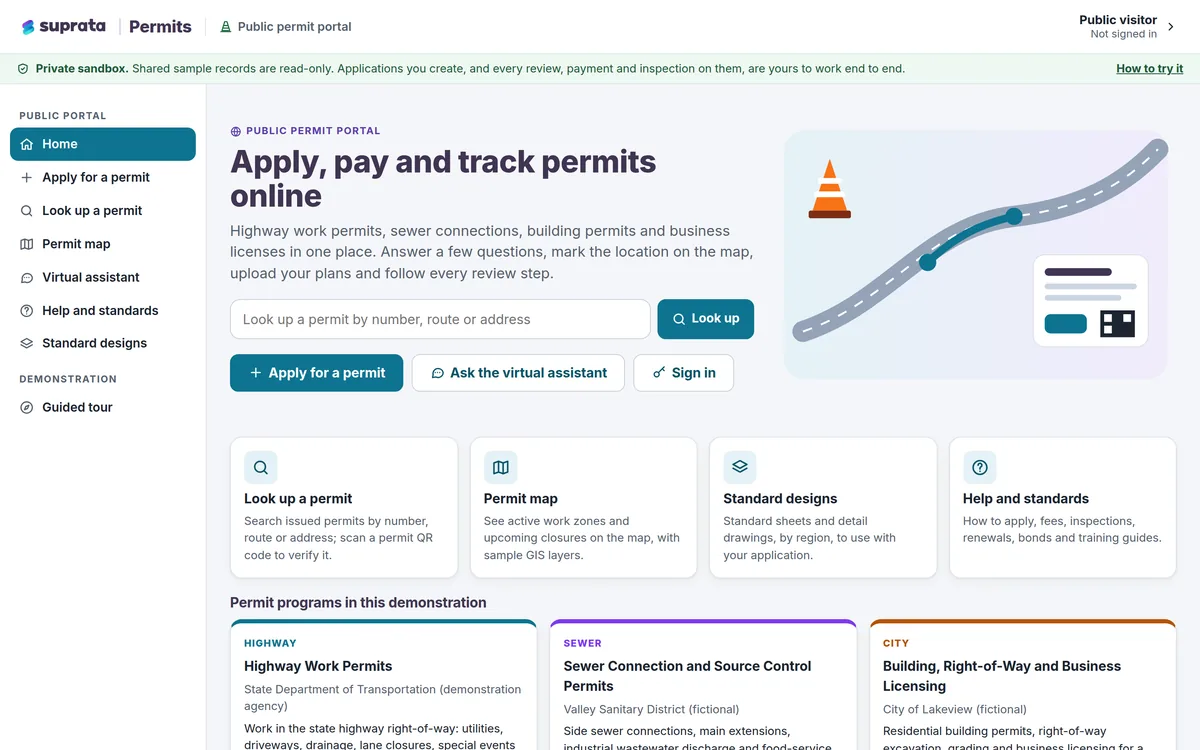
Online permits and licenses from first question to final inspection: apply, check the map, pay, review, approve, issue and inspect in one place.
Learn more
Permits & Forms
Suprata Permits
Online permits and licenses from first question to final inspection: apply, check the map, pay, review, approve, issue and inspect in one place.
Learn more
 Courts & Public Safety
Suprata Court
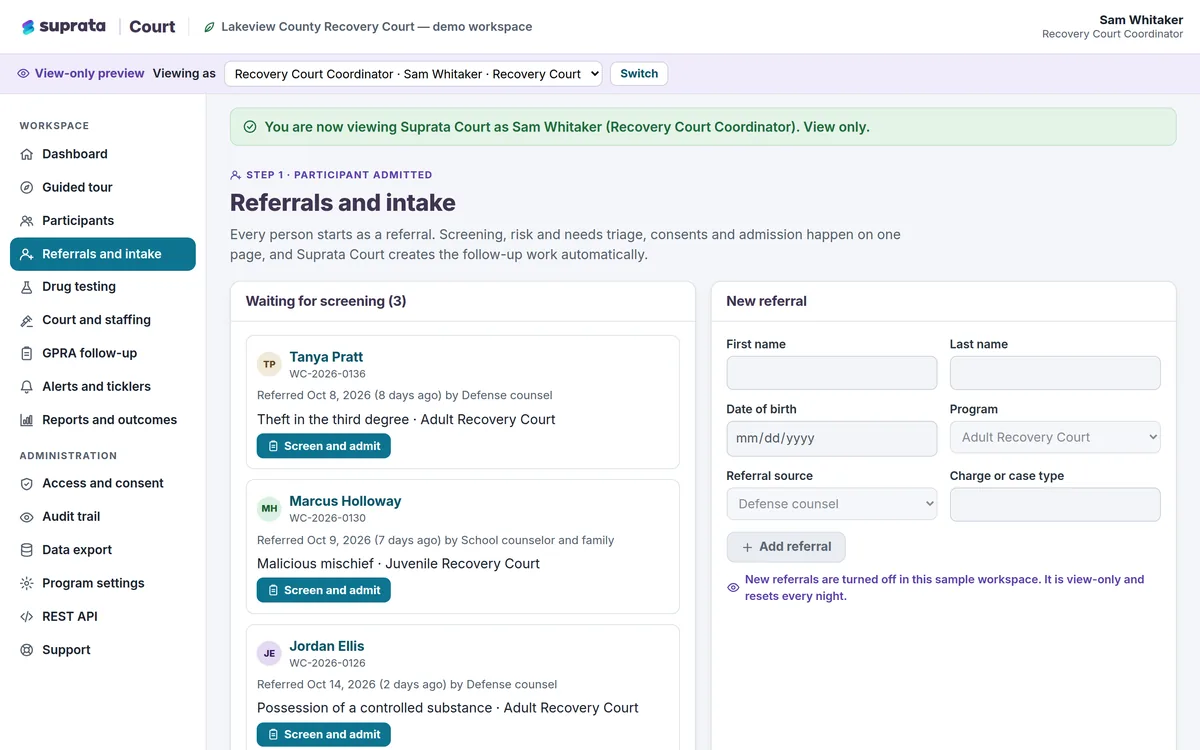
One shared, consent-aware case record for treatment courts and the whole care team, from referral to graduation.
Learn more
Courts & Public Safety
Suprata Court
One shared, consent-aware case record for treatment courts and the whole care team, from referral to graduation.
Learn more
Pricing
Ask about pricing for Forms
Every organization is different, so we price Forms around your size and needs. Tell us what you run and we’ll come back with a clear number.