
Grants, Benefits & Payments
Suprata Grants
One secure place to run grants you pass on to partners: budgets, matching funds, reimbursements, reports, files and deadlines.
Overview
What Suprata Grants does
Suprata Grants is for any organization that receives grant money and passes it on to local partners, or that awards its own grants. Every grant, project, partner, budget line and file sits in one searchable place. Staff see the whole program on one dashboard: money awarded, committed and spent, matching funds raised, reports due or late, and reimbursement requests waiting.
Partners get their own sign-in and see only their own active projects. They send reimbursement requests with invoices attached, upload reports, photos and maps, and ask for more time, and they are emailed at every step. Staff review, approve or deny, track each project's budget and deliverables, export financial reports to spreadsheet or PDF, and keep a complete record of who did what and when.
Who it’s for
Built for organizations like yours
Grants fits a wide range of organizations. Hundreds of organizations already run their work on the Suprata platform.
- State environmental, natural resource and agriculture agencies
- Cities and counties that pass grant funds to local partners
- Regional councils and planning agencies
- Conservation districts and watershed groups
- Community foundations and private grantmakers
- Nonprofits managing subawards
- School districts and universities managing grant-funded projects
- Housing authorities and community development offices
- Public health departments with subgrantees
- Tribal governments
- Utilities and water districts running cost-share or rebate programs
- Workforce and economic development boards
Features
Everything Grants can do
57 capabilities in 10 areas. Every one of them can be shaped to your rules.
Sign-in and security
- Staff sign in with their organization's Google account (or Active Directory)
- Partners sign in with email and password
- Second sign-in step by authenticator app, emailed code or security key
- Option to trust a device for 30 days
- Four built-in roles that each see a different slice of the same data
Program dashboard
- Active grants and active projects at a glance
- Federal (or funder) budget, spent and remaining
- Matching funds raised against the amount required, as a percentage
- Reports due in the next 14 days and reports overdue
- Pending reimbursement requests and total dollars requested
- Partners see a 'Your projects' version limited to their own work
Grants
- List of every grant with type, period, award, amount subawarded, spent and progress bar
- Five-year and two-year grant types side by side
- Grant detail with all its projects, budget by category and project officer
- Each grant assigned to a project officer
- Closeout status for grants that are ending
- Export a grant's projects to spreadsheet or PDF
Projects
- Project list filtered by role, with budget, spent, progress, match and status
- Project detail: partner, grant, officer, practice type, waterbody or site, pollutants or goals, county, watershed code and dates
- Estimated results per project (for example tons of sediment and pounds of nutrients kept out of the water)
- Budget by category with obligated, spent and remaining amounts
- Editable spending lines for staff with rights, saved to the audit log
- Matching funds tracker split into cash and in-kind, with a form to record new match
- Deliverables and milestones with due dates and status that staff can change
- Monthly, quarterly and annual reports with due, overdue, received and accepted status
- One-click project status report as PDF
- Clear notice on every project of what your role may edit
Reimbursement requests
- Partners submit a request with billing period, amount, match this period, description and attachments
- Running total adds up line amounts as you type
- Each request tracked against the project budget
- Status history: submitted, under review, approved or denied, with who and when
- Staff mark under review, approve or deny with a note to the partner
- Denials explain what to fix and resubmit
Time extensions
- Partners request a new project end date with a reason
- Staff approve or deny and the partner is emailed
- List of all extension requests with old and new end dates
Files and search
- File repository for every grant and project: agreements, workplans, budgets, quality plans, maps, photos and reports
- Upload Word, Excel, PDF, images and map files (shapefile, KML, GeoPackage)
- Uploading the same file name saves a new version with a note
- Full version history kept for every file
- Search across projects, grants, reports, file names and file contents
- Filter files by grant and category
Email notices
- Staff emailed when a partner submits a request, report, upload or extension
- Partners emailed a receipt, every status change, upcoming due dates and overdue reminders
- Weekly digest of late reports and waiting requests for staff
- Inbox-style preview of every email the system has sent
- Email only, no text messages
Reports and exports
- Financial status report grouped by grant, project or partner
- Budget, spent, match required, match met and pending requests per row
- Download as spreadsheet (CSV or Excel) or PDF
- Structured export for the federal grant tracking system (EPA GRTS) with project, funding, match and results fields
Administration and oversight
- Users and roles page with each person's organization, sign-in method and status (active, invited, deactivated)
- Permission matrix showing exactly what each role can do
- Invite new users by email
- Partner access removed automatically when a project closes
- Audit log of every sign-in, change, upload, download, export and decision; entries cannot be edited
- Audit log visible to coordinator and accounting only
Screens
See Grants at work
Real screens from the working copy, filled with made-up sample data. Click any screen to enlarge it.
How it fits
One platform underneath
Suprata is a versatile workflow and business intelligence platform that delivers the power of custom software with ease and affordability. Grants is built on it, so it shares the same engine, records and controls.
Workflow & automation
Approvals, work queues, reminders and rules move every Grants request forward without anyone chasing it.
Business intelligence
Live dashboards for every role and custom reports built from your Grants data, with an AI report builder.
Customer portal
The people you serve sign in to apply, book, pay, upload documents and check status, day or night.
Payments & billing
When Grants takes money, card and bank payments, invoices and refunds land in one ledger.
Integrations & API
A documented API, webhooks and exports connect Grants to the systems you already run.
Click around a working copy
The working copy of Grants is filled with realistic, made-up data. There is no sign-up and no password. Pick a role and explore. Your changes stay in your own copy.
Related
Often used together
 Grants, Benefits & Payments
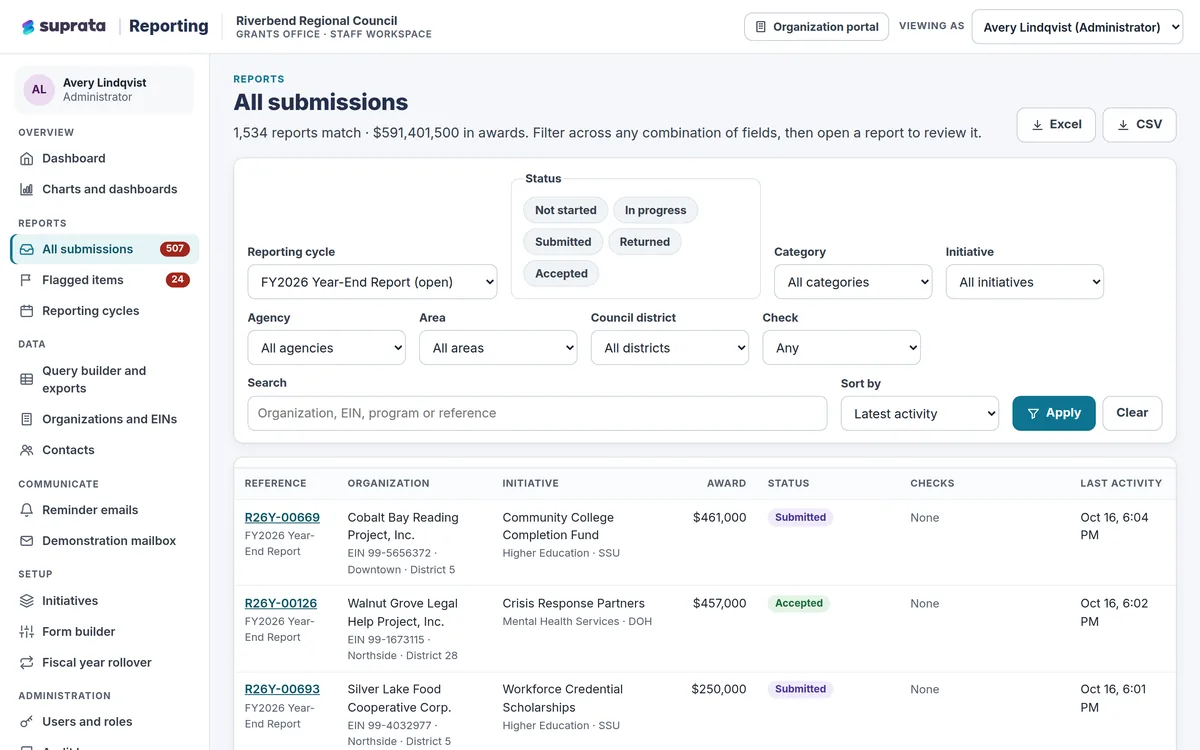
Suprata Reporting
One secure place for funded organizations to file their reports and for the funder to review, flag, export and chart every dollar.
Learn more
Grants, Benefits & Payments
Suprata Reporting
One secure place for funded organizations to file their reports and for the funder to review, flag, export and chart every dollar.
Learn more
 Grants, Benefits & Payments
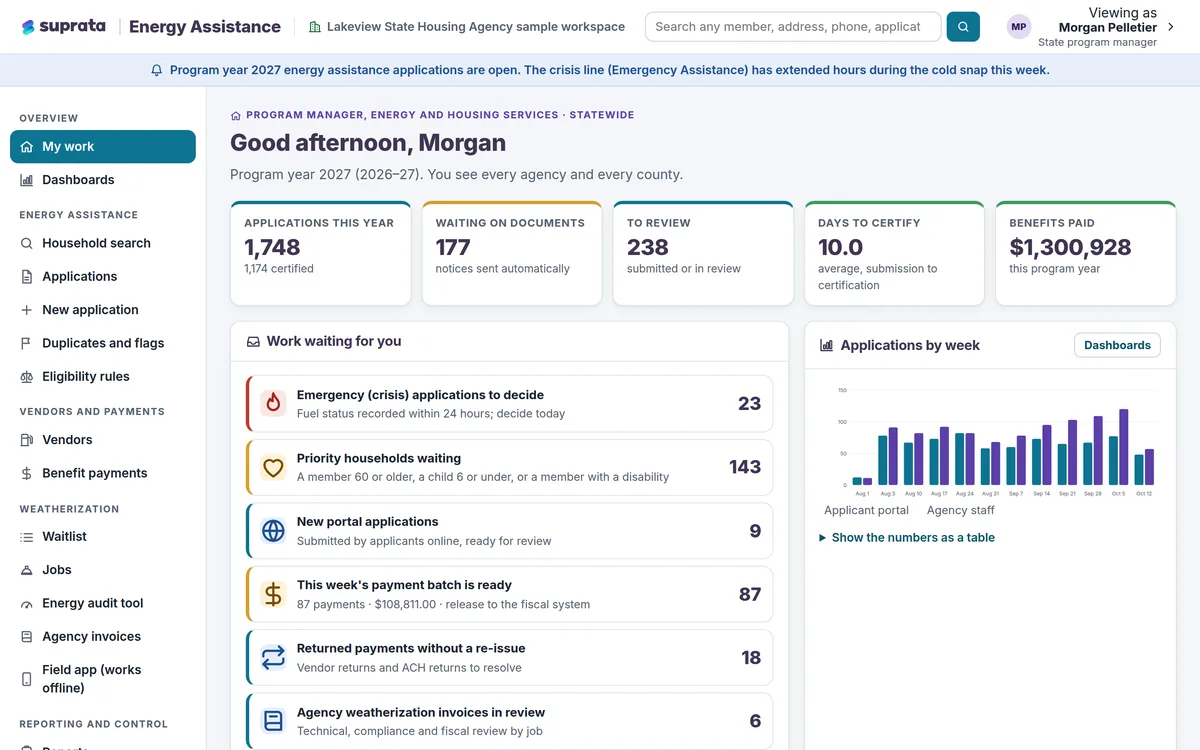
Suprata Energy Assistance
One household record for heating help and home weatherization, from online application to fuel vendor payment to the finished job.
Learn more
Grants, Benefits & Payments
Suprata Energy Assistance
One household record for heating help and home weatherization, from online application to fuel vendor payment to the finished job.
Learn more
 Grants, Benefits & Payments
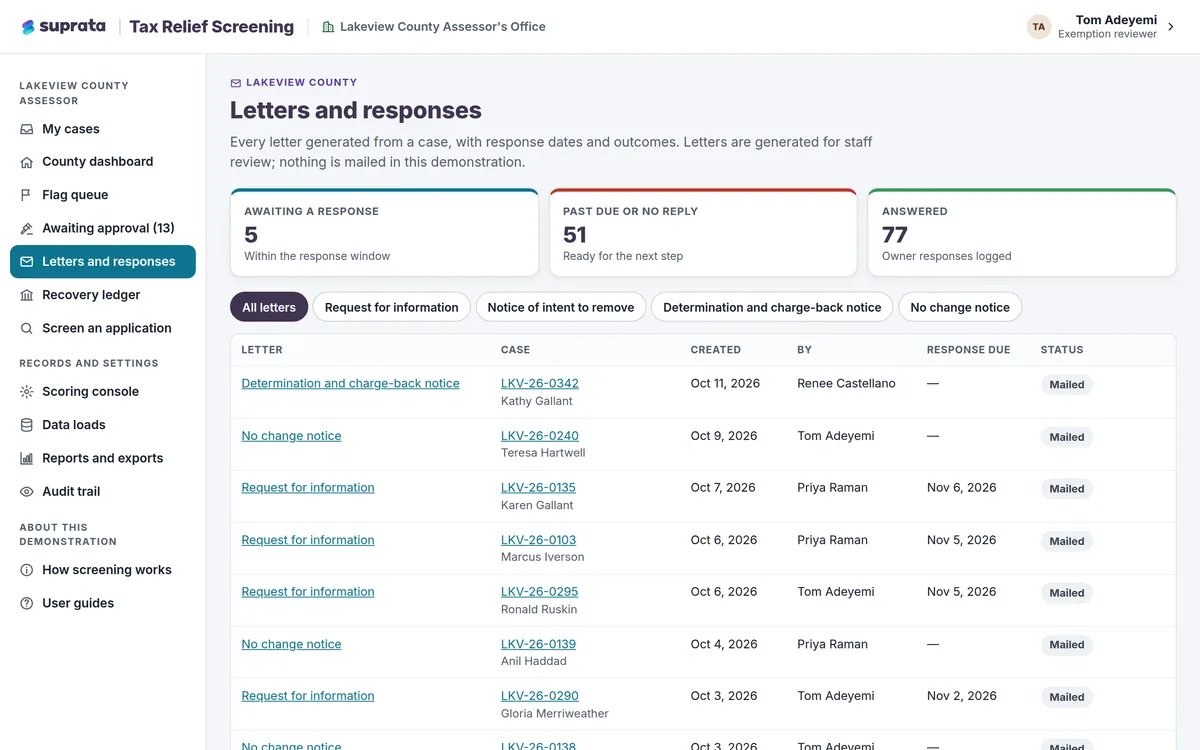
Suprata Tax Relief Screening
Find tax breaks and benefits that no longer qualify, show the proof behind every flag, and track every dollar recovered.
Learn more
Grants, Benefits & Payments
Suprata Tax Relief Screening
Find tax breaks and benefits that no longer qualify, show the proof behind every flag, and track every dollar recovered.
Learn more
Pricing
Ask about pricing for Grants
Every organization is different, so we price Grants around your size and needs. Tell us what you run and we’ll come back with a clear number.