
Training & People
Suprata Training
One training and certification system for your whole workforce: training by job, requirements that check themselves, courses that play in the browser, and live readiness for every manager.
Overview
What Suprata Training does
Suprata Training puts every employee's training, certifications and development in one permanent record. Each job title is linked to the courses, refreshers, certifications and hands-on skill checks it needs, so when someone is hired, transferred or promoted the right training is assigned on its own and past work carries over. Requirements are rules your training staff can edit without programming (who it applies to, what counts, how often, the grace period and the reminders), and a what-if check shows who a change would affect before it goes live.
Instructors build courses and tests right in the browser or load course packages the organization already owns, and classes, drills and events share one calendar that checks for clashes. Reminders go to the employee, then the supervisor, then up the chain. For teams with strict compliance needs, the same system runs firearms and equipment qualifications, field training reports, outside training requests, policy sign-offs and accreditation proof files. Leaders get live readiness by unit, a report builder, scheduled reports and a safe way to black out private fields before a record is released, and supervisors can check anyone's certifications from a phone in the field.
Who it’s for
Built for organizations like yours
Training fits a wide range of organizations. Hundreds of organizations already run their work on the Suprata platform.
- Cities, towns and villages
- Counties
- State agencies
- Fire departments and EMS agencies
- Police and sheriff's offices
- Public works, water and sewer utilities
- Electric, gas and other utilities
- School districts
- Colleges and universities
- Hospitals, clinics and health systems
- Libraries
- Parks and recreation departments
- Transit agencies and airports
- Courts and justice agencies
- Housing authorities
- Nonprofits
- Private companies with regulated or safety training (construction, manufacturing, logistics)
- Franchises and multi-location service businesses
- Marinas, rental and reservation businesses with seasonal staff
- Security and facility services firms
- Senior living and home care providers
- Sheriff's offices and police departments
- Jails and corrections agencies
- Emergency communications and dispatch centers
- Campus police and public safety at colleges and universities
- School district safety and security teams
- Courts, probation and court security
- State and county agencies with licensed or certified staff
- Cities and counties
- Hospitals and health systems with security or clinical certifications
- Utilities with operator certifications
- Transit and airport police
- Port, harbor and marine patrol units
- Tribal public safety
- Private security firms
- Search and rescue teams and volunteer organizations
- Nonprofits that train certified volunteers
Features
Everything Training can do
112 capabilities in 23 areas. Every one of them can be shaped to your rules.
Dashboard and visibility
- Live dashboard of completion rate, overdue items and what expires in the next 90 days
- Completion by department with a trend over time
- Recertification forecast by month
- Who is behind, grouped by supervisor
- Separate desk view for instructors with their classes, rosters and grading
- Every view exports to PDF, Excel or CSV
Training by job (position matrix)
- Each job title linked to required, recurring, recommended and certification items
- Recurring items carry their own cycle (yearly, every two years and so on) and due-in days
- Hands-on skill checks (job performance requirements) per position with evaluator sign-off and rating
- Grid view of every position against every course
- Hire, transfer and promotion feed assigns the new courseload automatically and keeps completed work
- Log of each job change and what it assigned or removed
People and records
- Employee list filtered by department, unit, status and completion
- Each employee's record: what the job requires, status of every item, certifications, supporting documents and hours
- Printable transcript with dates, hours, scores and course version
- Certificates of completion generated on finish
- Supporting items such as driver's licenses and medical cards with expiration dates
- Supervisors see only their team; department heads see only their department
Certifications and licenses
- Each certification type with issuer, renewal cycle and continuing-education hours
- Continuing-education hours counted toward renewal
- Expiration list and 12-month renewal forecast
- Certifications required by position flagged when missing
Alerts and reminders
- Reminders to the employee before items come due
- Training gap alerts to the supervisor when someone falls behind
- Escalation levels with a log of every notice sent
Master calendar and plans
- One calendar for classes, drills and outreach events, color-coded by category
- Month, list, quarter and full-year views
- Filter by department, station or site, and shift
- Conflict check for instructors, rooms and staff before an event is saved
- Enrollment with capacity, and a sign-in sheet for each class
- Quarterly and annual training plans per department with goals, approval and one-step scheduling to the calendar
Courses, content and tests
- Course catalog with category, format, hours, owner and version history
- Course builder in the browser: text, video, documents, quizzes and packages, then publish a new version
- Plays SCORM 1.2, SCORM 2004 and xAPI course packages, with progress and score saved to the record
- Built-in record store for xAPI statements
- Electronic sign-off at the end of a course
- Licensed content library that sits beside your own courses and can be added to the catalog
- Test builder with one-answer, select-all, true-or-false and short-answer questions
- Passing score, time limit, attempts allowed, shuffling and show-answers settings
- Instructor grading of short answers with feedback; every score goes to the transcript
Employee self-service
- My training page with assignments, due dates, certifications and hours
- Courses play right in the browser on a computer or phone
- My transcript and certificates
- Policies to read and sign electronically
Development plans
- Individual development plans with career goal, strengths and goals
- Each goal has a skill area, activity, target date, measure and progress
- Check-in notes and signatures from both employee and supervisor
Policies
- Policy library with versions, effective dates and acknowledgment due dates
- Electronic acknowledgment tracked per employee and version
Reporting
- 15 ready-made reports: compliance by department, quarterly summary, completion against position, overdue by supervisor, training records, certifications, renewals, skill checks, hours, test scores, development plans, classes and attendance, roster and catalog
- Report builder for custom tables
- Scheduled email reports (monthly, quarterly, yearly) with the PDF attached
- History of every report sent
- Redaction for release: pick fields to black out, log the request number and requester, and produce a redacted PDF
Administration and security
- Six roles: training administrator, department head, supervisor, instructor, records officer and employee
- Single sign-on with your own accounts and multi-factor sign-in
- Integrations page for HR and payroll, finance and other record imports, with run logs
- Data migration from a prior learning system in waves with a sign-off report of rows and hours
- Tamper-evident audit trail where each entry is chained to the one before
- Works on any phone; no public feeds or search indexing
Public safety and compliance pack
Dashboard and readiness
- Readiness for the whole agency: how many people are fully compliant
- Requirements with the most deficiencies
- What expires in the next 30 days
- Two-year compliance trend by bureau or division
- Live progress toward state-mandated training targets, calculated from individual records
- Instructor desk view with their classes and rosters
Requirement rules (no programming)
- Every requirement is an editable rule: who it applies to, what satisfies it, cycle, deadline, grace period and reminder days
- Rules grouped by source: state mandates, agency policy, specialty assignments
- What-if calculator shows how many people a change would affect before it is published
- Version history of each rule with who changed it and why
- Compliance recalculated nightly and whenever a record or rule changes
Compliance and reminders
- Compliance center with the people behind every number
- 12-month expiration forecast
- Reminders to the employee, then supervisor escalation, then chain-of-command escalation
- Log of every reminder and escalation sent
People and records
- One permanent record per employee: status of every requirement, certifications, firearms qualifications, documents and policy sign-offs
- Full transcript by year with the course version taken, printable
- Document storage for certificates and supporting files
- Personnel list filtered by bureau, unit and status
- Field certification lookup: a supervisor checks anyone's certifications on a phone, readable on a weak signal
Courses and classes
- One catalog for online, classroom, virtual, blended, scenario and range training
- Built-in online courses with lessons and quizzes
- Course versions with effective dates
- Classes with capacity limits and waitlists; the next person is enrolled automatically when someone drops
- Attendance taking and a printable sign-in sheet
- Instructor list with qualifications and student evaluation ratings
Firearms qualification
- Qualification per employee and weapon platform
- Course of fire, score, pass or fail, rounds used and instructor sign-off
- Remediation tracked when someone does not pass
Field training
- Field training officers complete daily observation reports on a tablet or phone
- Ratings by category, phase sign-offs and task checklists
- Remedial plans and supervisor review of each report
Outside training requests
- Employee requests outside training with dates, provider, location and costs
- Approval from supervisor, then the training unit
- Certificate posts to the transcript when complete
- Report of outside training and costs
Policies and accreditation
- Policy versions sent out for electronic acknowledgment, with optional tests
- Complete acknowledgment history per person and version
- Accreditation standards linked to the rules, courses and policies that prove them
- Proof file for any standard produced on demand for an assessor
Reporting
- 13 ready-made reports: compliance by unit, state audit report, deficiency list, 90-day expirations, readiness by unit, firearms, class fill rate, roster, policy acknowledgments, outside training and costs, instructor activity, catalog and monthly trend
- Ad hoc report builder
- Exports to Excel, PDF and CSV
- Secure read-only data set for outside analytics tools, with row-level security by role
Administration, records and security
- Seven roles: training administrator, command staff, supervisor, instructor, field training officer, employee and accreditation/audit
- Administrators can be scoped to one bureau (for example corrections only)
- Single sign-on with your own accounts and multi-factor sign-in
- Data migration in waves with a reconciliation report of rows and hours and a sign-off step
- Integrations for identity, HR, state records, scheduling, analytics and mail, with run logs
- Retention schedules, legal holds and export packages for public records requests
- Organization chart of bureaus, divisions and units
- Audit trail of every view and change
Screens
See Training at work
Real screens from the working copy, filled with made-up sample data. Click any screen to enlarge it.
How it fits
One platform underneath
Suprata is a versatile workflow and business intelligence platform that delivers the power of custom software with ease and affordability. Training is built on it, so it shares the same engine, records and controls.
Workflow & automation
Approvals, work queues, reminders and rules move every Training request forward without anyone chasing it.
Business intelligence
Live dashboards for every role and custom reports built from your Training data, with an AI report builder.
Customer portal
The people you serve sign in to apply, book, pay, upload documents and check status, day or night.
Payments & billing
When Training takes money, card and bank payments, invoices and refunds land in one ledger.
Integrations & API
A documented API, webhooks and exports connect Training to the systems you already run.
Click around a working copy
The working copy of Training is filled with realistic, made-up data. There is no sign-up and no password. Pick a role and explore. Your changes stay in your own copy.
Related
Often used together
 Training & People
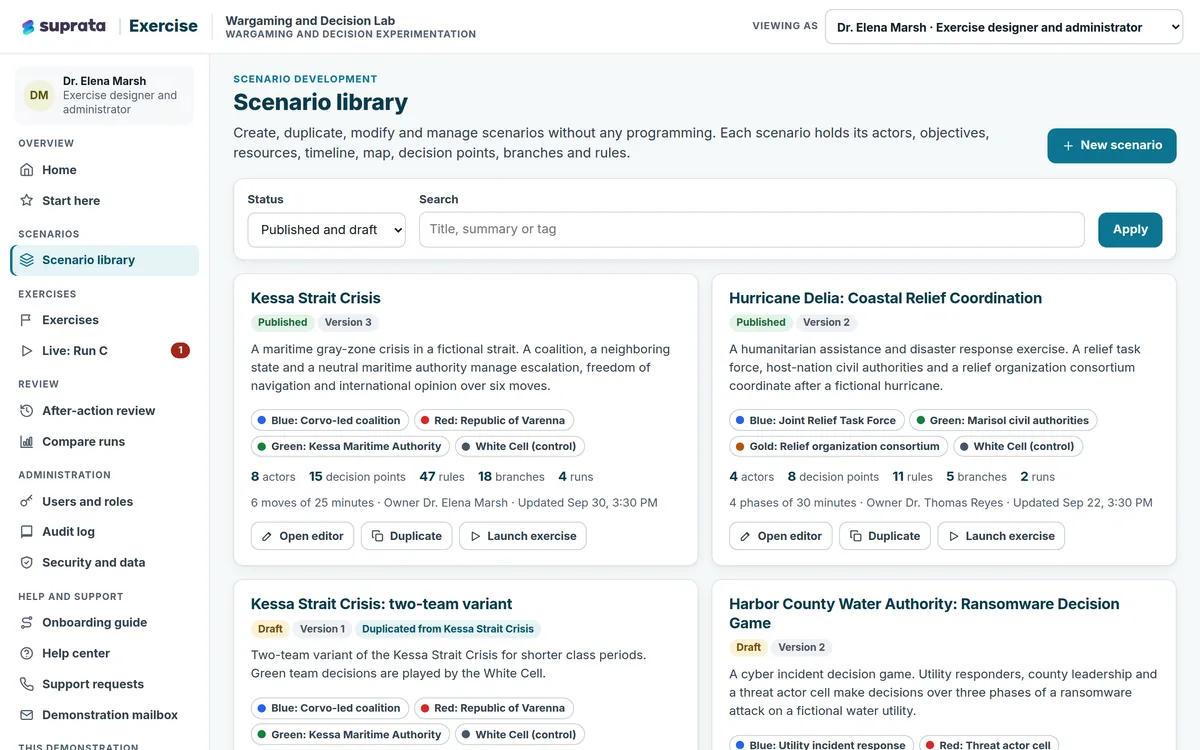
Suprata Exercise
Build, run and review tabletop exercises and team simulations: scenarios without programming, several teams at once, a control team in charge, and a…
Learn more
Training & People
Suprata Exercise
Build, run and review tabletop exercises and team simulations: scenarios without programming, several teams at once, a control team in charge, and a…
Learn more
 Training & People
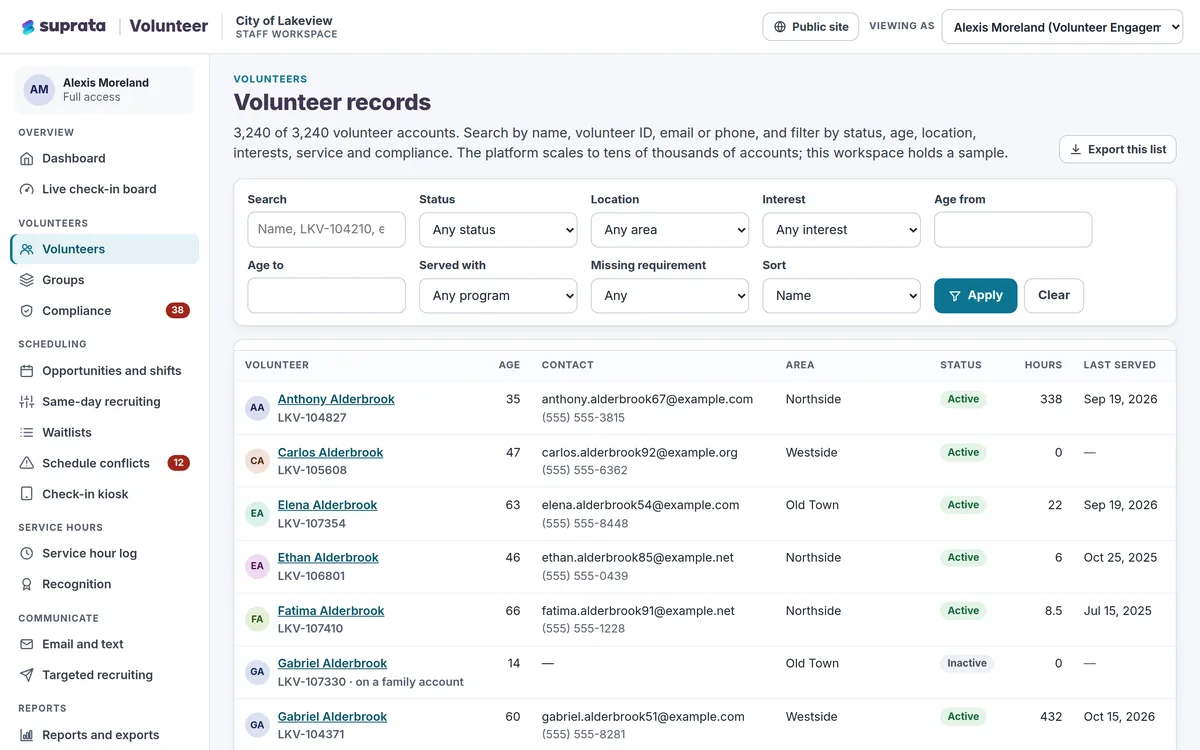
Suprata Volunteer
Recruit, screen, schedule, check in, thank and report on every volunteer in one place, with a phone-first sign-up that takes about a minute.
Learn more
Training & People
Suprata Volunteer
Recruit, screen, schedule, check in, thank and report on every volunteer in one place, with a phone-first sign-up that takes about a minute.
Learn more
Pricing
Ask about pricing for Training
Every organization is different, so we price Training around your size and needs. Tell us what you run and we’ll come back with a clear number.