
Field & Service Operations
Suprata Property
Track every piece of equipment and property from the day it arrives to the day it leaves, with barcode tags, inventories, transfers, approvals and an audit trail no one can quietly change.
Overview
What Suprata Property does
Suprata Property is a property and equipment management system for any organization that has to account for what it owns or holds for others. Shipments are received against purchase orders, each unit becomes an asset record with its values, contract or funding source and custom fields, and labels print as barcodes, QR codes, RFID tags or Data Matrix marks.
From there every move is recorded: transfers and disposals route for approval by type and amount, physical inventories run as scan campaigns with variance reports, losses and thefts are investigated and closed, and reports export to PDF and Excel. Access is controlled down to the field, so a receiving clerk never sees cost, and every change goes into a tamper-evident audit trail that shows exactly where any edit was made.
Who it’s for
Built for organizations like yours
Property fits a wide range of organizations. Hundreds of organizations already run their work on the Suprata platform.
- Research universities and university research institutes
- Government contractors holding government-furnished property
- Federal, state and local agencies tracking fixed assets and equipment
- Cities, counties and school districts (computers, vehicles, furniture, equipment)
- Hospitals, clinics and laboratories (medical and lab equipment, calibration)
- Utilities and public works departments
- Colleges and community colleges
- Nonprofits and grant-funded organizations that must report equipment bought with grant money
- Museums and libraries with valuable collections or equipment
- Rental and equipment-lending businesses
- Manufacturers, engineering firms and test facilities
- IT departments managing laptops and devices
Features
Everything Property can do
52 capabilities in 9 areas. Every one of them can be shaped to your rules.
Asset records
- Asset register with search, saved searches and export to Excel or CSV
- Add an asset by hand or from a receipt
- Descriptive fields, location (site, building, room), custodian and organization
- Contract or funding source on each asset
- Beginning, adjustment and ending values with value adjustments
- Custom fields (for example export control class, calibration due, safety class)
- Life-to-date history and maintenance entries on each asset
- Asset lookup by tag at a short link
Contracts and suppliers
- Contracts list with sponsor agency, period of performance, type, value and property clause
- Assets per contract
- Subcontractors holding property
- Counterfeit watch: flag suppliers and quarantine their items until cleared
Receiving and tagging
- Receive against a purchase order: date, receiver, condition and discrepancies
- Each received unit becomes an asset record
- Acceptance form (DD 250 style) generated from the receipt
- Tagging queue for received items
- One-click labels: Code 128 barcode, QR code, RFID tag with EPC, and Data Matrix (unique item identifier) for items over a value threshold
- Printable label sheets
Life cycle
- Acquisition requests
- Transfers between organizations and locations with approval, ship and complete steps
- Transfer document (DD 1149 style) generated on confirmed receipt
- Consumption of consumable material recorded against contracts
- Loss, damage, destruction and theft reports: investigate, record findings, close, export
- Disposals with approval and clearance, then the item leaves service
- Approvals routed by type and dollar amount through a configurable chain, with full history
Physical inventory
- Inventory campaigns by organization or location
- Scan console that works with any keyboard-style barcode or RFID reader, including on a phone or tablet
- Scans mark items found; unknown codes are reported
- Room sweep showing tags read and missed
- Variance report with Excel export; close the campaign and apply results
Reports and forms
- Role-based dashboards: assets in service, government property, inventory completion, missing items, disposals, loss reports, approvals
- Standard reports by asset, contract or agency, downloadable to PDF, Excel or CSV without reformatting
- Ad hoc report builder with saved reports
- Data quality and delinquency report by field, with email notices to custodians
- Reconciliation of asset values to a financial system extract
- Unique item identifier (IUID) readiness report
- Government acceptance and transfer forms as PDF
Search and assistant
- Plain-language search that turns a sentence into a filtered list
- Artificial intelligence features can be switched off
Integration
- Integration hub listing every way data goes in or out
- REST API with a live console, same security as the screens, writes land in the audit trail
- Scheduled exports as CSV or JSON by file transfer or API
- Sample data exchanges with field mappings for HR, finance and ERP systems and government registries
- Data migration from a legacy system: match columns, validate, reconcile counts and values, then load; repeatable trial runs
Security and control
- Seven roles: property administrator, receiving clerk, custodian, program manager, finance reviewer, read-only auditor, system administrator
- Table-level, row-level (own organization or own contracts) and field-level security (cost masked for receiving)
- Hash-chained audit trail: each entry carries the hash of the one before; verify the chain and see exactly where a tampered entry breaks it
- Service status page: availability, backups, point-in-time recovery and release log
- Lists, custom fields and approval routing configured in settings
- Look and feel: upload your logo and set colors
- Email notification outbox
- Works on phones and tablets
Screens
See Property at work
Real screens from the working copy, filled with made-up sample data. Click any screen to enlarge it.
How it fits
One platform underneath
Suprata is a versatile workflow and business intelligence platform that delivers the power of custom software with ease and affordability. Property is built on it, so it shares the same engine, records and controls.
Workflow & automation
Approvals, work queues, reminders and rules move every Property request forward without anyone chasing it.
Business intelligence
Live dashboards for every role and custom reports built from your Property data, with an AI report builder.
Customer portal
The people you serve sign in to apply, book, pay, upload documents and check status, day or night.
Payments & billing
When Property takes money, card and bank payments, invoices and refunds land in one ledger.
Integrations & API
A documented API, webhooks and exports connect Property to the systems you already run.
Click around a working copy
The working copy of Property is filled with realistic, made-up data. There is no sign-up and no password. Pick a role and explore. Your changes stay in your own copy.
Related
Often used together
 Field & Service Operations
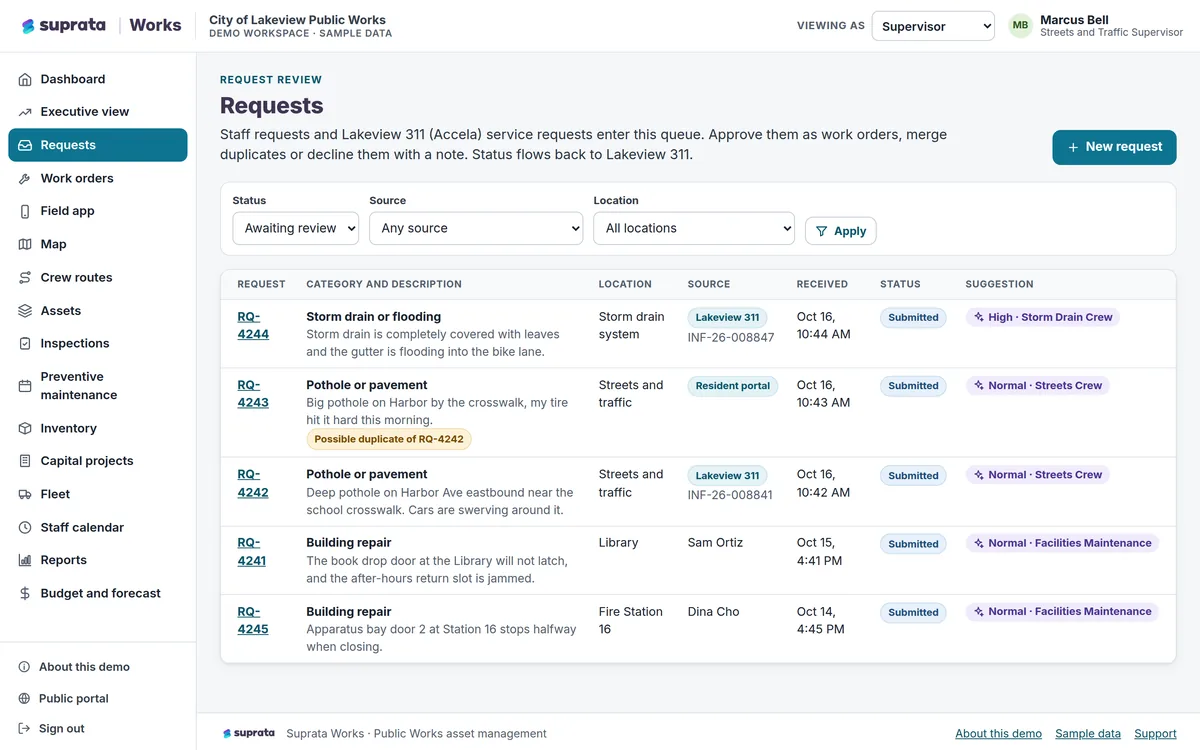
Suprata Works
Track every asset, request, work order, inspection, vehicle, part and capital project in one place, with a field app that works without a signal.
Learn more
Field & Service Operations
Suprata Works
Track every asset, request, work order, inspection, vehicle, part and capital project in one place, with a field app that works without a signal.
Learn more
 Permits & Forms
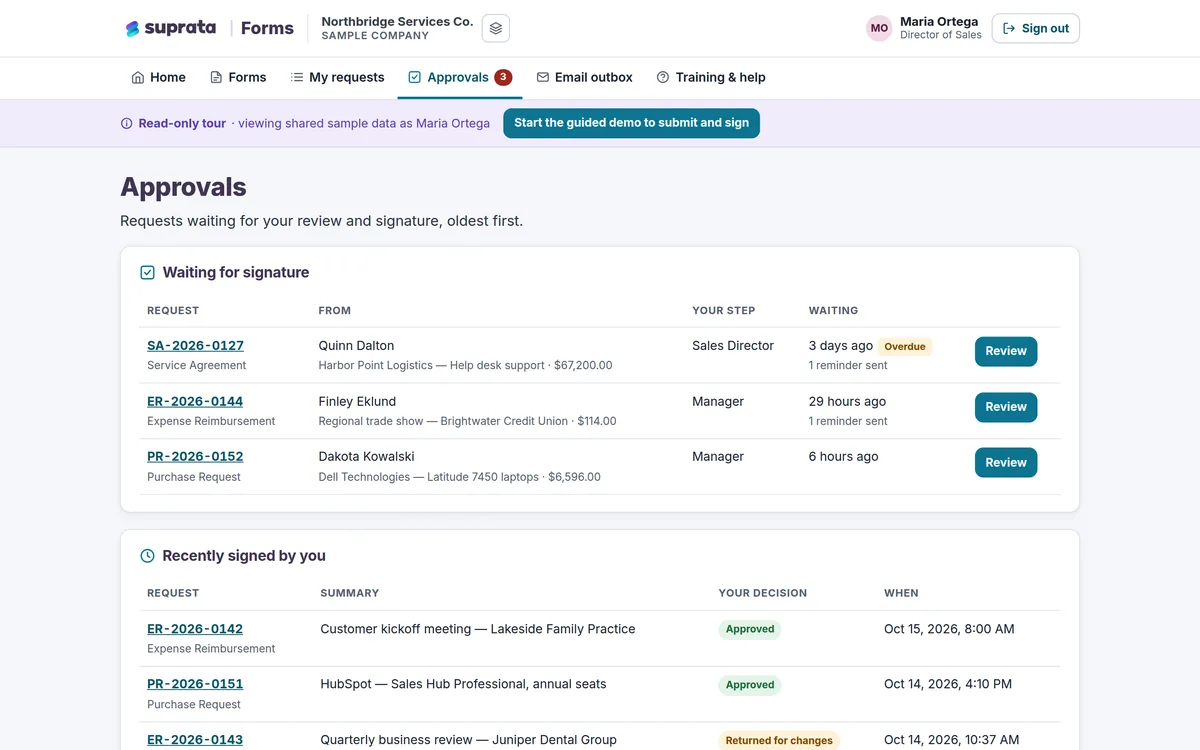
Suprata Forms
Turn paper forms into online forms that route themselves for approval, collect unlimited e-signatures and end in a signed PDF.
Learn more
Permits & Forms
Suprata Forms
Turn paper forms into online forms that route themselves for approval, collect unlimited e-signatures and end in a signed PDF.
Learn more
 Data & Insights
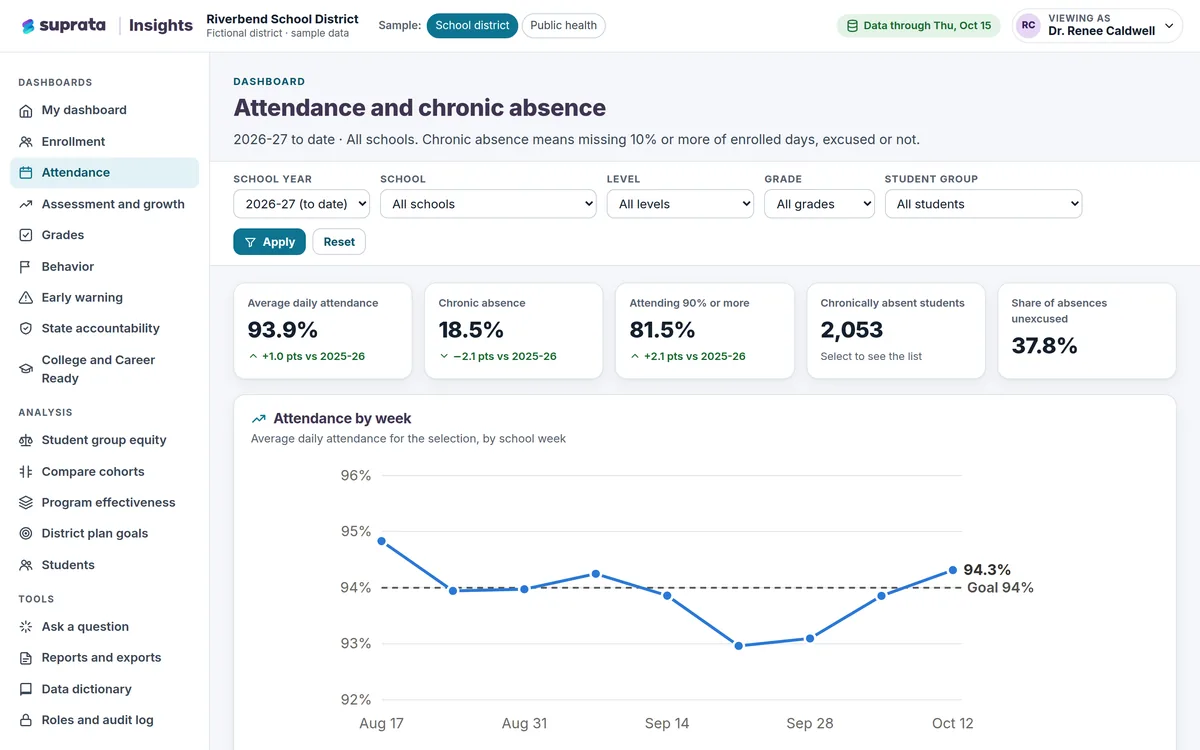
Suprata Insights
Turn records from many systems and sources into trusted dashboards: a private view for every role, a public dashboard for everyone else, and…
Learn more
Data & Insights
Suprata Insights
Turn records from many systems and sources into trusted dashboards: a private view for every role, a public dashboard for everyone else, and…
Learn more
Pricing
Ask about pricing for Property
Every organization is different, so we price Property around your size and needs. Tell us what you run and we’ll come back with a clear number.