
Suprata for landscaping companies
Start April already knowing what the season will bring in
Suprata's landscaping wizard builds your price list, your crews and up to six recurring programs in about fifteen minutes. Customers sign a season plan on your phone at the curb. From then on the schedule creates the jobs, the jobs go to a crew, and the invoices go out on their own.
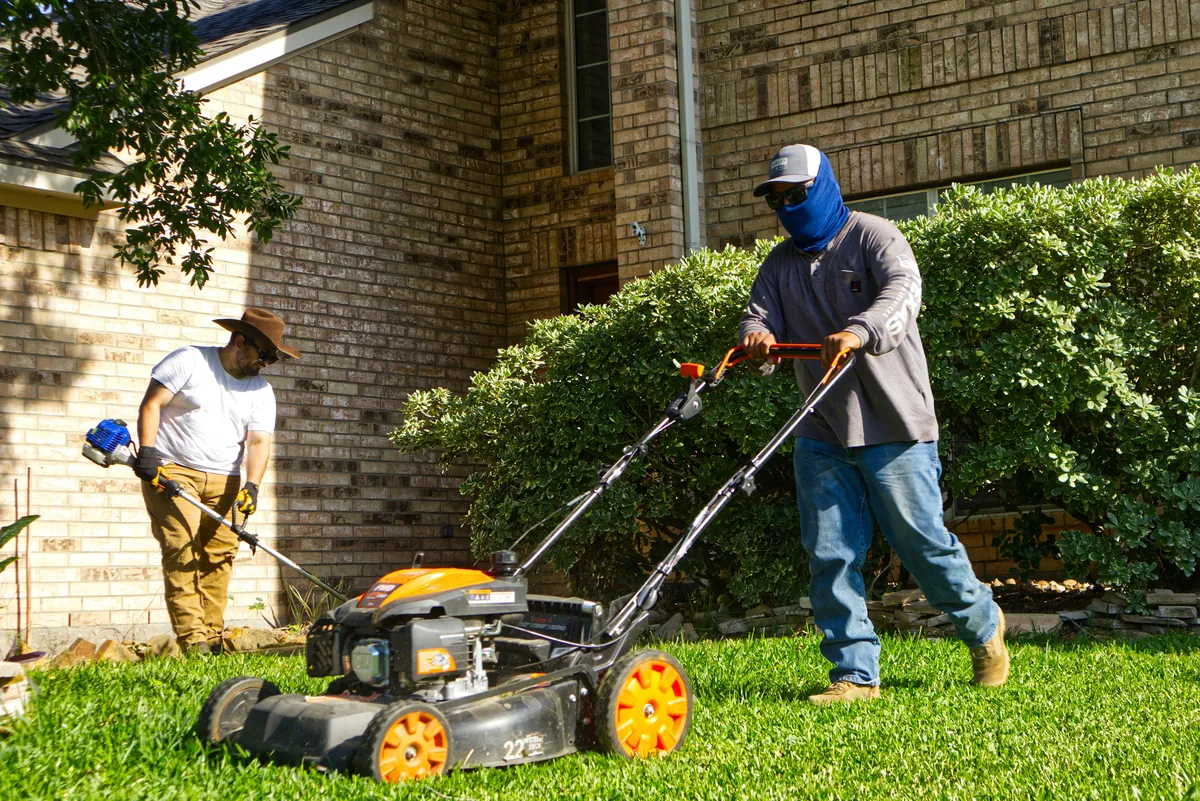
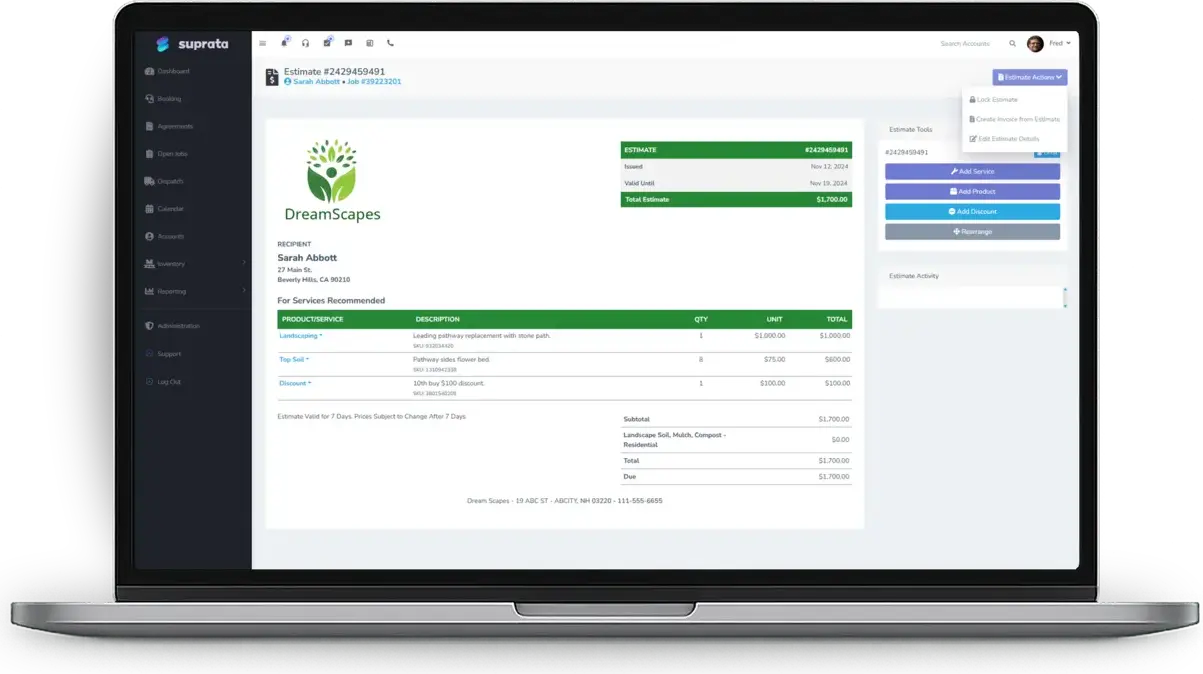
Sound familiar?
What a normal week looks like without the right system
We hear these from landscaping companies all the time. Here is what Suprata does about each one.
Every March I'm calling last year's customers one by one to ask if they're coming back. I start every spring at zero.
The wizard turns your prices into season plans with contract wording already written, so customers sign up once and renewals come to you in the Work Queue.
Somebody asks the crew to pull out a dead shrub and nobody knows what to charge. Tip fees for cleanup debris just get eaten.
Every price list gets crew labor by the man-hour, debris disposal and a trip charge, so extras land on the invoice instead of in your pocket.
My guys show up at a house and the gate's locked or the dog's out. That's a wasted stop and a crew standing around.
Each property keeps its gate code, lockbox combination and notes like Big Dog On Site, and the crew sees them on the job.
June invoices prop up the whole year, and by August people start skipping weeks.
A Full-Season Maintenance Plan bills even monthly payments across the season on autopay, so cash flow stays flat and cancelling takes a real decision.
What runs your day
The parts of Suprata that fit landscaping companies
Suprata is a versatile workflow and business intelligence platform that delivers the power of custom software with ease and affordability. These are the pieces that matter most to you.
Suprata Subscribe
Season plans, year-round property care and snow contracts are service agreements whose schedules create every visit and every invoice.
See Subscribe Suprata Suite moduleSuprata Schedule
Work goes to a crew, not a person, and the route optimizer reorders each crew's stops to cut drive time.
See Schedule Suprata Suite moduleSuprata Estimate
Send install and cleanup quotes as Good, Better, Best options the customer picks and signs online.
See Estimate Suprata Suite moduleSuprata Contract
Program wording covers scope, weather policy and cancellation, and customers sign on a phone or from an emailed link.
See Contract Suprata Suite moduleSuprata Pay
Saved cards and bank accounts run the monthly plan payments without anyone chasing checks.
See Pay Suprata Suite moduleSuprata Job
One job type per area of work, so a crew chief picking at 6 am chooses between four, not eleven.
See Job Suprata Suite moduleSuprata Review
Ask every customer for a review after the job, and problems reach the owner first.
See ReviewA day in the life with Suprata
One ordinary day, start to finish
Here is how the work flows when every call, job, booking and payment lives in one place.
-
6:15 am
Crews load up
Each crew opens today's stops on a phone, with gate codes and property notes on every job. Crew members punch in on the time clock.
-
7:00 am
Routes are set
The office ran the route optimizer last night, so stops run in a sensible order and customers already got their confirmations.
-
10:30 am
An extra on site
A homeowner asks for a bed edged and a shrub removed. The crew adds crew labor and debris disposal to the job before leaving.
-
1:00 pm
An install quote
The owner walks a backyard and sends a three-option patio and planting proposal. The customer picks one and pays the deposit online.
-
3:30 pm
Season plan signed
A neighbor flags down the crew. The crew chief opens a new account, adds the Weekly Lawn Maintenance plan and the customer signs on the phone.
-
6:00 pm
Jobs close, invoices go
Finished visits turn into invoices with a pay link, and a review request follows. Tomorrow's visits are already on the board.
See it on screen
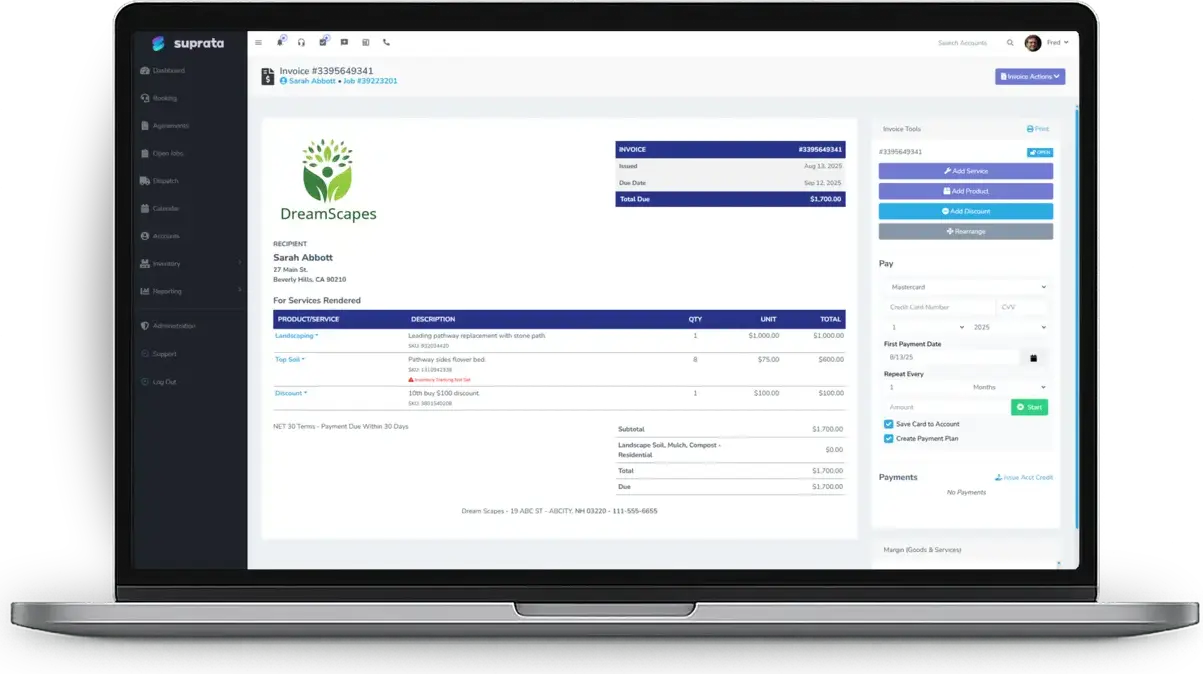
Real Suprata screens
Sample data, real software. Every screen below comes straight from Suprata.
Questions we hear
Straight answers
Asked by landscaping companies before they switch.
How long does setup take for a small lawn and landscape outfit?
Accounts on a landscaping plan get a five-step wizard that takes about fifteen minutes. It asks for your season dates, your crews, your prices and which programs you want, and saves as you go.
Can the same plan run weekly for one customer and every other week for another?
Yes. The template carries the terms and the money, and each customer's agreement carries its own visit schedule and day of the week.
Do I have to schedule every mow by hand?
No. Each night Suprata checks every active agreement and creates the visits that are due. You choose whether they land on the calendar automatically or wait for a dispatcher.
Does it sync with my accounting?
Yes. Suprata syncs customers, invoices and payments to QuickBooks Online or Xero.
Something else? Call 888-494-4335, email hello@suprata.com or ask “Does Suprata do this?”
Close neighbors
Also built for

Ready when you are
Buy it tonight. Be running in minutes.
Start with Suprata Suite on your own, or let our team set it up around the way your landscaping business works.