
Suprata for home theater, audio and low-voltage installers
Home theater and AV projects, quoted, installed and supported
An AV job starts with a design, runs for days and ends with a client who calls when the remote stops working. Suprata keeps the proposal, the equipment, the install days and the service plan on one account.

Sound familiar?
What a normal week looks like without the right system
We hear these from home theater, audio and low-voltage installers all the time. Here is what Suprata does about each one.
Clients want to see a good, better and best theater before they commit. Building three separate quotes takes all afternoon.
Build one option, duplicate it, change what differs, and send all three on one proposal.
We order thousands in equipment, and then the client goes quiet.
A deposit rule on install jobs collects a percentage the moment the client accepts.
Two years later the client calls and nobody knows which receiver or what firmware is in that rack.
Each installed component is recorded on the account with model and serial, and every visit adds to its history.
The install takes four days, and the client texts the owner every evening asking how it is going.
The lead shares a note with photos at the end of each visit, and it lands on the client's Work Recap.
What runs your day
The parts of Suprata that fit home theater, audio and low-voltage installers
Suprata is a versatile workflow and business intelligence platform that delivers the power of custom software with ease and affordability. These are the pieces that matter most to you.
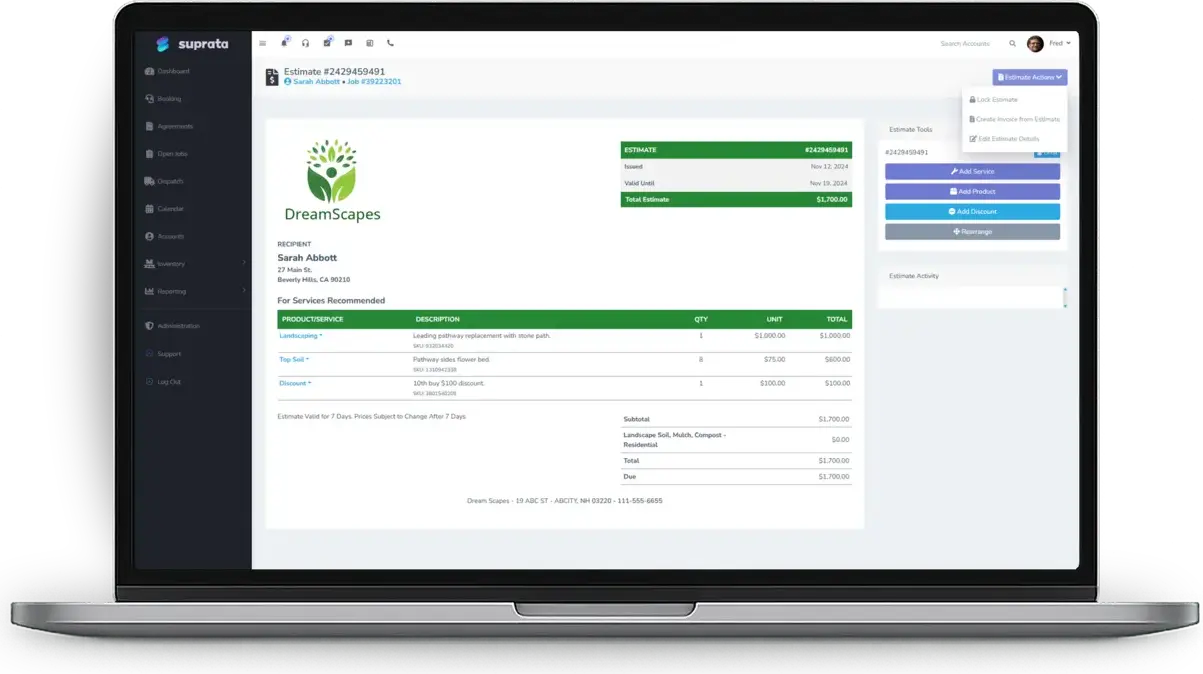
Suprata Estimate
Good, Better, Best system proposals, with the visual estimate builder on a tablet.
See Estimate Suprata Suite moduleSuprata Job
Multi-visit install jobs with photos, signatures and shared progress notes.
See Job Suprata Suite moduleSuprata Inventory
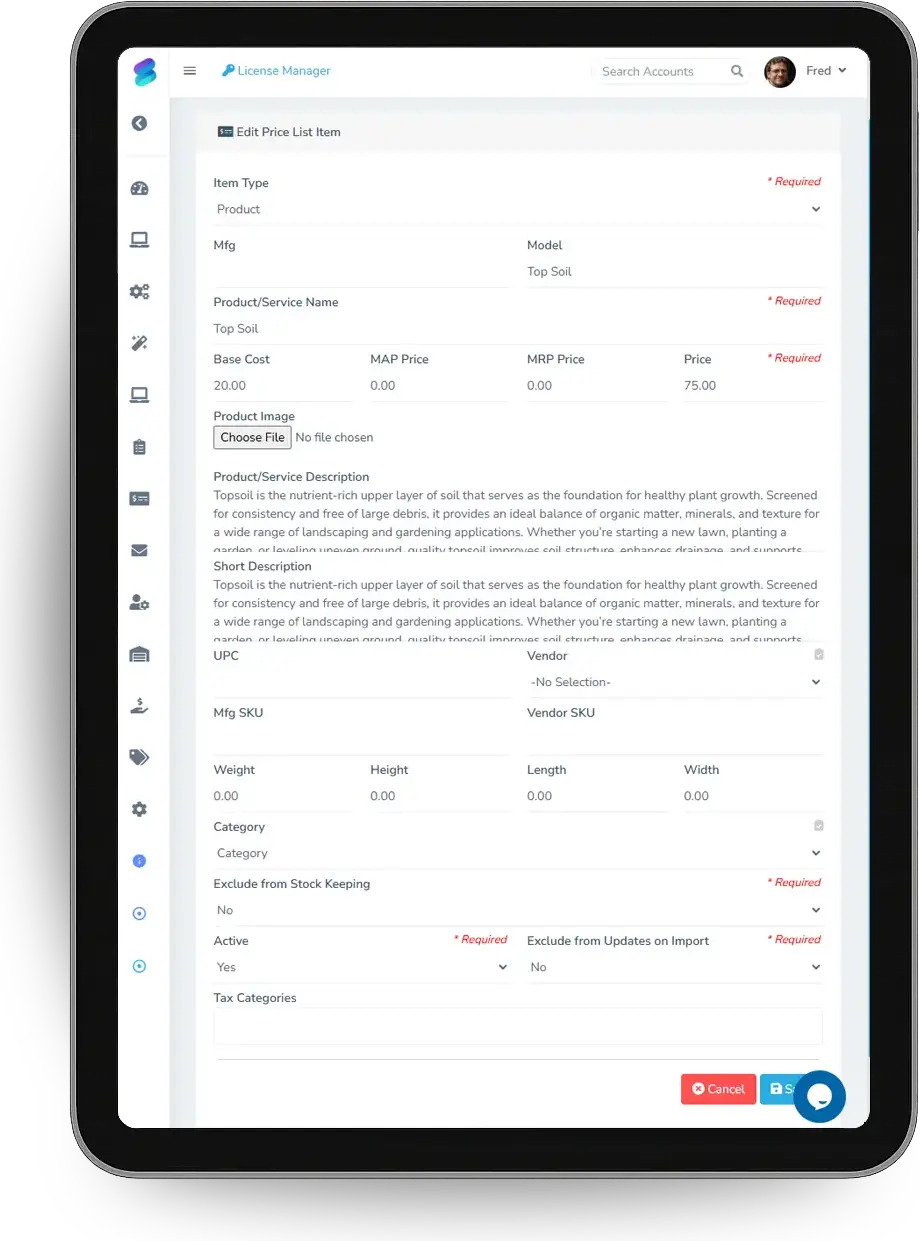
Equipment received on purchase orders and tracked to the job, with cost for margin.
See Inventory Suprata Suite moduleSuprata CRM
Installed components on the client's account with model, serial and install date.
See CRM Suprata Suite moduleSuprata Subscribe
Service plans as subscriptions or agreements with scheduled checkups.
See Subscribe Suprata Suite moduleSuprata Contract
Signed agreements and wiring diagrams stored on the job and shared by secure link.
See ContractA day in the life with Suprata
One ordinary day, start to finish
Here is how the work flows when every call, job, booking and payment lives in one place.
-
8:00 am
Install day three
The crew heads to a theater install with the equipment list on the job.
-
9:30 am
Design meeting
A salesperson builds a proposal on a tablet by tapping picture tiles for speakers and displays.
-
11:30 am
Three options
The client gets good, better and best on one proposal and opens it twice.
-
2:00 pm
Equipment ordered
The client accepts and pays the deposit, and the receiver and speakers go onto a purchase order.
-
4:30 pm
Progress update
The lead shares a photo of the finished rack, and the client sees it on the Work Recap.
-
5:30 pm
Serials saved
Every component's serial goes on the account, and a yearly service plan starts.
See it on screen
Real Suprata screens
Sample data, real software. Every screen below comes straight from Suprata.
Questions we hear
Straight answers
Asked by home theater, audio and low-voltage installers before they switch.
Can we sell on a tablet with pictures?
Yes. The visual estimate builder lets you tap picture tiles for categories and items instead of searching a list.
Read: The visual estimate builder — big buttons instead of a long list
Can the client choose between system options?
Yes. A proposal holds several priced options. The client picks one, signs and pays any deposit you require.
Read: Good / Better / Best proposals — let the customer choose
Can we keep the client updated during a long install?
Yes. Shared notes go out by text or email and collect on the job's Work Recap.
Read: Keeping customers updated: shared job notes and the Work Recap
Can we track what equipment went into each home?
Yes. Installed equipment is recorded on the account with serial, model and install date.
Read: The Asset Lifecycle: Receive, Assign, Maintain, Bill, Retire
Something else? Call 888-494-4335, email hello@suprata.com or ask “Does Suprata do this?”
Close neighbors
Also built for
Ready when you are
Buy it tonight. Be running in minutes.
Start with Suprata Suite on your own, or let our team set it up around the way your home theater and AV business works.