
Suprata for security and alarm contractors
Security installs and monthly monitoring billing, handled
An alarm company earns its keep twice: once on the install and every month after. Suprata quotes the system, schedules the install and bills the monitoring fee on autopay. Every panel, camera and sensor at the site stays on record.
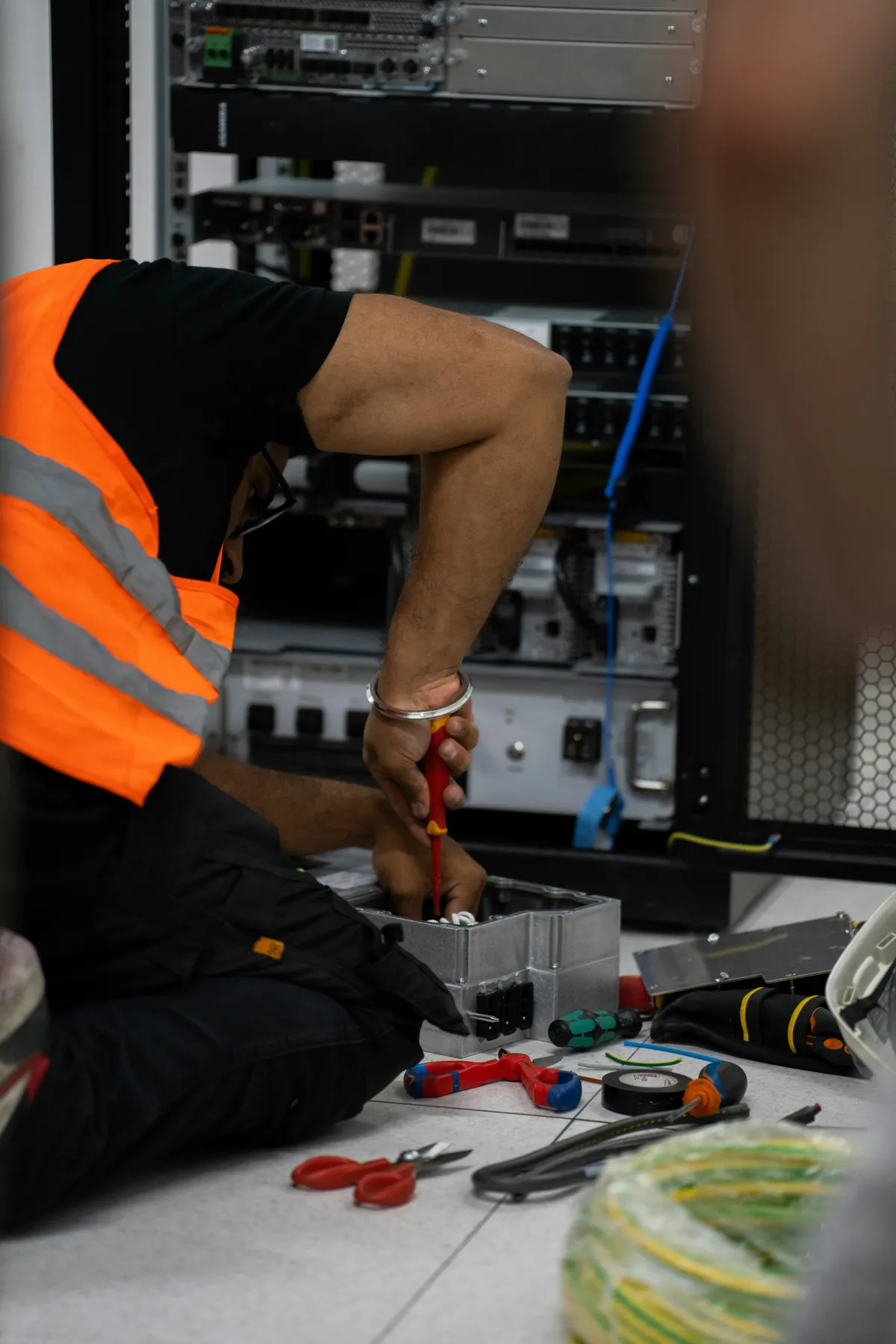
Sound familiar?
What a normal week looks like without the right system
We hear these from security and alarm contractors all the time. Here is what Suprata does about each one.
Monitoring fees are our whole business. When a card fails, nobody notices for three months.
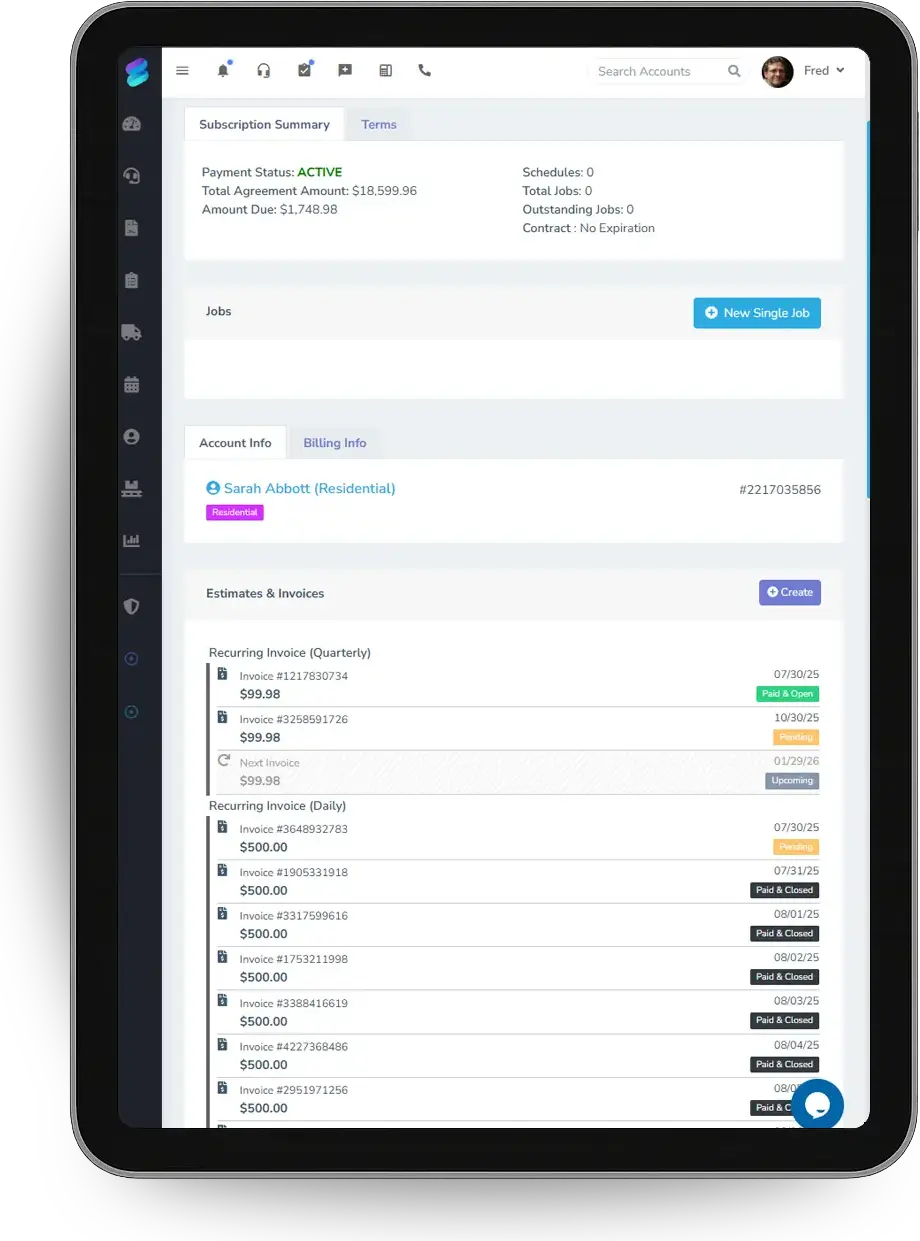
Monitoring is a subscription on autopay, and failed payments show on the Accounting Health page until someone cures them.
We quote a camera system and the customer wants to compare four cameras against eight.
Options go on one proposal, and the customer signs and pays a deposit when they choose.
The tech goes to a service call and has no idea what panel or what cameras are on site.
The Equipment General form records each device at the site, and the account shows it on every visit.
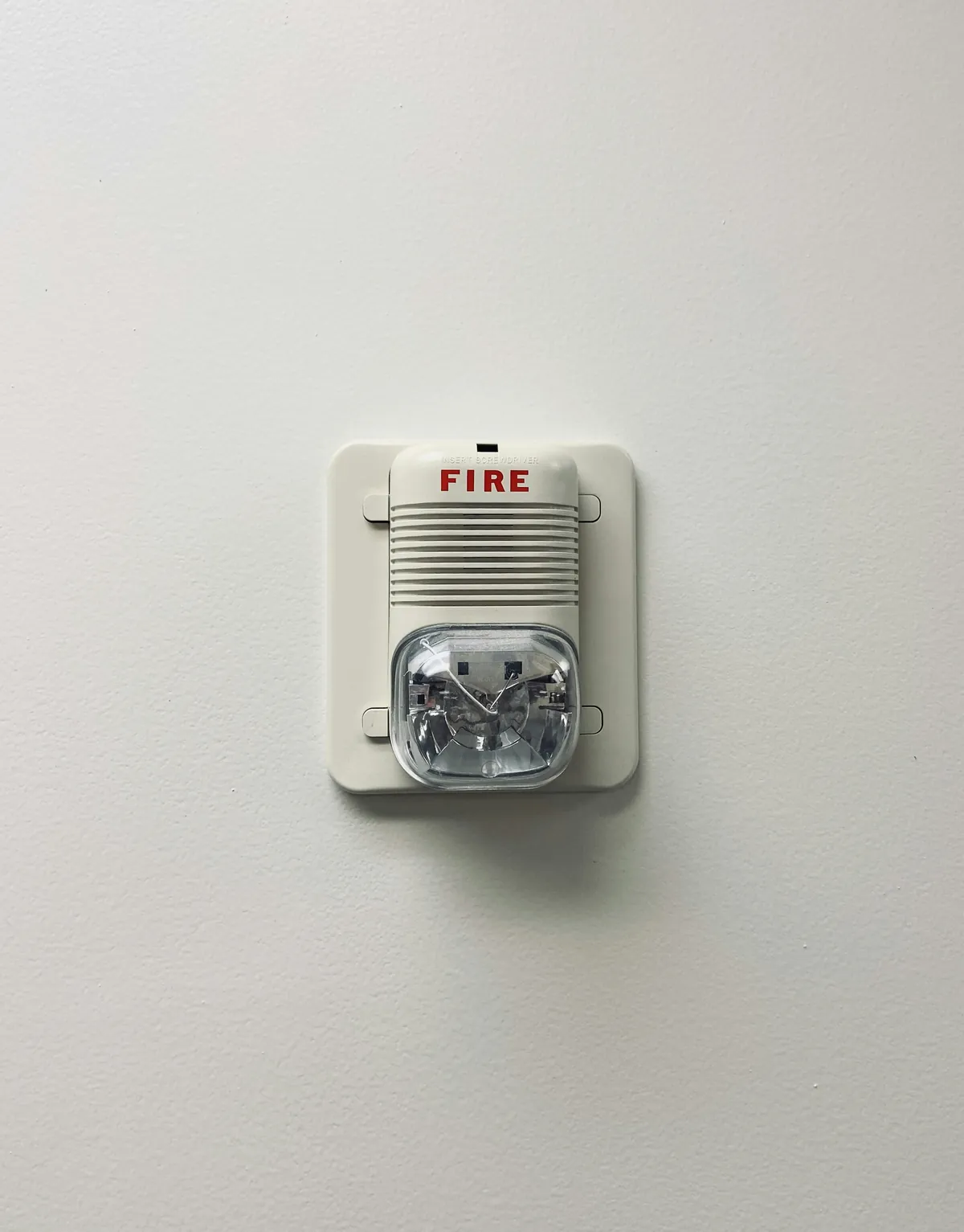
Commercial customers want yearly inspections on the fire alarm and the access panel, and we lose track.
A service agreement schedules the yearly inspection and creates the job each year.
What runs your day
The parts of Suprata that fit security and alarm contractors
Suprata is a versatile workflow and business intelligence platform that delivers the power of custom software with ease and affordability. These are the pieces that matter most to you.
Suprata Subscribe
Monthly monitoring as subscriptions with autopay, and yearly inspections as service agreements.
See Subscribe Suprata Suite moduleSuprata Pay
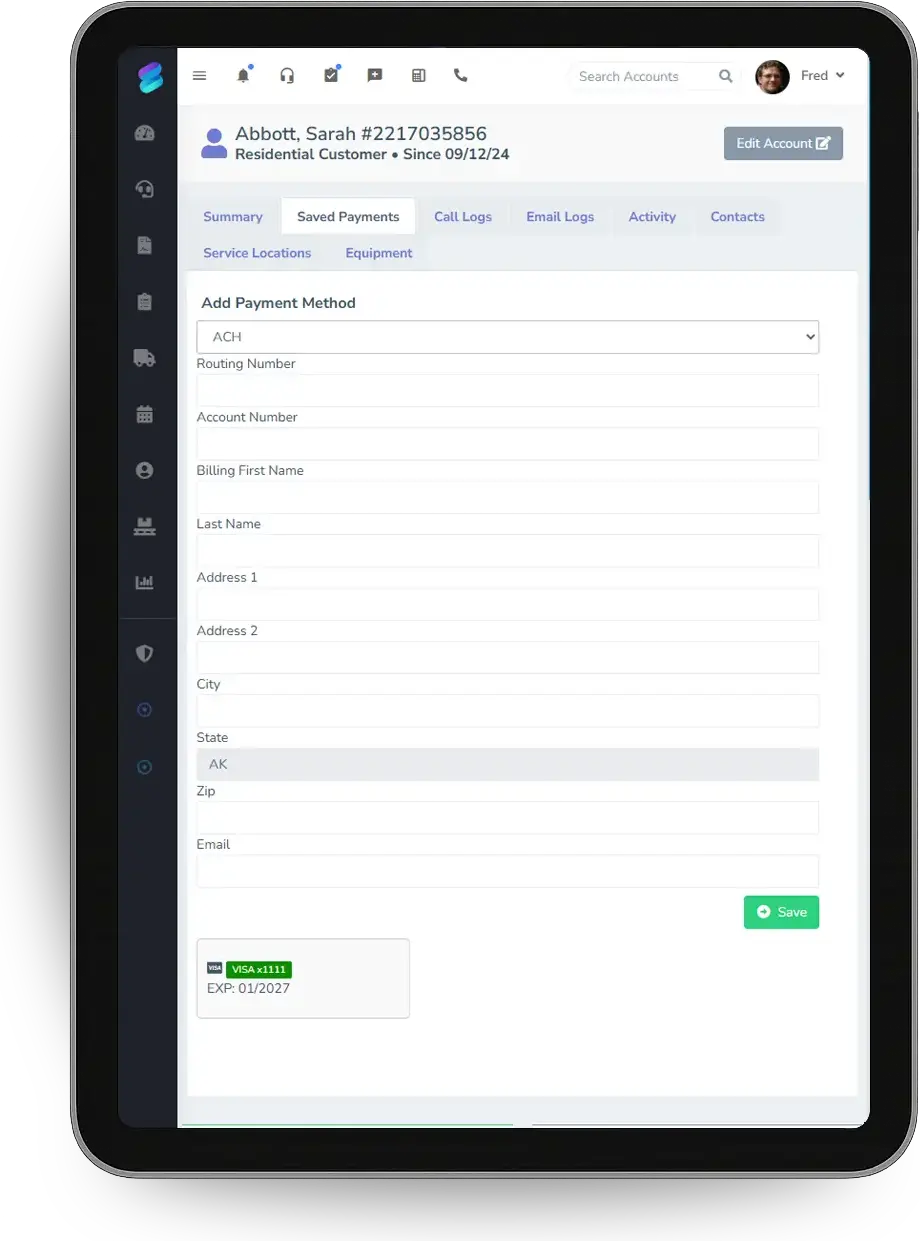
Saved cards and bank accounts, ACH return detection and an Accounting Health page for failed payments.
See Pay Suprata Suite moduleSuprata Estimate
Camera and alarm packages as options on one proposal with a deposit.
See Estimate Suprata Suite moduleSuprata Job
Install and service job types with photos, signatures and the Equipment General form.
See Job Suprata Suite moduleSuprata Tasks + Notify
Service tickets with priorities and due dates for trouble reports.
See Tasks + Notify Built into the platformCustomer portal
Customers pay, swap the card on autopay and see their documents in a branded portal.
See Customer portalA day in the life with Suprata
One ordinary day, start to finish
Here is how the work flows when every call, job, booking and payment lives in one place.
-
7:30 am
Failed payments
The office opens Accounting Health and sees two monitoring payments that failed overnight.
-
8:00 am
Card swap
The customer gets a portal link and swaps the expired card on autopay.
-
9:30 am
Install
A crew installs an eight-camera system and records each camera and the recorder on the site's equipment list.
-
12:00 pm
Proposal
A store owner gets three camera packages on one proposal and signs the middle one.
-
2:15 pm
Trouble ticket
A customer reports a zone fault. The ticket gets a priority and becomes a service job.
-
4:30 pm
Inspection due
Next month's yearly inspections, created by agreements, are assigned to techs.
See it on screen
Real Suprata screens
Sample data, real software. Every screen below comes straight from Suprata.
Questions we hear
Straight answers
Asked by security and alarm contractors before they switch.
Does Suprata connect to our monitoring center?
Not out of the box. Suprata runs your customers, installs, service and billing. The open API lets a developer connect other systems.
Can monthly fees charge themselves?
Yes. A subscription with autopay charges the saved card or bank account each month and sends a receipt.
Read: Saved payment methods — when to use them (and when not)
Can customers pay by bank transfer?
Yes. ACH works through Stripe or USIO, and returns are detected automatically with the return code.
Can we keep a list of equipment at each site?
Yes. Record each device with the Equipment General form, and the site's history builds with every visit.
Read: The Asset Lifecycle: Receive, Assign, Maintain, Bill, Retire
Something else? Call 888-494-4335, email hello@suprata.com or ask “Does Suprata do this?”
Close neighbors
Also built for

Ready when you are
Buy it tonight. Be running in minutes.
Start with Suprata Suite on your own, or let our team set it up around the way your security and alarm business works.