
Suprata for computer and phone repair shops
Bench repairs, status texts and the counter, all in one
A repair shop runs on the bench, not the calendar. Suprata records what came in at drop-off and keeps the customer posted by text. The repair, the parts and the payment at the counter all land on one ticket.

Sound familiar?
What a normal week looks like without the right system
We hear these from computer and phone repair shops all the time. Here is what Suprata does about each one.
Three weeks later the customer says they left a charger with the laptop. Nobody wrote it down.
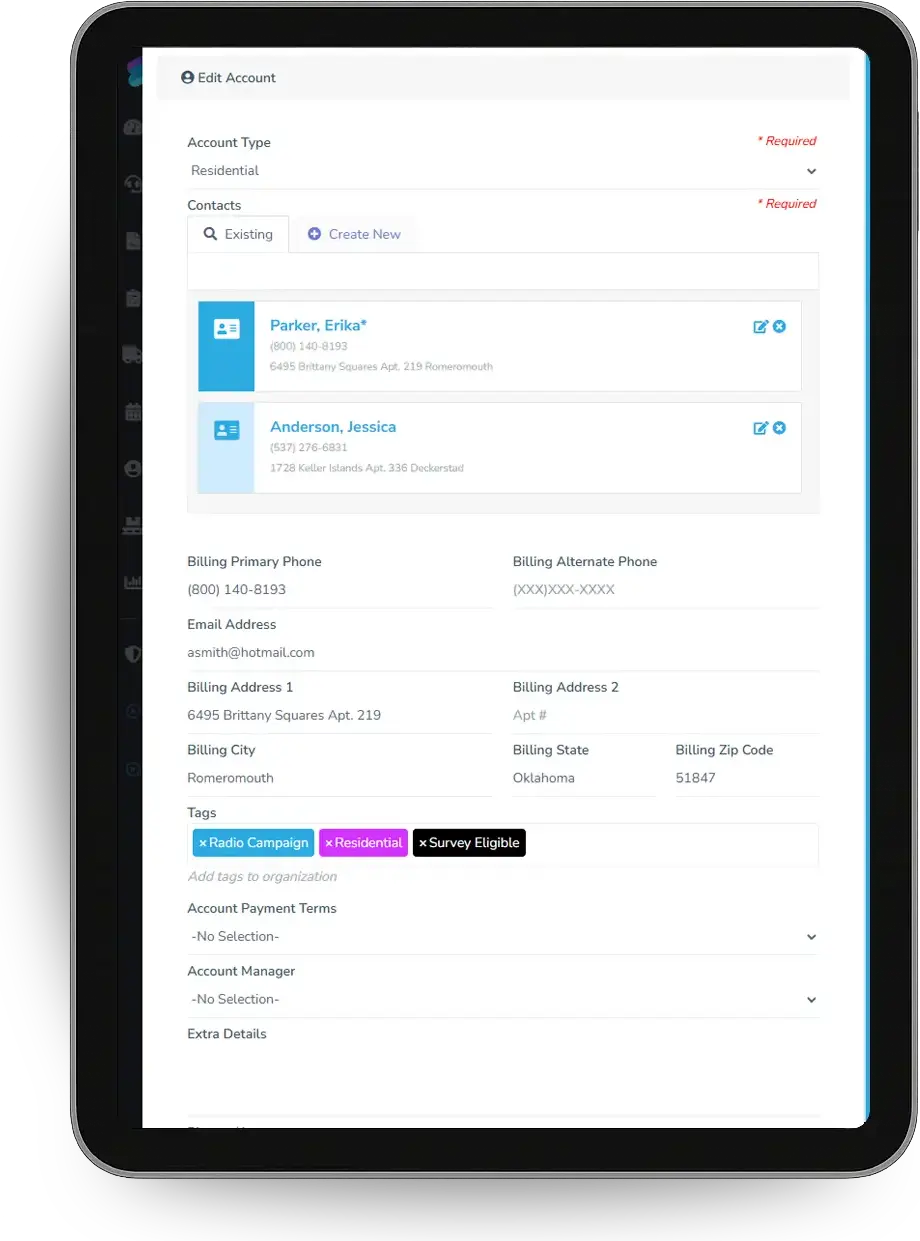
The intake form records make, model, serial, condition, accessories, the stated problem and backup status at drop-off.
Customers call all day asking if their phone is ready.
Status changes send texts: diagnosis done with the quote, and ready for pickup.
We spend an hour diagnosing a laptop and then the customer says no to the repair.
A diagnostic fee is on the ticket at drop-off and can be credited toward the repair if they approve.
The cash drawer never matches at the end of the day.
A till on the counter computer tracks the float, drops and a blind close with over and short.
What runs your day
The parts of Suprata that fit computer and phone repair shops
Suprata is a versatile workflow and business intelligence platform that delivers the power of custom software with ease and affordability. These are the pieces that matter most to you.
Suprata Job
Bench Repair and In-Store Diagnostic job types with the Computer Evaluation and IT In-Store Evaluation forms.
See Job Suprata Suite moduleSuprata Message
Drop-off, quote and ready-for-pickup texts driven by job status.
See Message Suprata Suite moduleSuprata Inventory
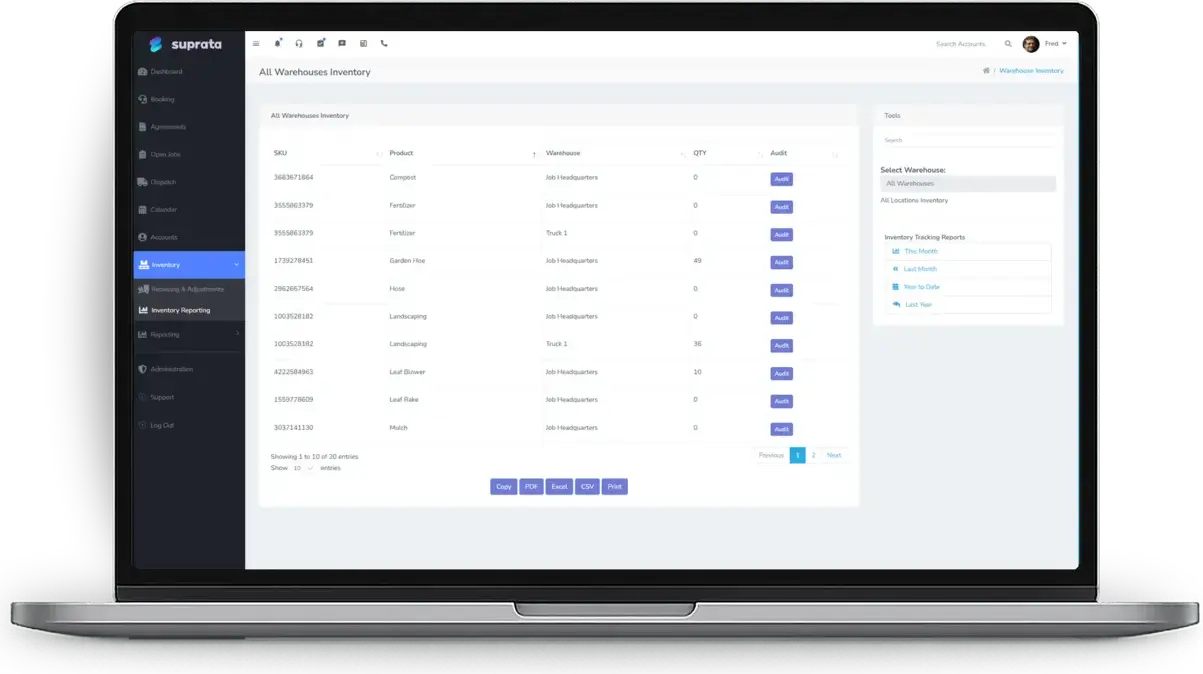
Screens, batteries, drives and RAM tracked on the shelf with cost for honest margins.
See Inventory Suprata Suite moduleSuprata Pay
A till and cash drawer at the counter, plus cards and pay links.
See Pay Suprata Suite moduleSuprata Schedule
On-site calls on the dispatch board, and a bench queue view for walk-in work.
See Schedule Suprata Suite moduleSuprata Review
Every customer gets asked for a review at pickup, and problems reach the owner first.
See ReviewA day in the life with Suprata
One ordinary day, start to finish
Here is how the work flows when every call, job, booking and payment lives in one place.
-
9:00 am
Open the drawer
The front desk opens the till with a counted float.
-
9:20 am
Drop-off
A cracked phone comes in. The intake form records the model, condition and passcode, and the customer gets a text with the ticket number.
-
11:00 am
Bench queue
The bench tech works from a view filtered to bench jobs, oldest first.
-
1:30 pm
Quote by text
A laptop's diagnosis is done. The customer gets the quote by text and approves.
-
3:45 pm
Ready
The screen is replaced, the part comes off stock, and the customer gets a ready-for-pickup text.
-
6:00 pm
Close the till
The drawer is counted by denomination in a blind close, and over or short is recorded.
See it on screen
Real Suprata screens
Sample data, real software. Every screen below comes straight from Suprata.
Questions we hear
Straight answers
Asked by computer and phone repair shops before they switch.
Do bench jobs need appointments?
No. Bench jobs move by status, not by calendar, and sit in a bench queue view until done.
Read: Setting Up Suprata for an IT Shop or Computer Repair Business
Can we take cash at the counter?
Yes. A till ties a cash drawer to the front desk computer with float, drops, deposits and a blind close.
Can the customer approve a repair by text?
Yes. Send the quote as a proposal by text or email, and the customer accepts and signs online.
Read: Good / Better / Best proposals — let the customer choose
Can we track what parts cost us?
Yes. Price list items carry a cost, and parts used on a job come off stock with first-in, first-out cost.
Something else? Call 888-494-4335, email hello@suprata.com or ask “Does Suprata do this?”
Close neighbors
Also built for

Ready when you are
Buy it tonight. Be running in minutes.
Start with Suprata Suite on your own, or let our team set it up around the way your computer and phone repair business works.