
Suprata for glamping resorts
Domes, tents and yurts booked online with the add-ons guests want
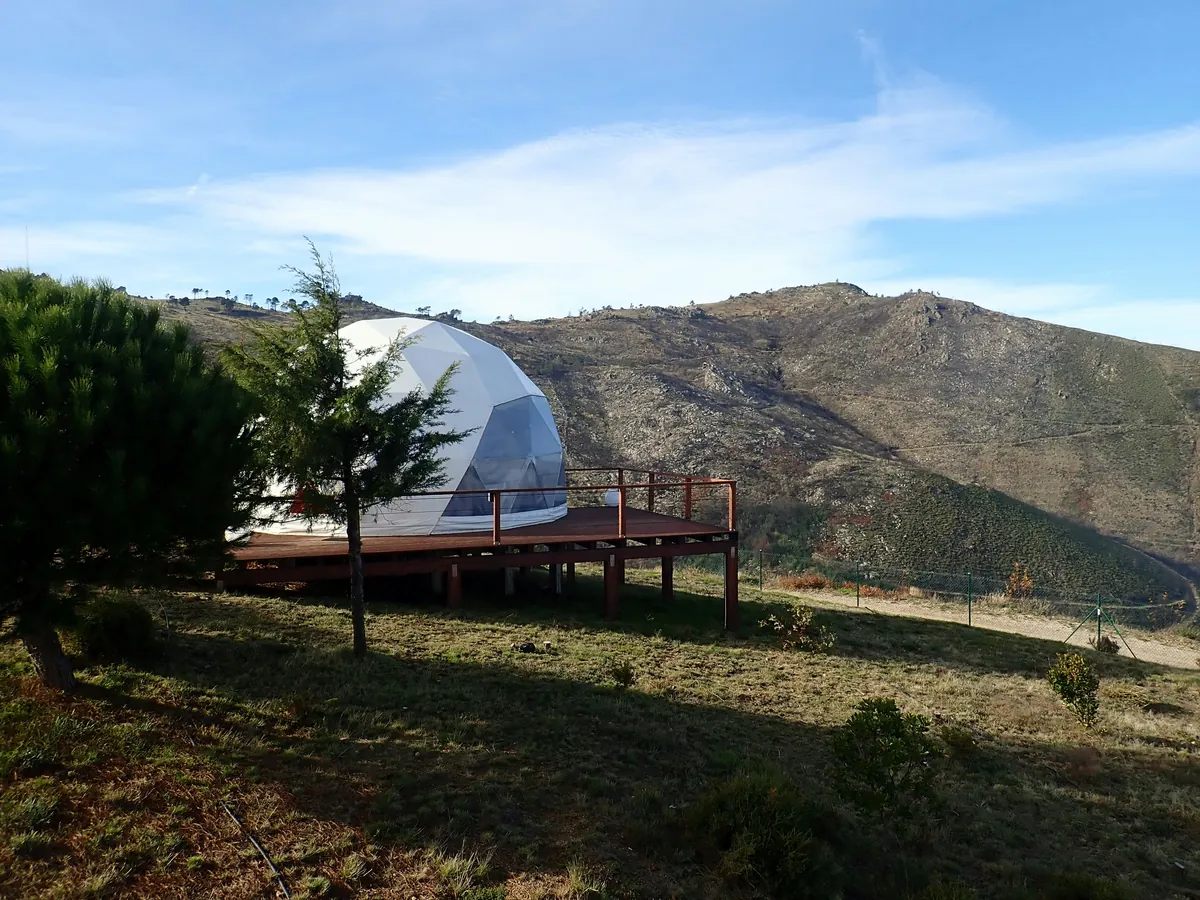
Glamping guests book a specific experience, often months ahead, and they book online. Suprata puts each dome, tent and yurt on your property map, sells them through a booking widget on your own website with add-ons like firewood and late checkout, and prices every Friday and holiday on its own.
Sound familiar?
What a normal week looks like without the right system
We hear these from glamping resorts all the time. Here is what Suprata does about each one.
Guests want the dome with the valley view, and the booking page I have cannot tell it apart from the one by the parking lot.
Publish your property map and let guests pick a specific unit for the types where it matters.
After every booking I am emailing back and forth about firewood, s'mores kits and late checkout.
Add-ons you mark for online booking show up in the widget, so guests add them while they book.
A Saturday in September sells for the same price as a Tuesday in March.
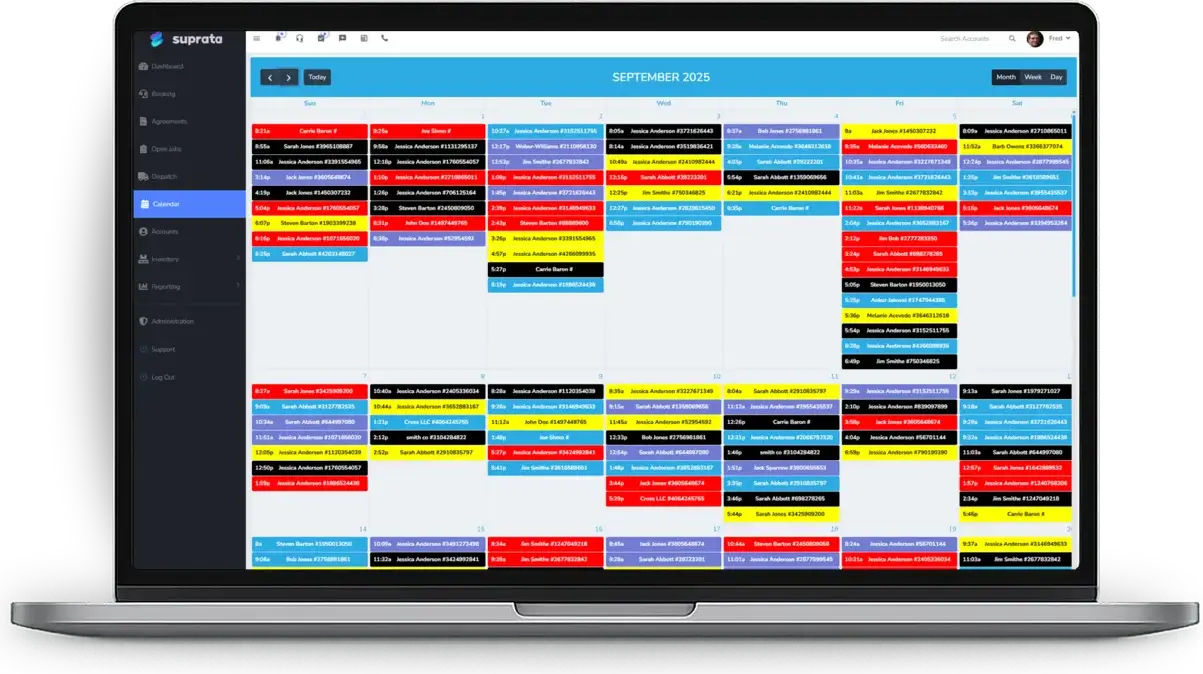
The Rate Calendar sets weekend rates, peak seasons and holiday minimum stays, so each night prices itself.
After every stay we have to check the canvas, the bedding and the wood stove before the next guest.
An audit walk checks each unit with condition ratings and photos, and findings can be billed to the guest's folio.
What runs your day
The parts of Suprata that fit glamping resorts
Suprata is a versatile workflow and business intelligence platform that delivers the power of custom software with ease and affordability. These are the pieces that matter most to you.
Suprata Reservations
A published property map, packages with add-ons, the Rate Calendar and a booking widget for your site.
See Reservations Suprata Suite moduleSuprata Pay
Deposits at booking and damage holds on the card.
See Pay Suprata Suite moduleSuprata Tax
Lodging tax follows the stay line, on every peak and weekend rate.
See Tax Suprata Suite moduleSuprata Job
Turnover cleaning runs as a job for each unit between guests.
See Job Suprata Suite moduleSuprata Message
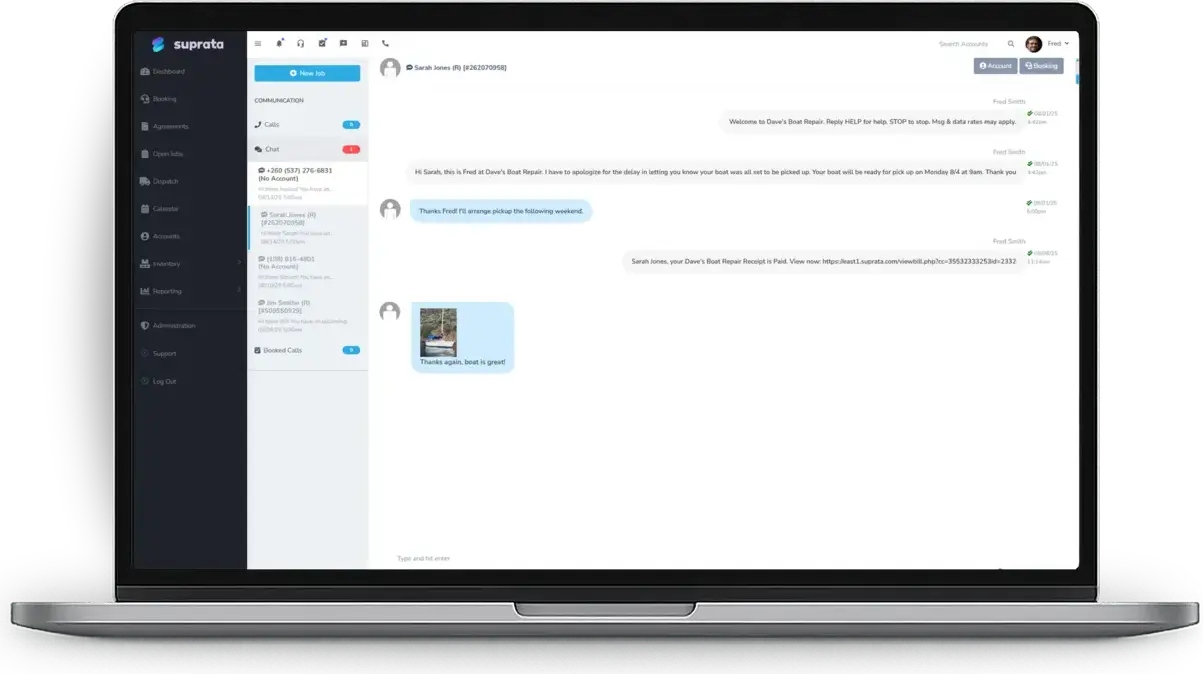
Text guests their arrival details and answer them from one shared inbox.
See Message Suprata Suite moduleSuprata Review
After checkout each guest gets a review request, and problems go to the owner first.
See ReviewA day in the life with Suprata
One ordinary day, start to finish
Here is how the work flows when every call, job, booking and payment lives in one place.
-
8:30 am
Overnight bookings
Bookings made overnight on the website, deposits paid, wait in the Online Bookings inbox.
-
10:00 am
Turnover walk
After checkout, staff walk each dome and tent with a tablet, rating the bedding, canvas and stove, with photos.
-
11:30 am
Cleaning jobs
Each turnover has a cleaning job on the schedule for the crew.
-
1:00 pm
Add-on sale
A guest calls to add firewood and a late checkout, and staff add both to the reservation.
-
3:00 pm
Arrivals
Guests check in from Front Desk, and the office texts each one directions to their unit.
-
5:00 pm
Next summer's prices
The owner bulk-applies a weekend rate and a two-night minimum across every Friday and Saturday next July.
See it on screen
Real Suprata screens
Sample data, real software. Every screen below comes straight from Suprata.
Questions we hear
Straight answers
Asked by glamping resorts before they switch.
Can guests see the property map when they book?
Yes, if you publish it. Guests see units color-coded by availability for their dates and click one to book. You can also keep the map staff only.
Can I take full payment instead of a deposit?
Yes. The widget can take nothing up front, a percentage deposit or the full amount at booking.
Can I sell packages like a two-night anniversary stay?
Yes. A package bundles the unit, the stay and add-ons into one thing a guest books.
Does it handle lodging tax?
It calculates lodging tax on the exact nightly price, even on peak and weekend rates. It does not look up tax rates or file the tax for you.
Something else? Call 888-494-4335, email hello@suprata.com or ask “Does Suprata do this?”
Close neighbors
Also built for

Ready when you are
Buy it tonight. Be running in minutes.
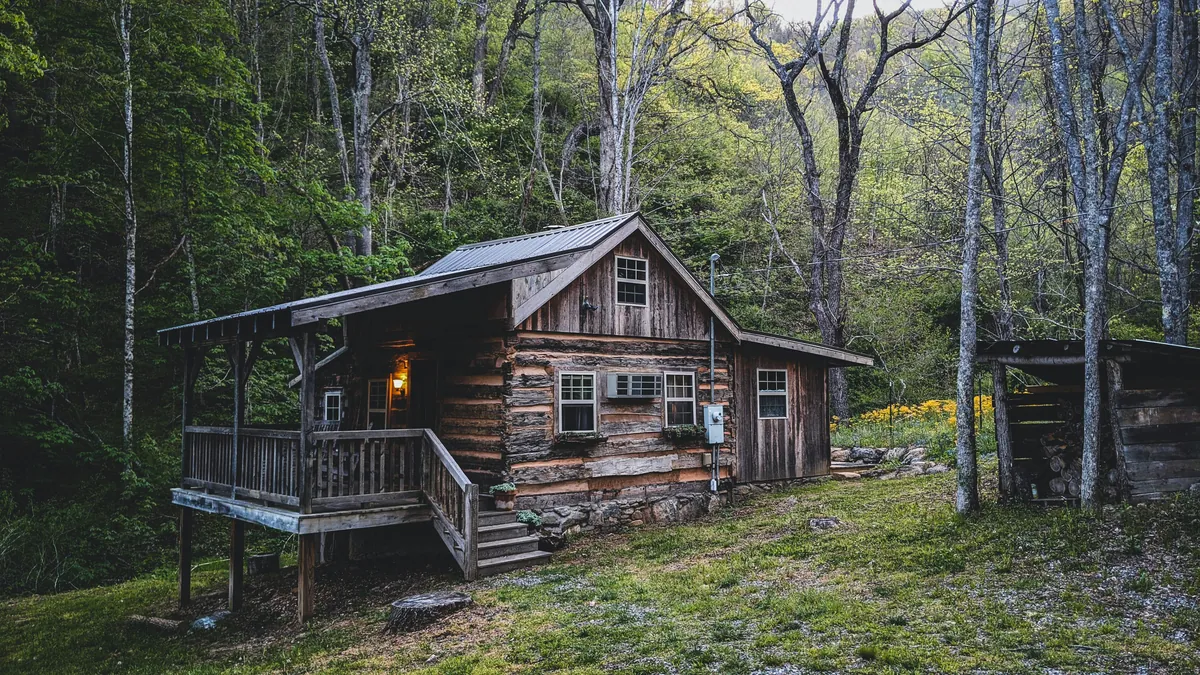
Start with Suprata Suite on your own, or let our team set it up around the way your glamping business works.