
Suprata for inns, motels and small lodging
Rooms by type, rates by the night, lodging tax on every stay
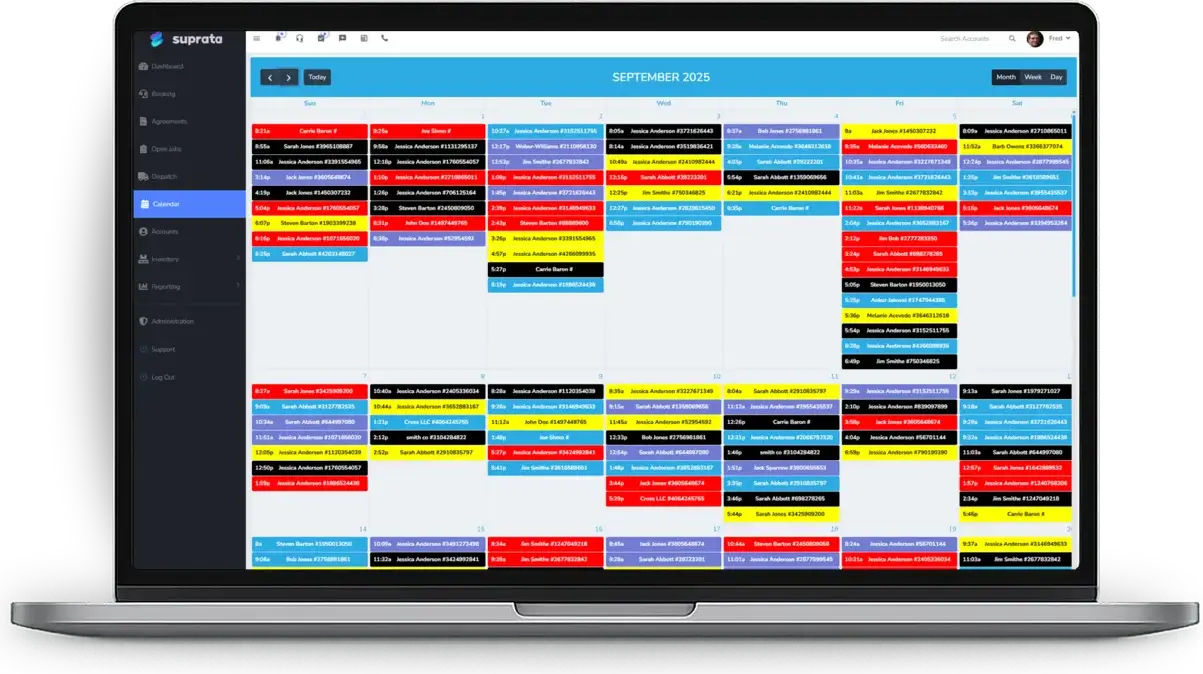
A small hotel sells a Queen Lakeview, not room 12, and assigns the room when the guest walks in. Suprata works the way a front desk does: rooms by type, a Tape Chart that shows how many are free each night, and rates that move with weekends, seasons and holiday minimum stays.

Sound familiar?
What a normal week looks like without the right system
We hear these from inns, motels and small lodging all the time. Here is what Suprata does about each one.
I have twenty-four identical rooms, and I do not want to draw them all on a map just to sell them.
Quantity mode sells a room type by count, with no map and no per-room setup.
My desk clerk hand-edits the price on every Friday and Saturday booking.
Set weekend rates and seasons once in the Rate Calendar, and every booking, at the desk or online, prices itself.
Saturday check-ins strand me with Sunday nights I can never sell.
Close dates to arrival or departure and set minimum stays by date, so those gaps never form.
Lodging tax on a discounted or peak rate never comes out right on my spreadsheet.
Lodging tax is figured on the exact price that lands on the invoice, from the stay item's tax rules.
What runs your day
The parts of Suprata that fit inns, motels and small lodging
Suprata is a versatile workflow and business intelligence platform that delivers the power of custom software with ease and affordability. These are the pieces that matter most to you.
Suprata Reservations
Booking by type, the Tape Chart, the Front Desk screen, the Rate Calendar and a booking widget for your website.
See Reservations Suprata Suite moduleSuprata Tax
Lodging tax is set on the stay item and shows up on the tax report by jurisdiction.
See Tax Suprata Suite moduleSuprata Pay
Cards, deposits and a front desk till with a blind count at the end of each shift.
See Pay Suprata Suite moduleSuprata Report
The owner dashboard shows tonight's occupancy and today's arrivals, with occupancy and revenue reports behind it.
See Report Suprata Suite moduleSuprata Message
Confirmations and reminders go out on their own, and guest texts land in one shared inbox.
See Message Suprata Suite moduleSuprata Review
Ask every guest for a review after checkout, and problems reach the owner first.
See ReviewA day in the life with Suprata
One ordinary day, start to finish
Here is how the work flows when every call, job, booking and payment lives in one place.
-
7:00 am
Front Desk
Arrivals, departures, guests in-house, and bookings still waiting for a room, all on one screen.
-
9:00 am
Checkouts
Departing guests settle at the desk, and cash goes through the till.
-
11:00 am
Housekeeping
Housekeeping works from the cleaning jobs on the schedule, one for each room that checked out.
-
3:00 pm
Check-ins
Guests arrive, and the clerk assigns each one a real room from the Tape Chart worklist.
-
5:00 pm
Owner's look
The owner checks tonight's occupancy and tomorrow's arrivals on the owner dashboard.
-
10:00 pm
Late online booking
A traveler books the last king room on the website. It is confirmed instantly and appears on the Tape Chart.
See it on screen
Real Suprata screens
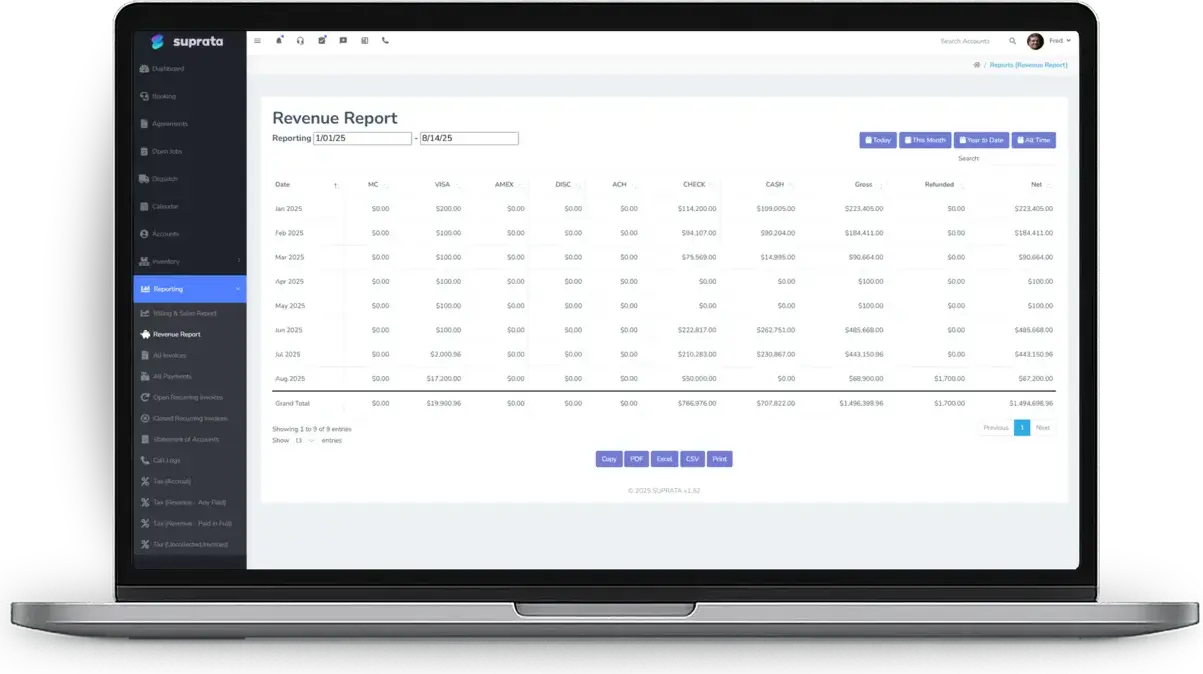
Sample data, real software. Every screen below comes straight from Suprata.
Questions we hear
Straight answers
Asked by inns, motels and small lodging before they switch.
Does it connect to the big online booking sites?
The help center does not describe a direct connection to outside booking sites. Guests can book on your own website through the widget, and custom integrations are available. Ask us.
Can prices rise automatically as I sell out?
Not today. The Rate Calendar covers base rates, weekend rates, seasons, minimum stays and closeouts. Pricing that climbs with occupancy is not built in yet.
Does it file my lodging tax?
No. It calculates lodging tax on every stay and reports it by jurisdiction, and you file it yourself.
Can I run two properties?
Yes. Business units give each property its own letterhead, tax location and registers, with revenue reported by property.
Something else? Call 888-494-4335, email hello@suprata.com or ask “Does Suprata do this?”
Close neighbors
Also built for


Ready when you are
Buy it tonight. Be running in minutes.
Start with Suprata Suite on your own, or let our team set it up around the way your inns and motels business works.