
Suprata for tour operators and guided trips
Sell every seat, check every guest in, print the roster
Tours run on departures with a fixed number of seats. Suprata sets up each tour once with seat classes like adult, child and member, puts departures on sale, and gives the guide a scannable check-in and a printable roster. Guests buy on your public sessions page and find their tickets in the portal.

Sound familiar?
What a normal week looks like without the right system
We hear these from tour operators and guided trips all the time. Here is what Suprata does about each one.
I re-enter the same Saturday tour every week with the same prices.
Set up the tour once with its seat classes, then attach it to as many departures as you run.
A guest showed up with last week's ticket, and we let them on.
Check-in refuses a ticket for a different departure and warns on unpaid orders.
The guide's passenger list is a screenshot of my email.
The roster prints with every name, seat class, contact, note and a signature column, and paper works where there's no signal.
Partners run tours from my dock, and I bill them by hand at month end.
Partner operators book their own departures from their portal and are billed a per-guest fee after the trip, counting paid seats only.
What runs your day
The parts of Suprata that fit tour operators and guided trips
Suprata is a versatile workflow and business intelligence platform that delivers the power of custom software with ease and affordability. These are the pieces that matter most to you.
Suprata Reservations
Ticketed sessions with seat classes, approval before sale, scannable tickets, check-in and rosters.
See Reservations Built into the platformCustomer portal
Guests buy seats, see their tickets and show them from a phone.
See Customer portal Suprata Suite moduleSuprata Pay
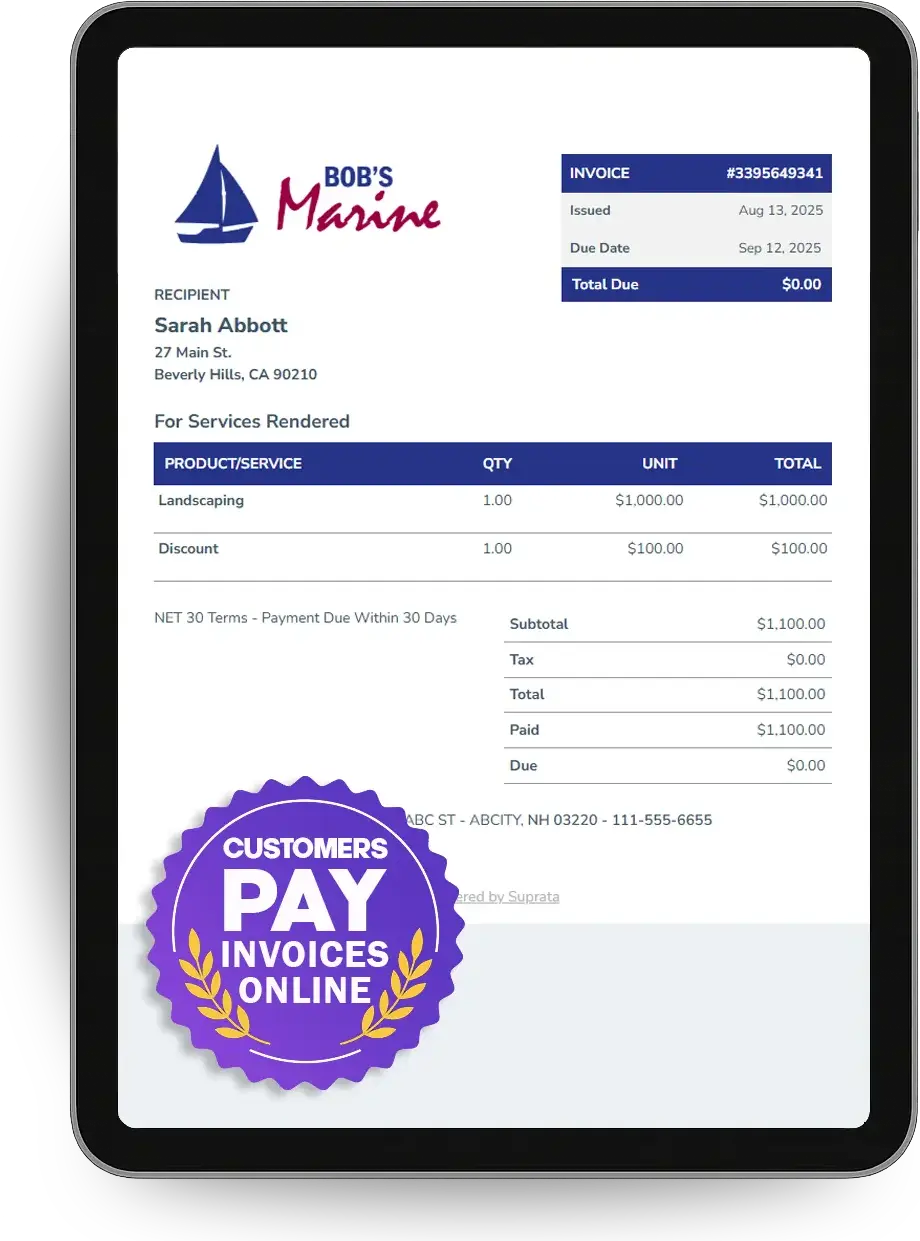
Each order is its own invoice, paid online, with full or partial refunds.
See Pay Suprata Suite moduleSuprata Message
Text guests about meeting points, weather and changes.
See Message Suprata Suite moduleSuprata Review
Ask every guest for a review after the tour, and problems reach the owner first.
See Review Suprata Suite moduleSuprata Report
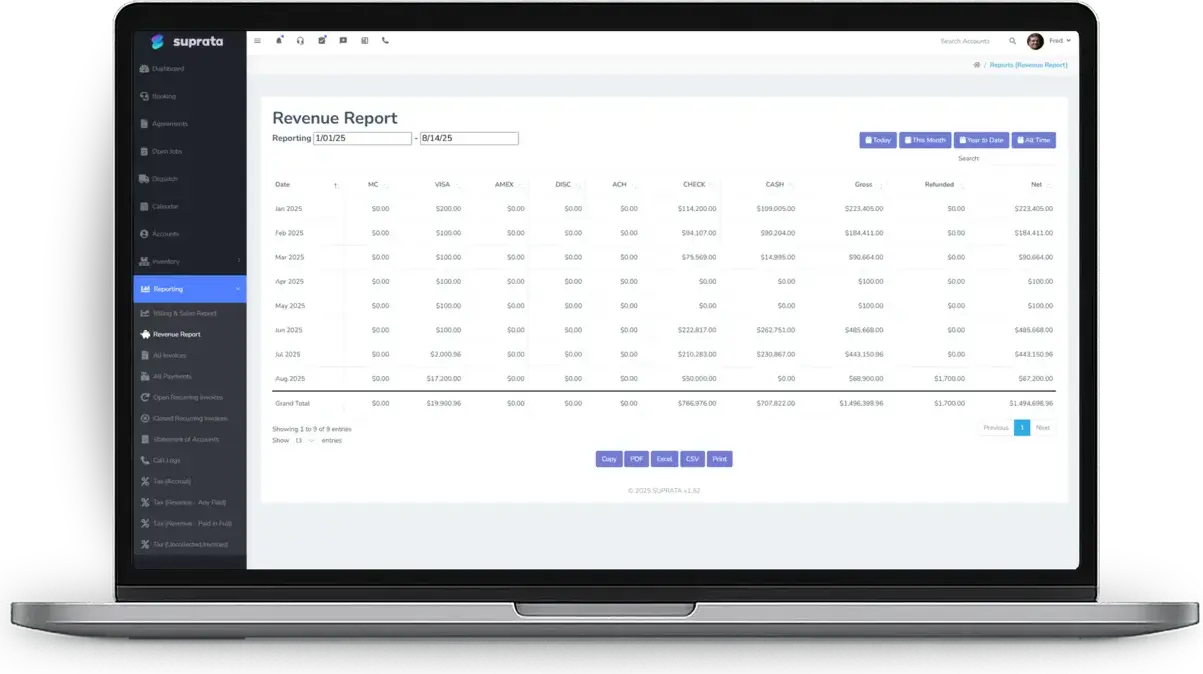
Seat revenue lands in your normal reports next to everything else.
See ReportA day in the life with Suprata
One ordinary day, start to finish
Here is how the work flows when every call, job, booking and payment lives in one place.
-
8:00 am
Today's departures
Public Sessions shows today's tours with seats sold against capacity, plus any drafts waiting for approval.
-
9:30 am
Check-in
The guide scans tickets on a phone, and a running count shows how many are aboard.
-
11:00 am
A partner's new departure
A partner operator books a departure from their portal and picks one of their approved tours. Staff approve it, and it goes on sale.
-
1:30 pm
Family order
A family buys four seats in one order, naming each person for the roster.
-
3:00 pm
Weather change
Tomorrow's sunset tour is cancelled. Guests get a text, and their orders are cancelled for refund.
-
10:00 pm
Operator billing
After the last departure, the overnight run bills the partner's per-guest fee for confirmed seats only.
See it on screen
Real Suprata screens
Sample data, real software. Every screen below comes straight from Suprata.
Questions we hear
Straight answers
Asked by tour operators and guided trips before they switch.
Is there checkout without an account?
No. Buyers create an account with an email code so they can find, reprint and show their tickets later.
Can we check guests in with no signal?
Yes, on paper. Tick the printed roster by hand, and scan tickets when you have signal.
Can I approve a departure before it goes on sale?
Yes. Set approval to staff must approve, and the departure waits as a draft until someone approves it.
Can I limit how many seats one order can buy?
Yes. Each seat class has its own capacity and a per-order limit.
Something else? Call 888-494-4335, email hello@suprata.com or ask “Does Suprata do this?”
Close neighbors
Also built for


Ready when you are
Buy it tonight. Be running in minutes.
Start with Suprata Suite on your own, or let our team set it up around the way your tours & trips business works.