
Suprata for service clubs and social clubs
Dues, bookings and events for your club, on autopay
Members pay dues on their own cycle with a saved card, and the treasurer stops chasing checks. Members book a court or the hall by the hour from the portal, buy seats for the spring dinner and see their receipts. Service clubs add Suprata Volunteer for community projects.

Sound familiar?
What a normal week looks like without the right system
We hear these from service clubs and social clubs all the time. Here is what Suprata does about each one.
As treasurer, I spend every January chasing 80 members for dues checks.
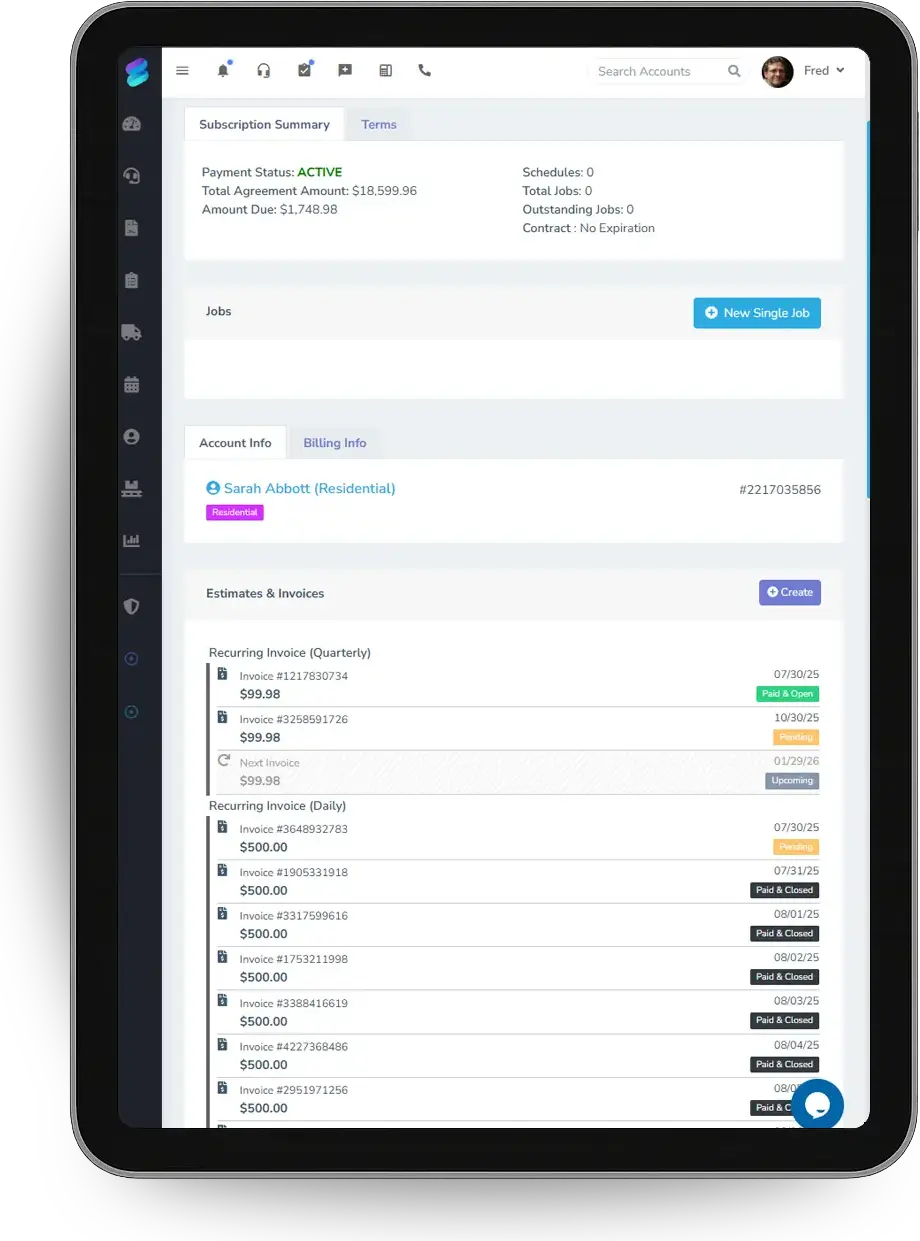
Subscriptions charge each member's saved card on their cycle, and statements of account go out with a pay link.
Members argue about who booked the tennis court on Saturday morning.
Members book by time slot in the portal, with capacity, booking lead time and a cancel cutoff enforced.
Our fundraiser dinner is cash at the door, and the count never matches.
Seats sell online with QR tickets, and cash at the door goes into a till with opening and closing counts.
We change officers every year, and the new secretary starts from zero.
Members, payments and history stay on the accounts, and officers get roles you can hand over in minutes.
What runs your day
The parts of Suprata that fit service clubs and social clubs
Suprata is a versatile workflow and business intelligence platform that delivers the power of custom software with ease and affordability. These are the pieces that matter most to you.
Suprata Subscribe
Dues bill monthly, quarterly or yearly with autopay and a clear list of who is current.
See Subscribe Suprata Suite moduleSuprata Reservations
Courts, the hall and the pavilion book by the hour, and dinners and events sell seats with QR tickets.
See Reservations Built into the platformCustomer portal
Members pay, book a time, see receipts and read club notices in a passwordless portal.
See Customer portal Suprata Suite moduleSuprata Pay
Cards and bank transfers online, plus a till with cash counts for events.
See Pay Suprata Suite moduleSuprata Team
Officer roles with only the access each job needs, and access removed the day someone steps down.
See Team Ready-made solutionSuprata Volunteer
Service projects with shifts, group sign-ups and logged hours for your club's report.
See VolunteerA day in the life with Suprata
One ordinary day, start to finish
Here is how the work flows when every call, job, booking and payment lives in one place.
-
9:00 am
Dues renewals
This month's renewals charge saved cards. The treasurer sees one declined card to follow up.
-
10:30 am
A court booking
A member books a court for Saturday at 8 am from the portal. The next open court is assigned.
-
12:00 pm
Club notice
The secretary posts a portal notice that the pool is closed this weekend and watches the read count.
-
2:00 pm
Dinner tickets on sale
The spring dinner goes on sale with member and guest seat classes.
-
6:30 pm
At the door
Volunteers scan QR tickets and ring up walk-in guests at the till.
-
9:30 pm
Close the till
The treasurer counts the drawer by denomination, and any over or short is recorded.
See it on screen
Real Suprata screens
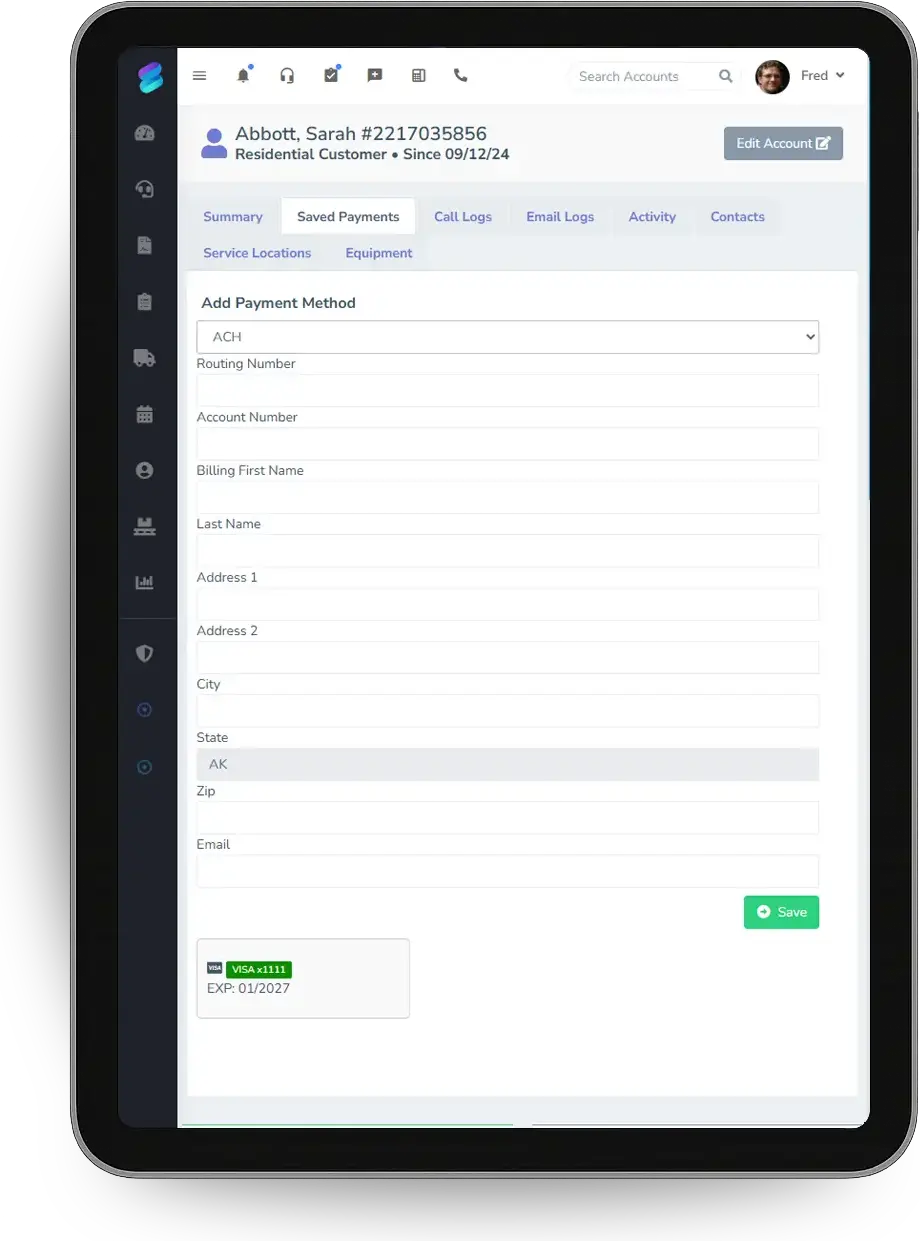
Sample data, real software. Every screen below comes straight from Suprata.
Questions we hear
Straight answers
Asked by service clubs and social clubs before they switch.
Can members pay dues monthly?
Yes. Each subscription bills monthly, quarterly or yearly and charges a saved card or bank account automatically.
Read: Subscriptions vs. Service Agreements vs. Recurring Invoices
Can members book courts online?
Yes. Members pick an open time on the portal's Book a Time page. The first free court is assigned, so members do not pick a specific one.
Can we take cash at events?
Yes. A till on the event computer tracks the opening float, cash drops and a closing count by denomination.
What happens when officers change?
Give the new officer a role and deactivate the old one. Deactivating a user signs them out of every device.
Something else? Call 888-494-4335, email hello@suprata.com or ask “Does Suprata do this?”
Close neighbors
Also built for


Ready when you are
Buy it tonight. Be running in minutes.
Start with Suprata Suite on your own, or let our team set it up around the way your clubs business works.