
Suprata for septic service companies
Septic pumping and service, with every tank on file
A septic company lives on pump-out intervals, tank details and the occasional backup at the worst time. Suprata keeps the tank size, the lid location and the last pump-out date at each address. It brings customers back when they are due.

Sound familiar?
What a normal week looks like without the right system
We hear these from septic service companies all the time. Here is what Suprata does about each one.
The driver gets to the property and has to probe the whole yard to find the lid again.
Each service location keeps access notes and photos, so the lid location and gate code are on the job.
Customers forget they are due for a pump-out until the backup. I want to call them before that happens.
Every pump-out is a dated job at that address, so a custom report of jobs by date shows who has gone too long.
A backup on a Saturday night means somebody has to answer the phone.
Phones ring together, after-hours calls can still ring through, and a missed call gets a text back right away.
Some towns want pump-out records from us, and we dig through paper tickets to find them.
Every pump-out is a job with its notes, photos and form answers, and reports export to CSV.
What runs your day
The parts of Suprata that fit septic service companies
Suprata is a versatile workflow and business intelligence platform that delivers the power of custom software with ease and affordability. These are the pieces that matter most to you.
Suprata CRM
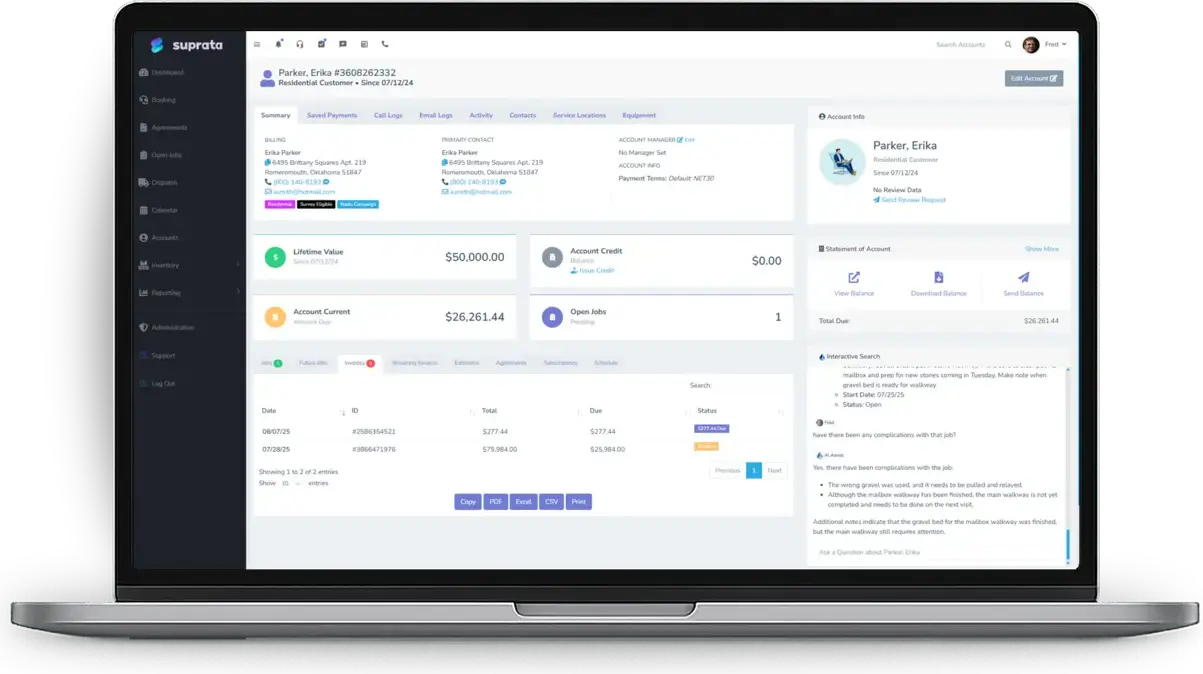
Service locations with tank size, lid location, gate codes and access notes.
See CRM Suprata Suite moduleSuprata Schedule
Route optimization for a day of pump-outs, with emergency backups dropped into the gaps.
See Schedule Suprata Suite moduleSuprata Talk
Every phone rings at once, and after-hours calls can still ring for an emergency service.
See Talk Suprata Suite moduleSuprata Report
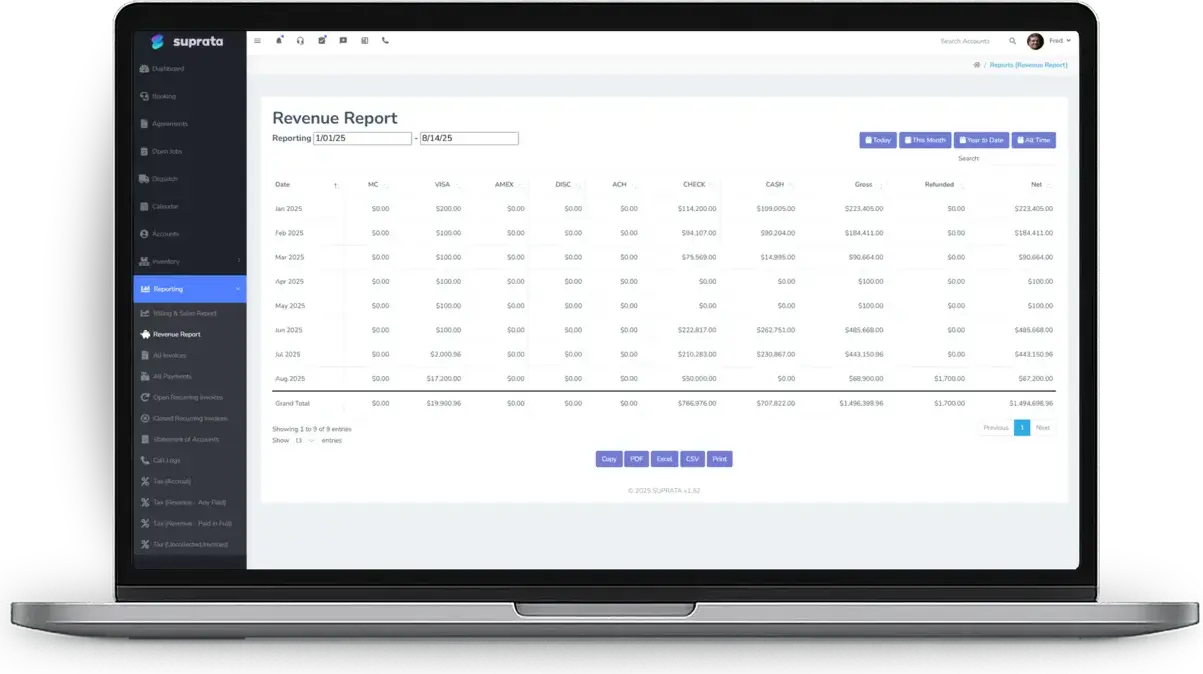
Custom reports of who is due and CSV exports of pump-out records.
See Report Suprata Suite moduleSuprata Job
Photos, signatures and a tank condition form you build with the form builder.
See Job Suprata Suite moduleSuprata Automate
Automations send appointment confirmations, past-due nudges and post-job follow-ups.
See AutomateA day in the life with Suprata
One ordinary day, start to finish
Here is how the work flows when every call, job, booking and payment lives in one place.
-
6:30 am
Truck route
The day's pump-outs are ordered by drive time, two trucks, eleven stops.
-
8:00 am
Lid found
The driver opens the job, reads the lid location note and the photo, and starts pumping in minutes.
-
9:15 am
Condition noted
The driver records tank condition and baffle notes on the job, with photos.
-
11:30 am
Backup call
A homeowner calls with a backup. The call rings every phone, and dispatch sends the closest truck.
-
2:00 pm
Due list
The office runs a report of tanks past their pump-out interval and starts calling.
-
4:30 pm
Records out
Pump-out records for a town request are exported to CSV and the day's invoices go out.
See it on screen
Real Suprata screens
Sample data, real software. Every screen below comes straight from Suprata.
Questions we hear
Straight answers
Asked by septic service companies before they switch.
Can we store tank size and last pump-out date?
Yes. Custom fields hold trade details like tank size on the account, and every pump-out is a dated job in its history.
Does Suprata file reports with the county for us?
No. It keeps every pump-out record and exports them to CSV, so you can fill in what your county asks for.
Read: Custom Reports — Build Any Report, or Just Ask for One
Can after-hours calls still ring us?
Yes. You choose whether phones keep ringing after hours or calls go straight to voicemail.
Can we route trucks efficiently?
Yes. Route optimization clusters stops and orders them to cut drive time.
Something else? Call 888-494-4335, email hello@suprata.com or ask “Does Suprata do this?”
Close neighbors
Also built for

Ready when you are
Buy it tonight. Be running in minutes.
Start with Suprata Suite on your own, or let our team set it up around the way your septic business works.