
Suprata for housing authorities
Keep every unit, building and board meeting on track
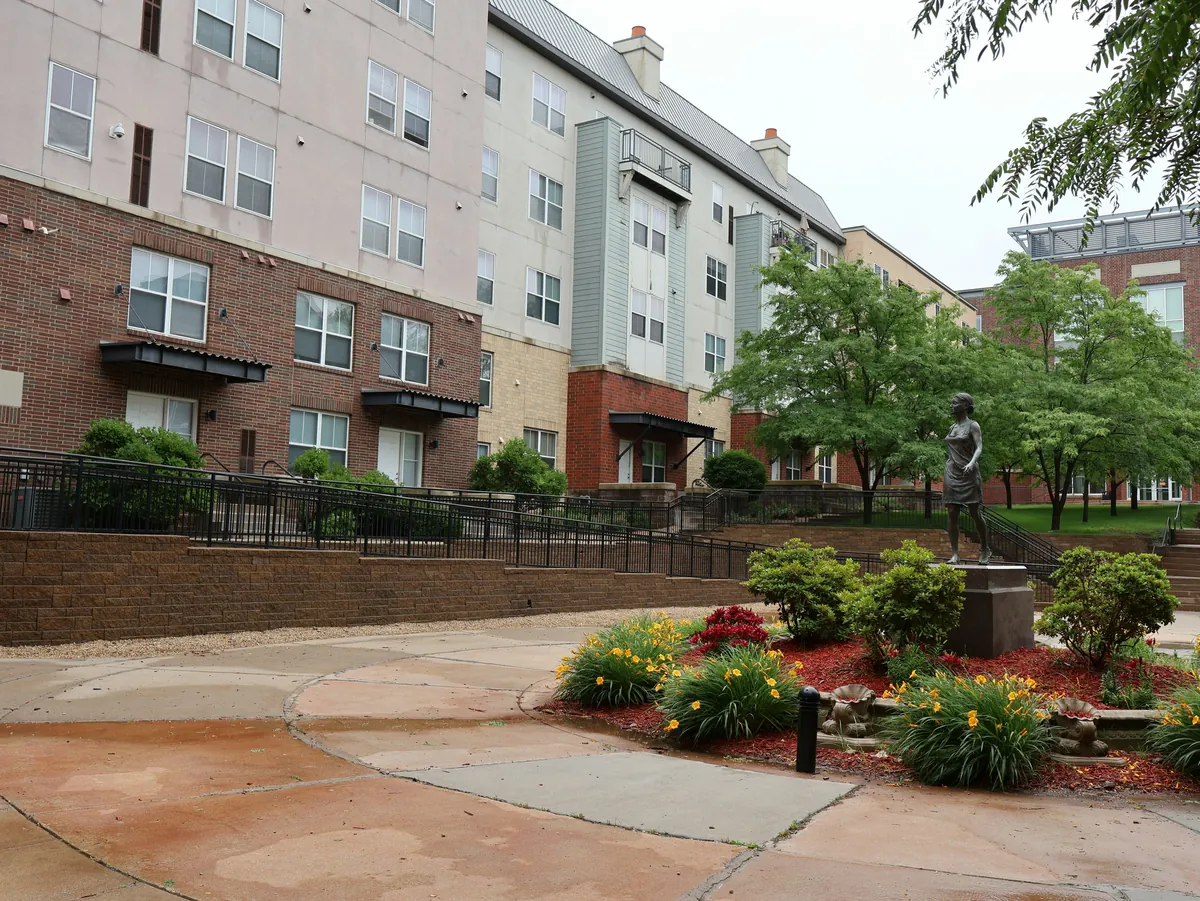
Housing authorities look after hundreds of units, the systems in every building and a board that meets every month. Suprata gives maintenance crews a work order system with a phone app, gives the agency a live view of fire and life safety reports, and puts board packets together in minutes.
Sound familiar?
What a normal week looks like without the right system
We hear these from housing authorities all the time. Here is what Suprata does about each one.
A resident calls about a leak, maintenance writes it on a slip, and three weeks later nobody can tell me if it was fixed.
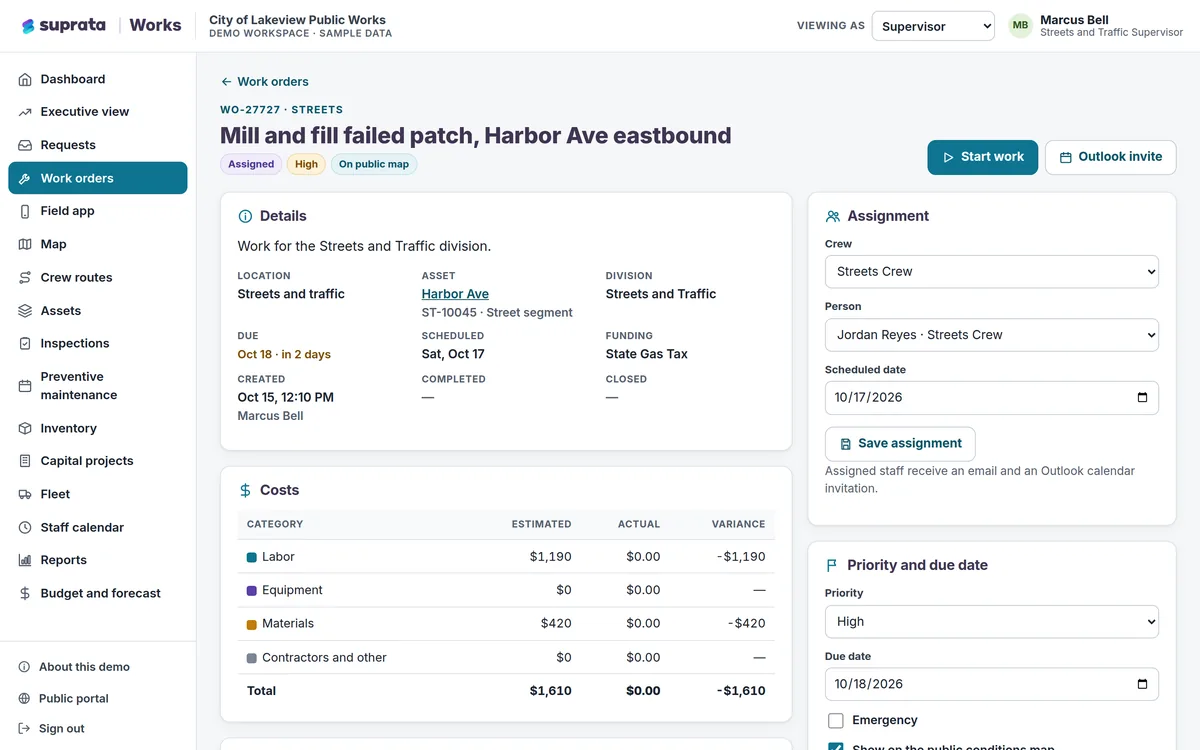
Suprata Works turns each request into a tracked work order with labor, materials, photos and a full history, and the requester can see its status.
Our fire alarm and sprinkler reports for twelve buildings are in a filing cabinet, and I find out about a lapse at the audit.
Suprata Inspections shows every building's systems, last report and due date, and flags overdue and out-of-service systems.
The board packet takes two days of copying, scanning and stapling every single month.
Suprata Agenda compiles one bookmarked packet from approved staff reports when the clerk publishes the agenda.
Residents fight over parking, and we have no idea which permits are current.
Suprata Parking issues digital permits with a QR code, tracks vehicles and plates, and runs waiting lists for spaces.
What runs your day
The parts of Suprata that fit housing authorities
Suprata is a versatile workflow and business intelligence platform that delivers the power of custom software with ease and affordability. These are the pieces that matter most to you.
Suprata Works
Unit and building work orders, preventive maintenance by season, a building safety walk checklist and a field app for the crew.
See Works Ready-made solutionSuprata Inspections
Fire alarm, sprinkler, extinguisher and emergency light reports filed by contractors, with due dates and deficiency tracking.
See Inspections Ready-made solutionSuprata Agenda
Staff reports, approvals, board packets, live votes and minutes for the board of commissioners.
See Agenda Ready-made solutionSuprata Parking
Resident and guest permits by plate, waiting lists and payments from a phone.
See Parking Ready-made solutionSuprata Energy Assistance
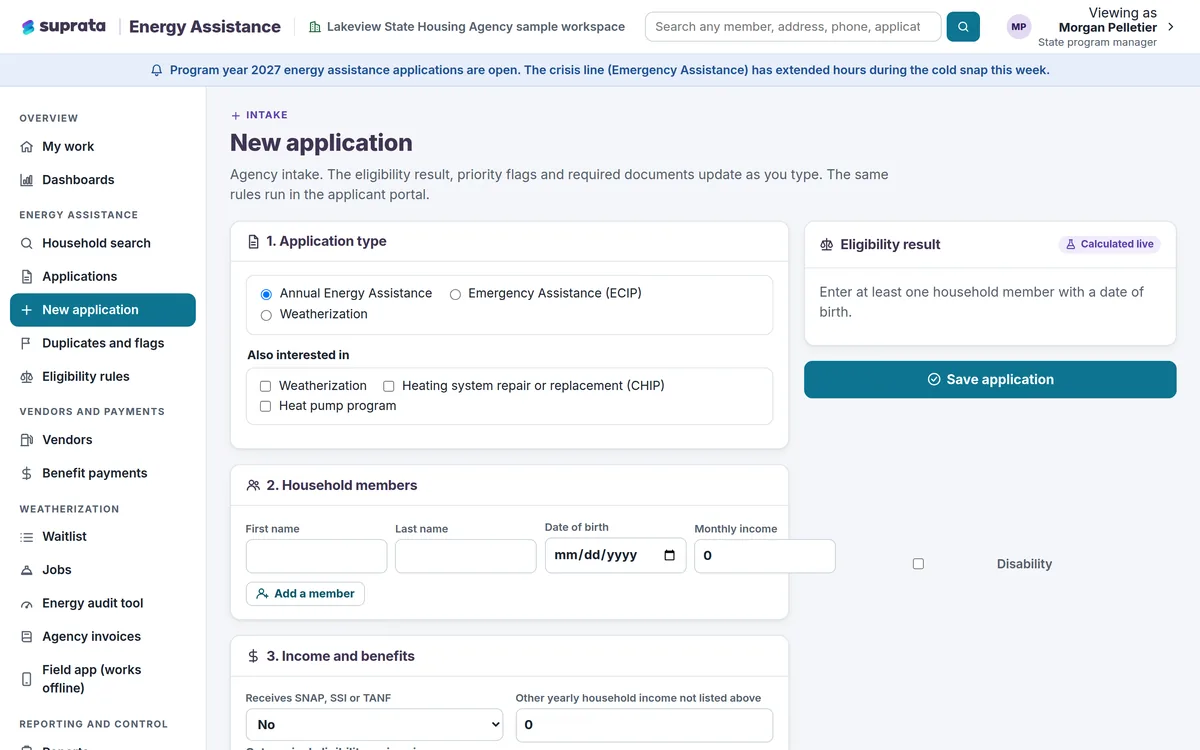
Heating help and weatherization run from one household record, from application to vendor payment.
See Energy Assistance Ready-made solutionSuprata Training
Required training for maintenance and office staff by job title, with reminders before items come due.
See Training Ready-made solutionSuprata Forms
Purchase requests and HR paperwork that route themselves for approval and end in a signed PDF.
See FormsA day in the life with Suprata
One ordinary day, start to finish
Here is how the work flows when every call, job, booking and payment lives in one place.
-
7:00 am
Crew assignments
The maintenance supervisor approves overnight requests as work orders and batches the ones in Building C for one crew.
-
9:00 am
Vacant unit turn
A technician closes out paint and flooring work on a vacant unit from the phone app, with photos and materials used.
-
10:30 am
Safety systems
The facilities manager sees one building's sprinkler report is overdue. The overdue notice already went out automatically.
-
1:00 pm
Parking permits
A new resident applies for a parking permit from a phone and uploads the vehicle registration.
-
3:00 pm
Board packet
The executive assistant drops approved staff reports into the agenda and publishes the packet.
-
4:30 pm
Spending check
The director reviews maintenance cost by property against budget and exports it to Excel.
See it on screen
Real Suprata screens
Sample data, real software. Every screen below comes straight from Suprata.
Questions we hear
Straight answers
Asked by housing authorities before they switch.
Can residents report a problem without an account?
Yes. Suprata Works has an optional public Report a problem page with a category, a photo and a map pin, and people can check a request by number.
Does the crew app work in a basement with no signal?
Yes. The Works field app stores assigned work on the device, lets the crew finish the job with no signal, and uploads changes when the connection returns.
Does Suprata calculate tenant rent?
No. Suprata runs maintenance, safety reports, parking, board meetings, training and assistance programs beside the system you use for tenant rent.
Can board members read the packet on a tablet?
Yes. Officials read the packet page by page on a tablet, with bookmarks and private notes.
Something else? Call 888-494-4335, email hello@suprata.com or ask “Does Suprata do this?”
Close neighbors
Also built for

Let’s talk
See it working with your own rules
Every Suprata solution is shaped around how your organization works. Book a demo and we will walk you through it, then talk pricing.